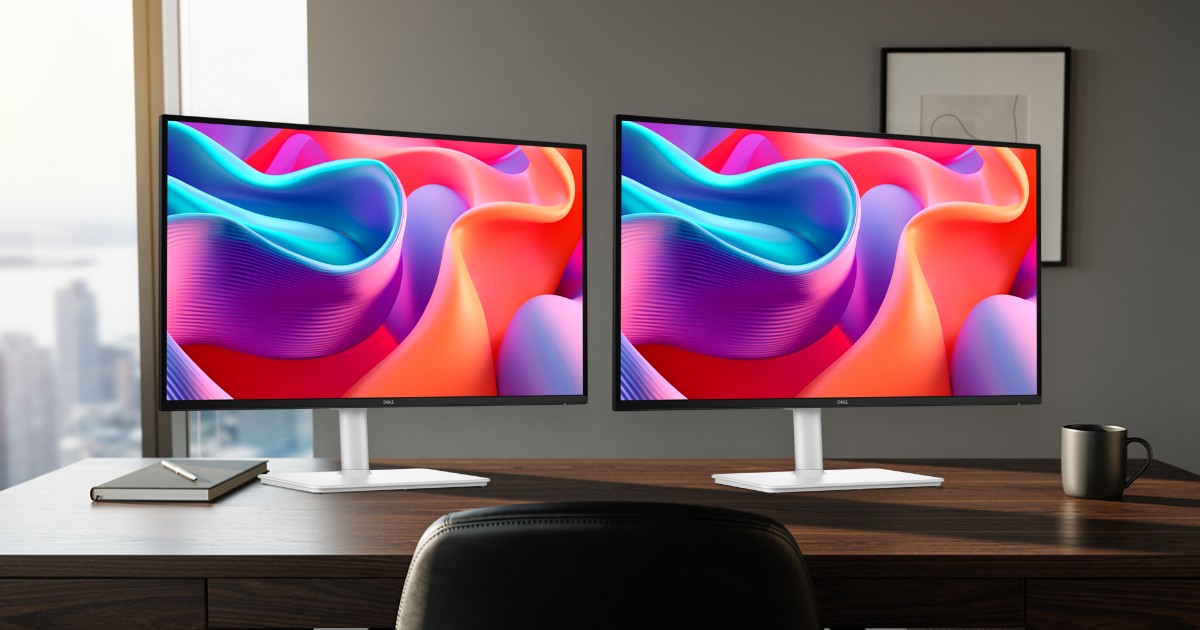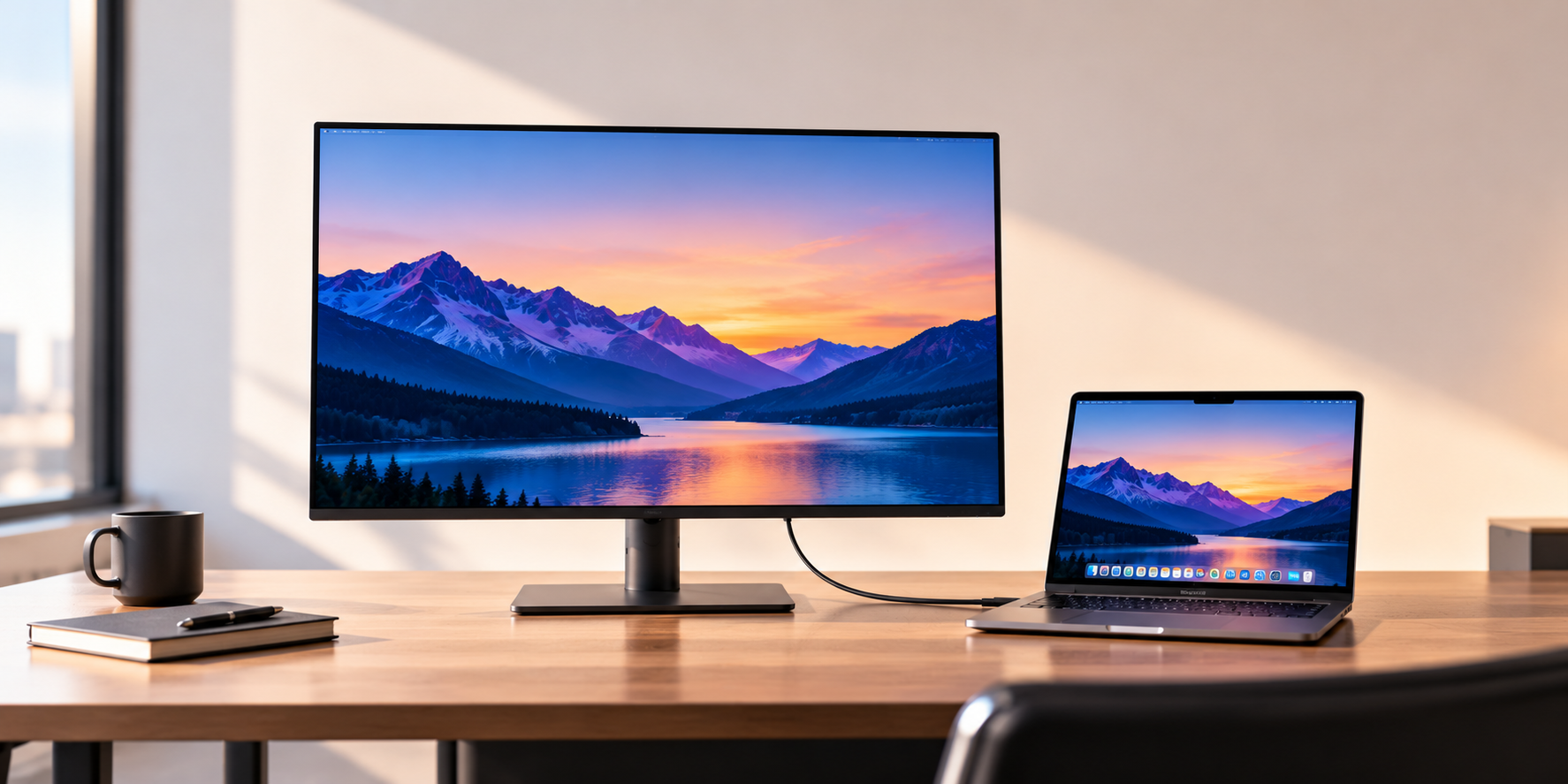
The best USB-C monitor for most people is the Dell 27 Plus 4K (S2725QC). One USB-C cable carries its 4K picture at 120Hz, its USB ports and up to 65W of laptop charging, and its stand adjusts for height, tilt, swivel and pivot. If your laptop came with a charger bigger than 65W, buy the Dell UltraSharp U2725QE instead: its Thunderbolt 4 connection supplies up to 140W. For size, resolution and panel type in more depth, see our guide to the best monitors for a home office.
Our picks at a glance
- View at Walmart
Best overall
- View at Walmart
Best 1440p pick
- View at Walmart
Best for bigger laptops
- View at B&H Photo
Best smart monitor
The picks in detail
- Top pick
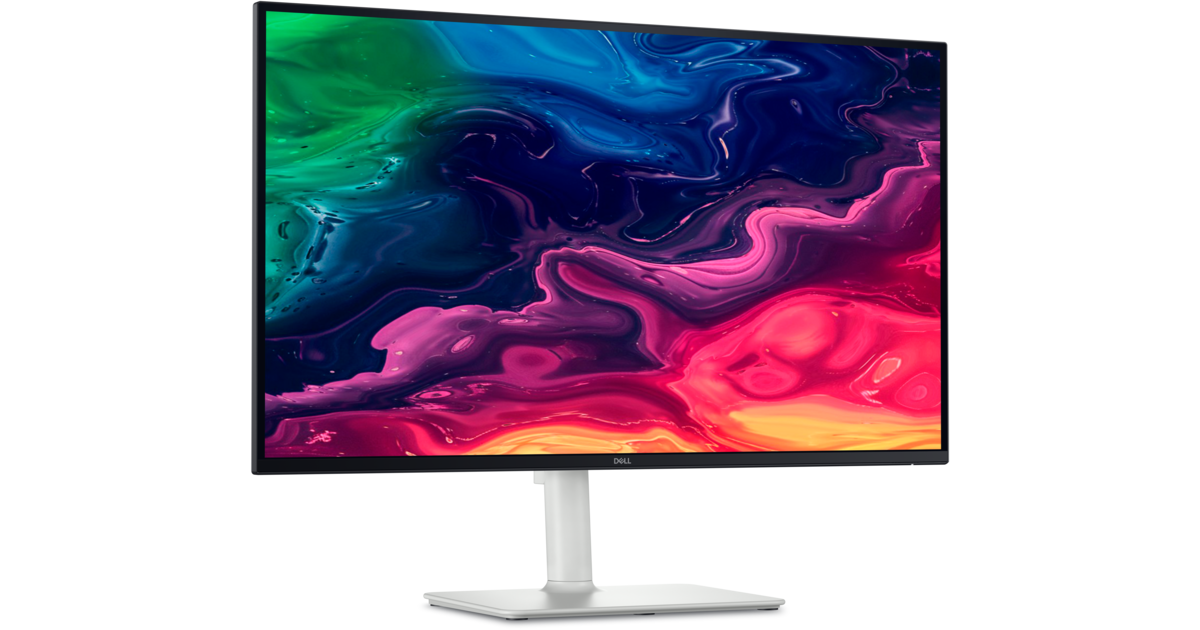
Best overall
Dell 27 Plus 4K USB-C Monitor (S2725QC)
Most people should buy the Dell 27 Plus 4K.
View at WalmartIts 27-inch 4K IPS panel runs at 120Hz, and its USB-C port carries video (DisplayPort Alt Mode), data and up to 65W of charging, so one cable runs the desk. A second USB-C port supplies 15W for a phone or accessory, the stand adjusts for height, tilt, swivel and pivot, and it has built-in speakers. Buy it if your laptop came with a charger of 65W or less. Skip it if your laptop needs more power or you want Ethernet on the monitor; the U2725QE covers both.
What we like
- USB-C with video, data and up to 65W of charging
- 4K at 120Hz on a 27-inch IPS panel
- Height, tilt, swivel and pivot stand; built-in speakers
Watch out for
- 65W may not keep up with high-power laptops
- USB data is 5Gbps, not Thunderbolt
- Best 1440p pick
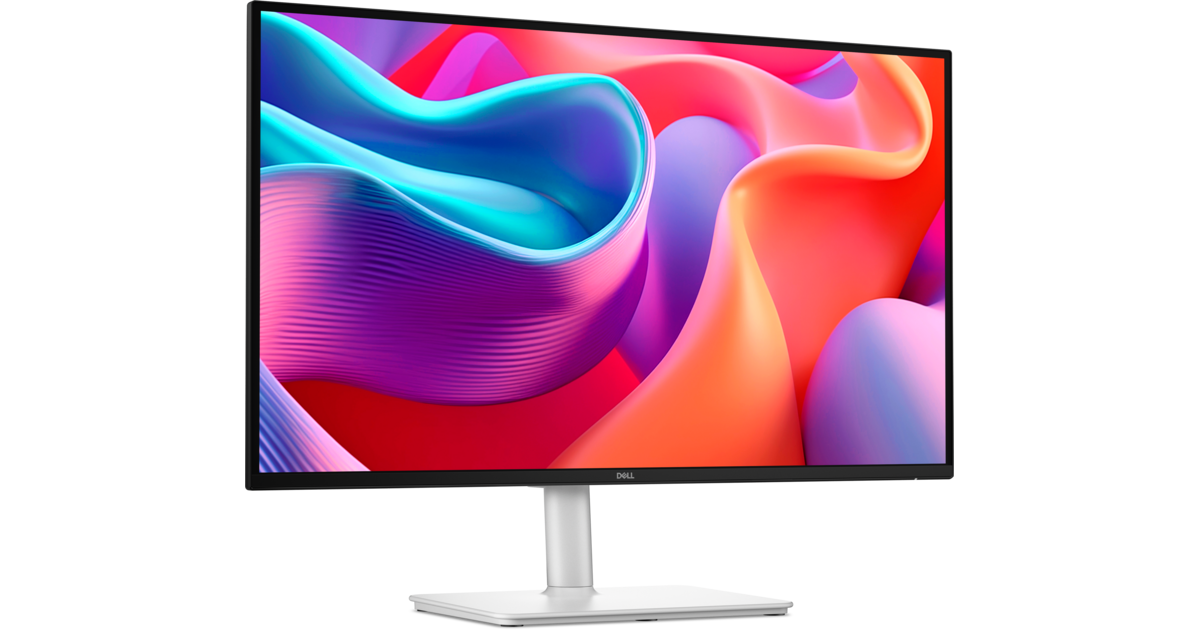
Dell 27 Plus QHD USB-C Monitor (S2725DC)
The Dell 27 Plus QHD has the same 65W USB-C connection (DisplayPort Alt Mode, 5Gbps data) and fully adjustable stand as the S2725QC, with a 2560 x 1440 panel at 144Hz in place of 4K.
View at WalmartIt adds two 3W speakers. Text is less crisp than on 4K at 27 inches, but 1440p runs at 100% scaling and still gives far more room than a 1080p screen. Buy it if you prefer smoother scrolling or a screen that needs no scaling. Skip it if sharp text is what you care about most.
What we like
- USB-C with up to 65W of charging
- 144Hz for smooth scrolling
- Height, tilt, swivel and pivot stand; two 3W speakers
Watch out for
- 1440p is less sharp than 4K at 27 inches
- Only one HDMI input
- Best for bigger laptops
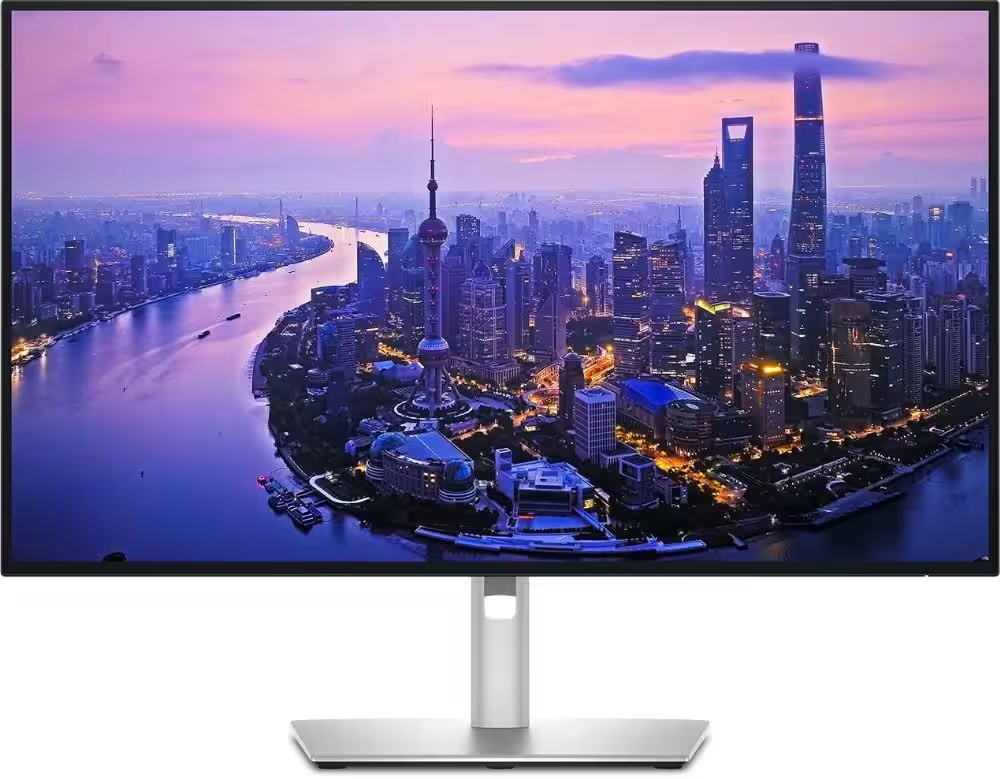
Dell UltraSharp 27 4K Thunderbolt Hub Monitor (U2725QE)
The Dell UltraSharp 27 4K Thunderbolt Hub is the one to buy if a single cable has to charge a power-hungry laptop and run a full desk.
View at WalmartIts Thunderbolt 4 upstream port carries video, data and up to 140W of power, and the monitor adds 2.5 Gigabit Ethernet, five USB-A ports and HDMI 2.1. A downstream Thunderbolt 4 port daisy-chains more monitors on a Windows laptop that supports it; Macs don’t support this DisplayPort daisy-chaining. The 4K IPS Black panel runs at 120Hz with 99% DCI-P3. Skip it if you have one thin laptop and one screen: much of the hub would go unused.
What we like
- Thunderbolt 4 with up to 140W of charging
- 2.5 Gigabit Ethernet, five USB-A ports and HDMI 2.1
- 4K IPS Black panel at 120Hz, 99% DCI-P3
Watch out for
- Much of the hub goes unused on a one-laptop, one-screen desk
- Dell documents a display fault in some daisy chains with NVIDIA Quadro graphics cards
- Best smart monitor
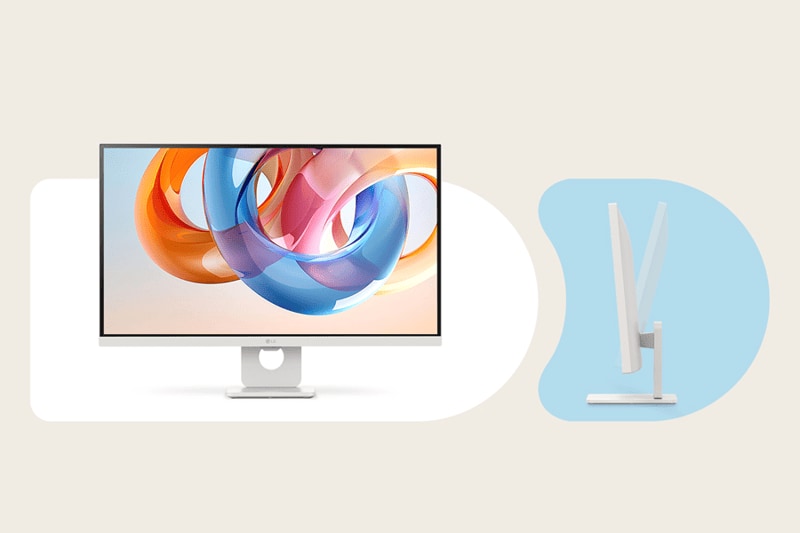
LG 27" 4K Smart Monitor with webOS (27U731SA-W)
LG’s 27-inch smart monitor pairs a 4K IPS panel and 65W USB-C charging with webOS, the built-in apps platform LG uses on its TVs.
View at B&H PhotoTwo HDMI 2.0 inputs and two USB-A ports let it double as a screen for a second device. Buy it if you want streaming apps on the monitor itself or a second input for a games console. Skip it if you want a stand that adjusts: it only tilts, though it takes a 100 x 100mm VESA mount. It runs at 60Hz, and LG’s spec sheet lists no built-in speakers.
What we like
- USB-C with up to 65W of charging
- Built-in webOS apps
- Two HDMI 2.0 inputs
Watch out for
- Tilt-only stand
- 60Hz refresh rate
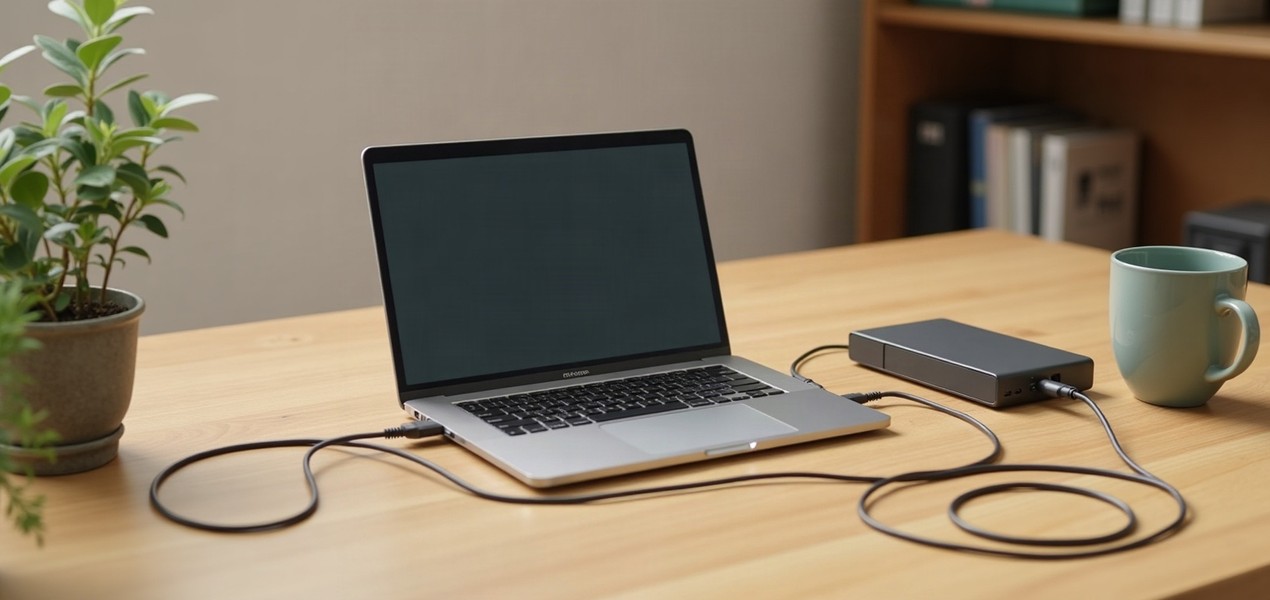
A USB-C monitor lets one cable do three jobs: send the picture from your laptop, connect the monitor's own USB ports (for a keyboard, mouse or webcam), and charge the laptop. That only works if the monitor's USB-C port delivers enough power, and the wattage is the spec most listings bury. All four monitors here deliver at least 65W.
The short version
- Best overall: Dell 27 Plus 4K (S2725QC). 4K at 120Hz, 65W USB-C, fully adjustable stand.
- Best 1440p pick: Dell 27 Plus QHD (S2725DC). 1440p at 144Hz with the same 65W USB-C.
- Best for bigger laptops: Dell UltraSharp U2725QE. Thunderbolt 4 with up to 140W, 2.5 Gigabit Ethernet and daisy-chaining.
- Best smart monitor: LG 27U731SA-W. 4K, 65W USB-C and built-in webOS apps.
How they compare
Monitor | Resolution | Refresh | Laptop charging | Stand |
|---|---|---|---|---|
Dell S2725QC | 3840 x 2160 | 120Hz | USB-C, up to 65W | Height, tilt, swivel, pivot |
Dell S2725DC | 2560 x 1440 | 144Hz | USB-C, up to 65W | Height, tilt, swivel, pivot |
Dell U2725QE | 3840 x 2160 | 120Hz | Thunderbolt 4, up to 140W | Height, tilt, swivel, pivot |
LG 27U731SA-W | 3840 x 2160 | 60Hz | USB-C, up to 65W | Tilt only |
All four are 27-inch IPS monitors. At that size, 4K gives noticeably crisper text than 1440p, while 1440p is easier to run at 100% scaling and, on the S2725DC, reaches 144Hz.
What "USB-C monitor" means on a spec sheet
A USB-C port on a monitor can mean very different things, so check three specs before you buy:
- Video over USB-C. The monitor must accept DisplayPort Alt Mode (or Thunderbolt) on that port. Every pick here does.
- Power Delivery wattage. This is how much the monitor can charge your laptop. Some monitors sold as "USB-C" supply only 15W, enough for a phone but not to keep most laptops charged. We left two otherwise good LG monitors (27U631A-B and 32U631A-B) out of this guide for that reason.
- Your laptop's port. It has to support video output and USB Power Delivery charging. Most recent laptops do, but some budget models only carry data over USB-C. Your laptop maker's spec page will say.
How much charging do you need?
Look at the wattage printed on the charger that came with your laptop. If the monitor supplies the same or more, it can replace that charger on your desk. If it supplies less, the laptop usually still charges, just more slowly, and the battery can drain under heavy load. If your charger is rated at 65W or less, any monitor here covers it. If it is rated higher, the U2725QE's 140W Thunderbolt connection is the safer choice.
USB-C monitor or a docking station?
If you have one laptop and one monitor, a USB-C monitor's built-in hub is all the dock you need. If you want two external monitors, wired Ethernet or more ports than a monitor offers, a separate dock usually works better; our guide to docking stations for two monitors covers the options. The U2725QE sits in between, with Ethernet built in and a Thunderbolt 4 port that daisy-chains more monitors on a Windows laptop that supports it. Our Thunderbolt 5 vs Thunderbolt 4 vs USB4 comparison explains what Thunderbolt adds over plain USB-C.
Using a USB-C monitor with a MacBook
Every monitor here works with a MacBook over USB-C or Thunderbolt. Two things differ on a Mac. First, macOS doesn't support DisplayPort MST daisy-chaining, so on a Mac the U2725QE can't pass a picture on to a second monitor; connect each screen to the Mac or a dock instead. Second, how many external displays a MacBook can drive depends on its chip, so check the display support in Apple's tech specs for your model before you plan a two-screen desk.
If a Mac is your main computer and sharp text matters to you, a 27-inch 5K screen suits macOS scaling better than 4K. Our best monitors for MacBook Pro guide explains why and compares three.
How we chose
These recommendations are research-based. We have not tested these monitors. We started from monitors sold by at least one major US retailer, read each maker's spec sheet (linked under Sources), removed any "USB-C" monitor that supplies under 60W of charging, and favored monitors with adjustable stands. We looked most closely at charging wattage, resolution for a 27-inch screen and stand adjustment, since a stand that adjusts for height saves buying a separate arm. We link to US retailers we could confirm sell each exact model; we don't compare their prices.
Questions people ask
Can any laptop use a USB-C monitor with one cable?
Only if the laptop’s USB-C port supports video output (DisplayPort Alt Mode or Thunderbolt) and USB Power Delivery charging. Most recent laptops do, but some budget models only carry data over USB-C, so check your laptop maker’s spec page for the port you plan to use.
Will a 65W USB-C monitor charge my laptop?
It fully covers any laptop whose own charger is rated at 65W or less. A laptop that shipped with a bigger charger usually still charges from 65W, just more slowly, and may drain under heavy load.
Is Thunderbolt better than USB-C for a monitor?
Thunderbolt uses the same connector but guarantees higher data speeds and supports extras such as daisy-chaining. For one monitor with a keyboard and mouse, plain USB-C with enough charging wattage is usually all you need.
Can I daisy-chain two monitors from a MacBook?
No. macOS doesn’t support DisplayPort MST daisy-chaining, so connect each monitor to the Mac or to a dock. Check Apple’s tech specs for how many external displays your model supports.
Is 4K or 1440p better on a 27-inch monitor?
4K gives crisper text at 27 inches. 1440p runs at 100% scaling and, on the Dell S2725DC, reaches 144Hz, so pick it if you prefer smoother motion to maximum sharpness.
Sources we used
- Dell 27 Plus 4K USB-C Monitor (S2725QC) spec sheet
- Dell 27 Plus QHD USB-C Monitor (S2725DC) spec sheet
- Dell UltraSharp 27 4K Thunderbolt Hub Monitor (U2725QE) spec sheet
- Dell support: U2723QE, U2725QE or U3225QE abnormal or no video with an NVIDIA Quadro daisy chain
- LG 27U731SA-W spec sheet
- LG 27U631A-B spec sheet (15W USB-C, left out)
Comments
No comments yet. Start the conversation.