The complete guide
Home Office Wi-Fi: The Complete Setup Guide
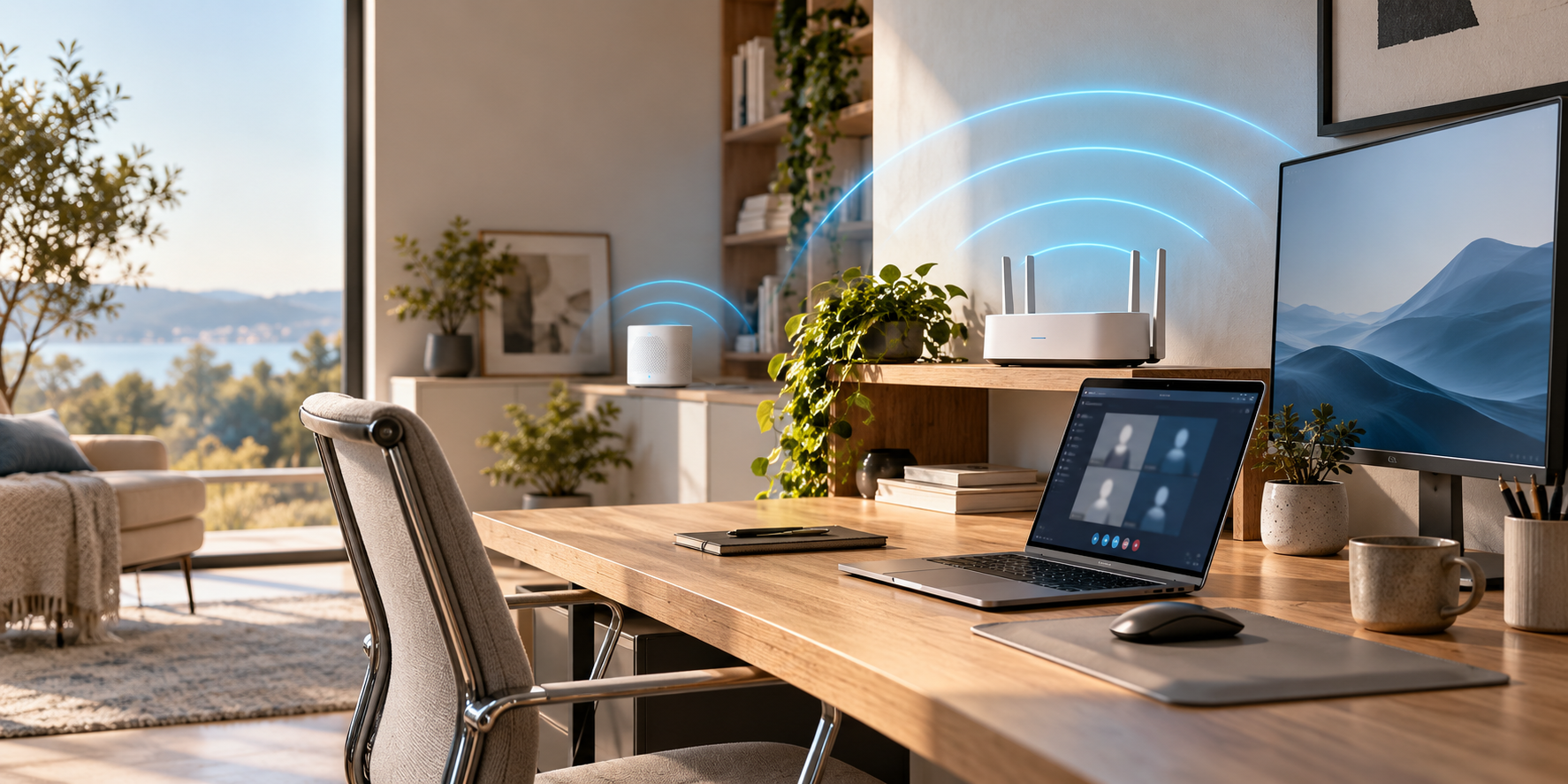
How to set up home office Wi-Fi: where to put the router, which band to use, the best way to extend Wi-Fi range, and how to lock it down.
Read the guide
4 guides in this topic
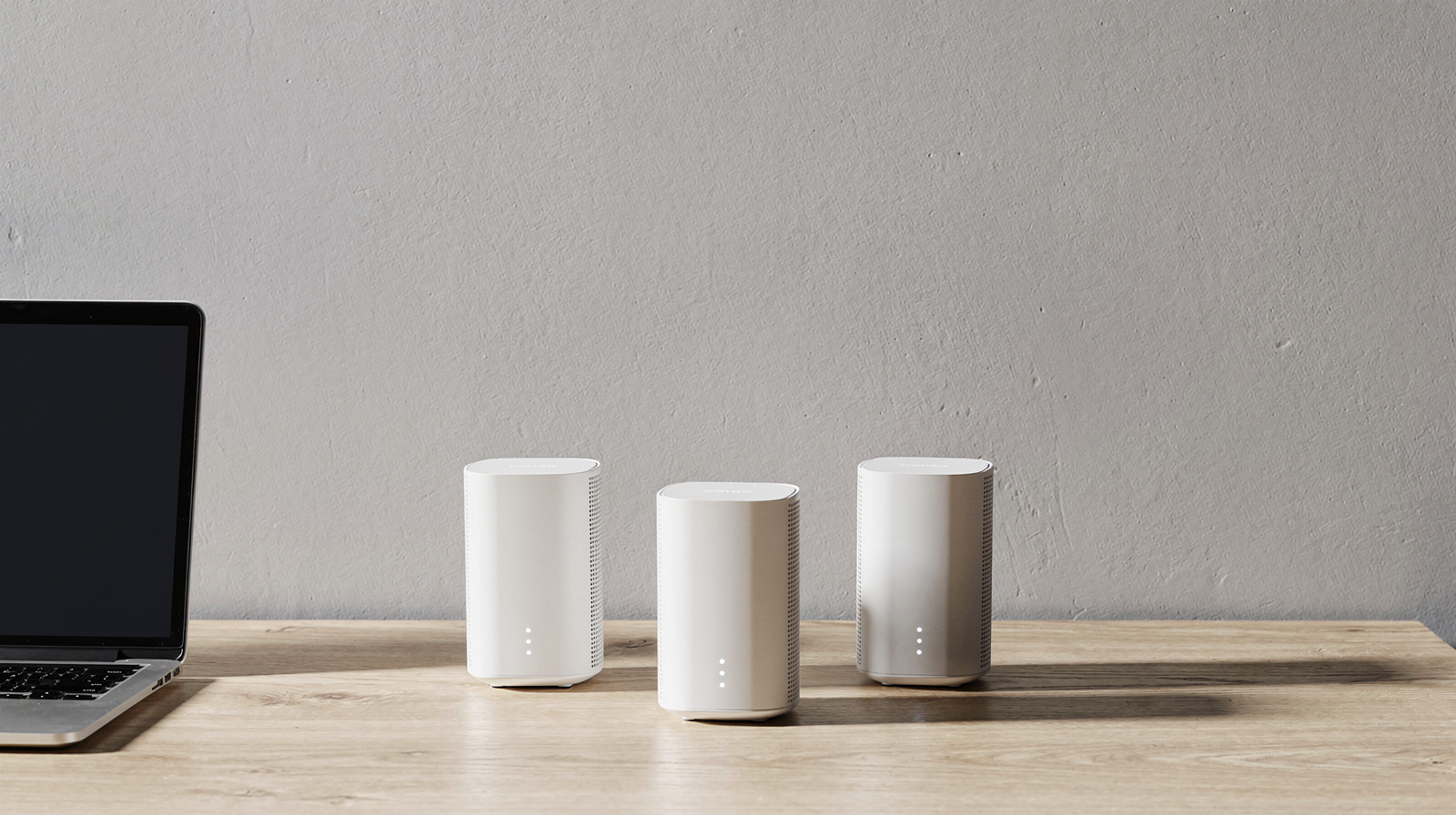
A slow or dropping Wi-Fi connection turns every video call into a gamble, and most home routers weren't built for a household running work calls, streaming and smart devices at once. The fix isn't always a faster router: a mesh system solves dead spots in larger homes, while a wired connection to your desk removes Wi-Fi from the equation entirely for the one device that matters most. VPNs and network storage add their own requirements around speed and security. We look at real home-office problems, like a home office at the far end of the house, rather than raw router specifications, and explain which upgrade actually fixes which problem before you spend money on the wrong one.
The complete guide
How to set up home office Wi-Fi: where to put the router, which band to use, the best way to extend Wi-Fi range, and how to lock it down.
Read the guide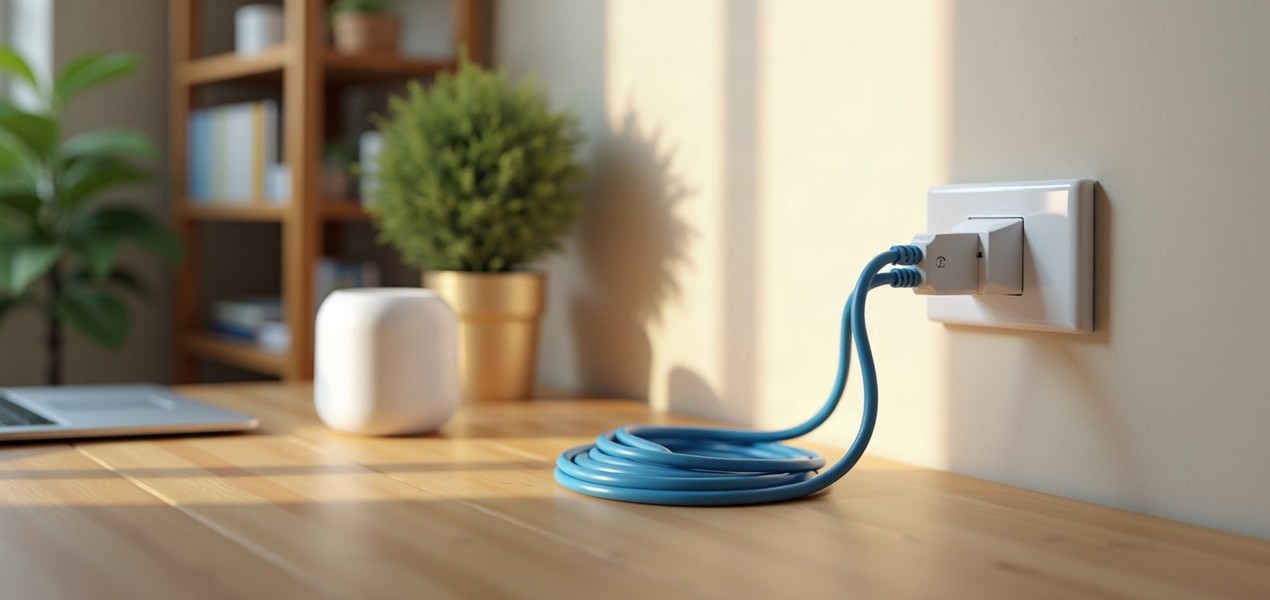
Ethernet, a powerline adapter, MoCA over coax or mesh Wi-Fi: how each gets a connection to your home office desk, what can go wrong, and how to choose.
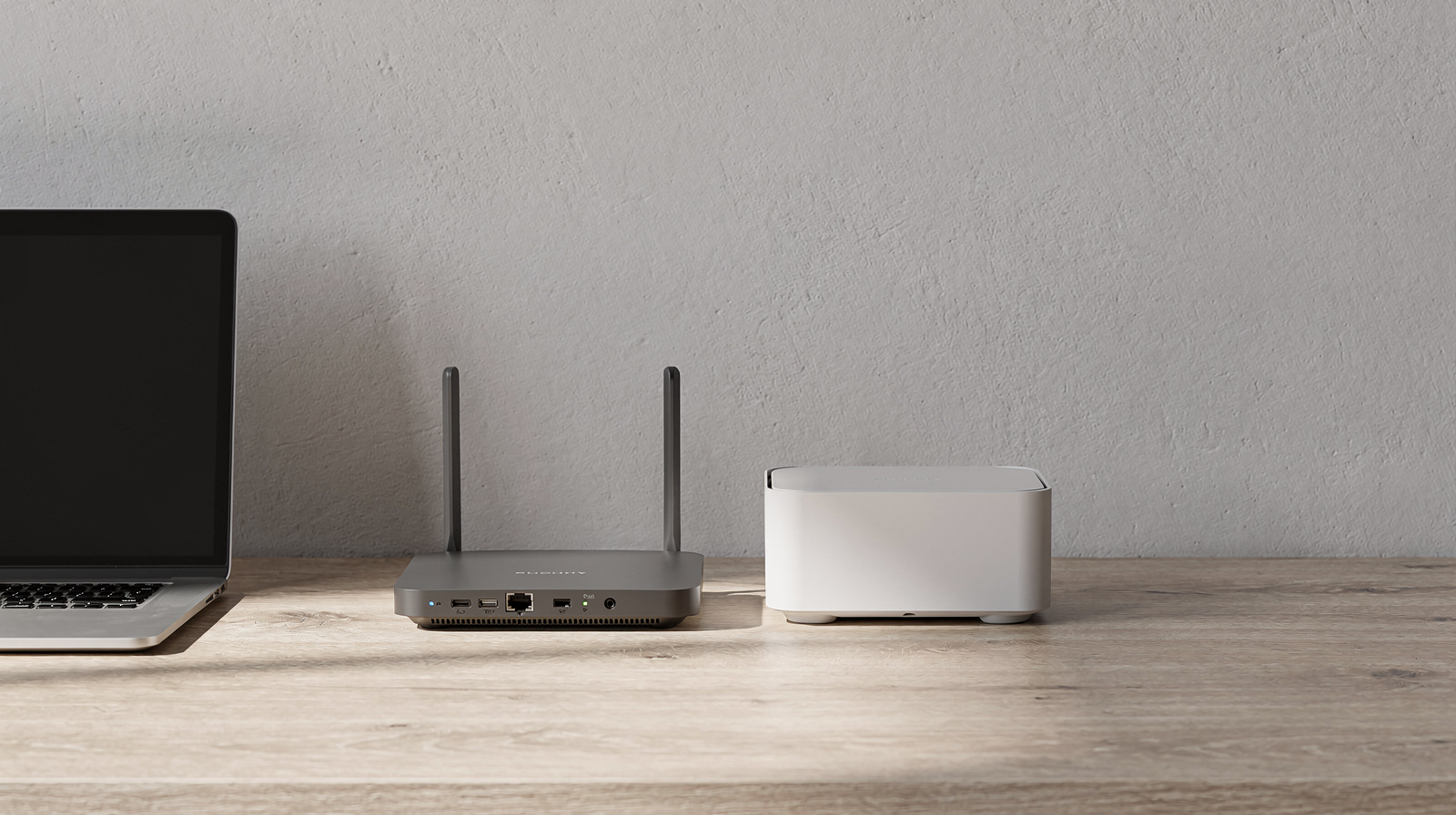
Wi-Fi 7 adds 320 MHz channels, 4K QAM and Multi-Link Operation, but your laptop and internet plan decide whether a home office will notice.