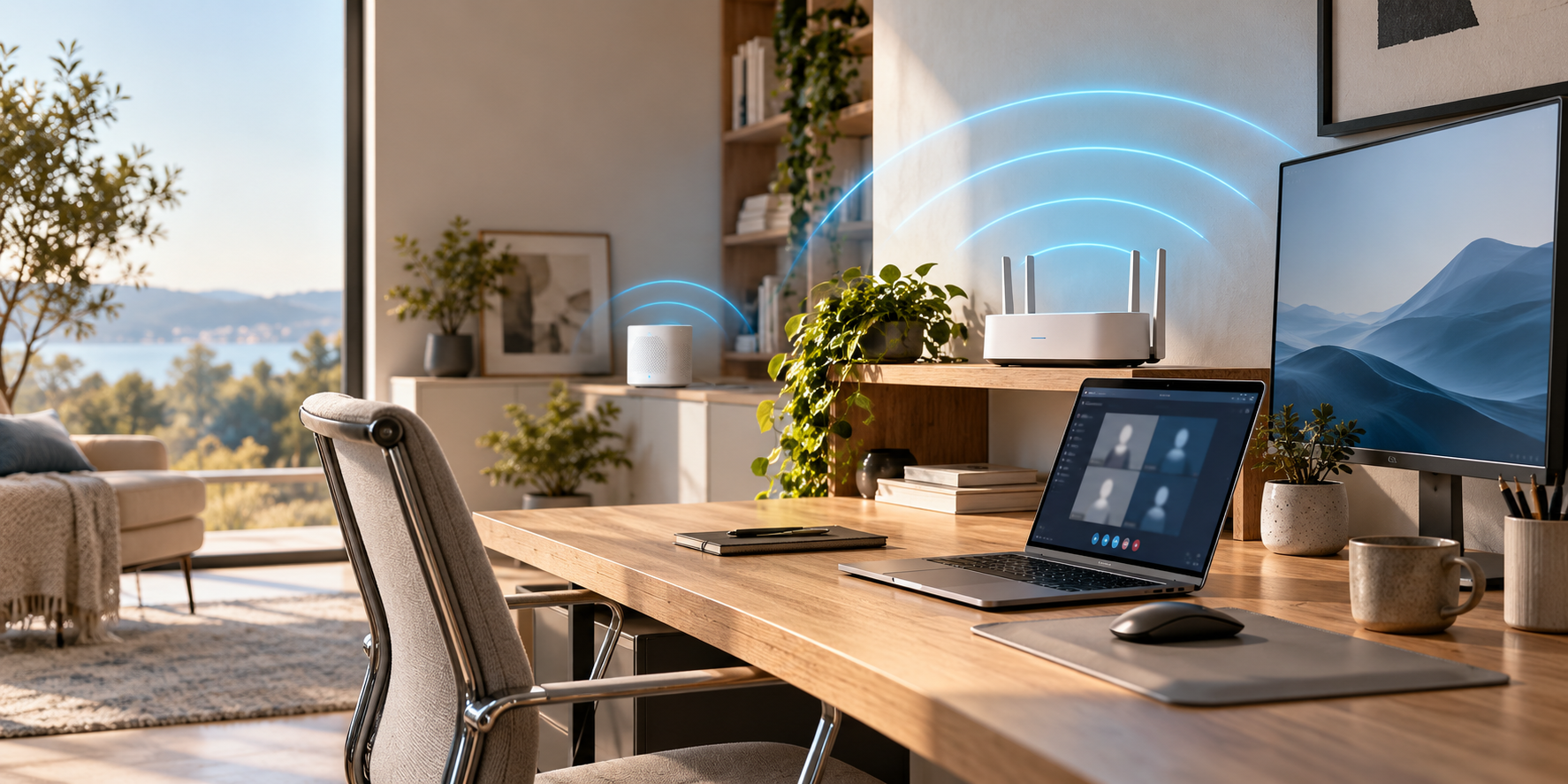
Most home offices should stay on Wi-Fi 6 until the router needs replacing anyway, then buy Wi-Fi 7. Wi-Fi 7 is the better technology: it adds 320 MHz channels, 4096-QAM and Multi-Link Operation, and its quoted peak is 46 Gbps against Wi-Fi 6's 9.6 Gbps. But a Wi-Fi 7 router only uses those features with Wi-Fi 7 devices, and some Wi-Fi 7 laptops, including Apple's, don't use the widest channels at all. If your laptop is Wi-Fi 6 and your internet plan is under a gigabit, a Wi-Fi 7 router won't make your video calls or cloud work any faster.
Our picks at a glance
- View at TP-Link
For a confirmed Wi-Fi coverage gap
TP-Link Deco BE25 (Deco 7) BE5000 Dual-Band Mesh System, 3-pack
- View at TP-Link
Wi-Fi 6 mesh for a plan under a gigabit
- View at eero
Wi-Fi 7 mesh you set up from your phone
The picks in detail
- Top pick
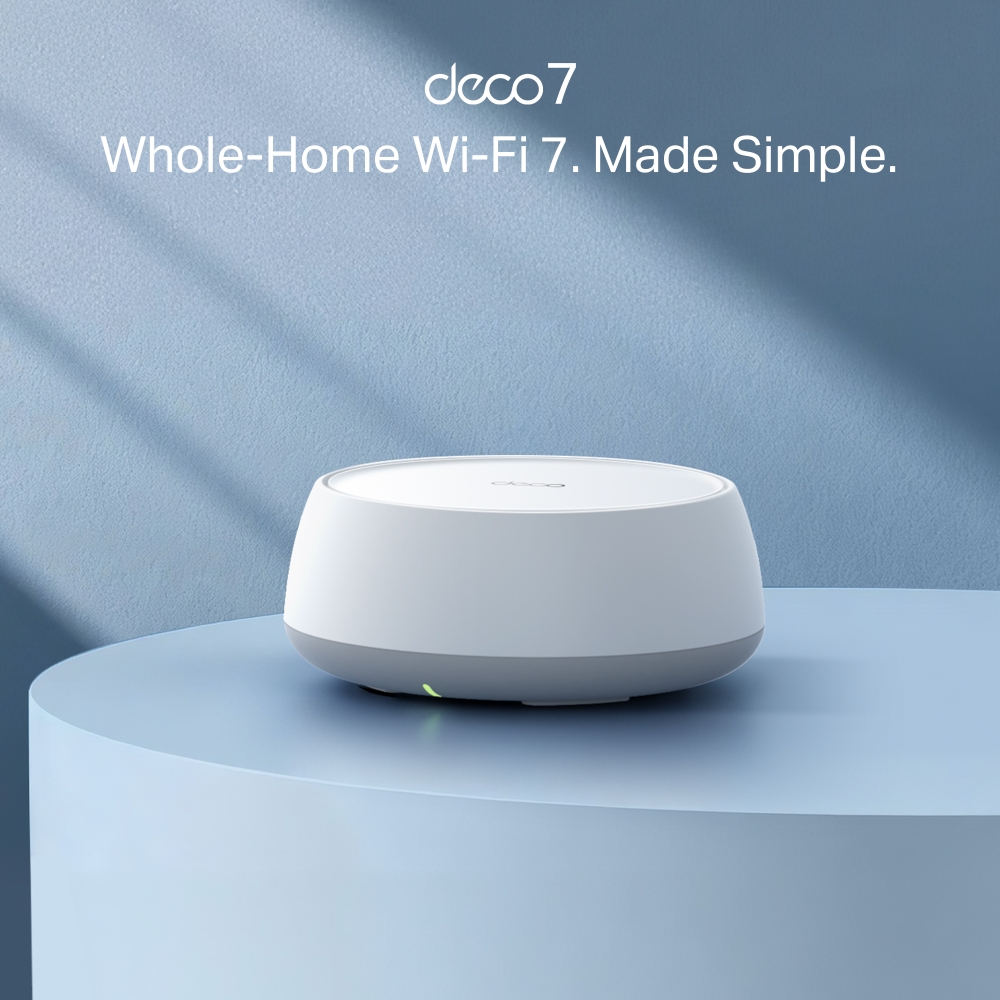
For a confirmed Wi-Fi coverage gap
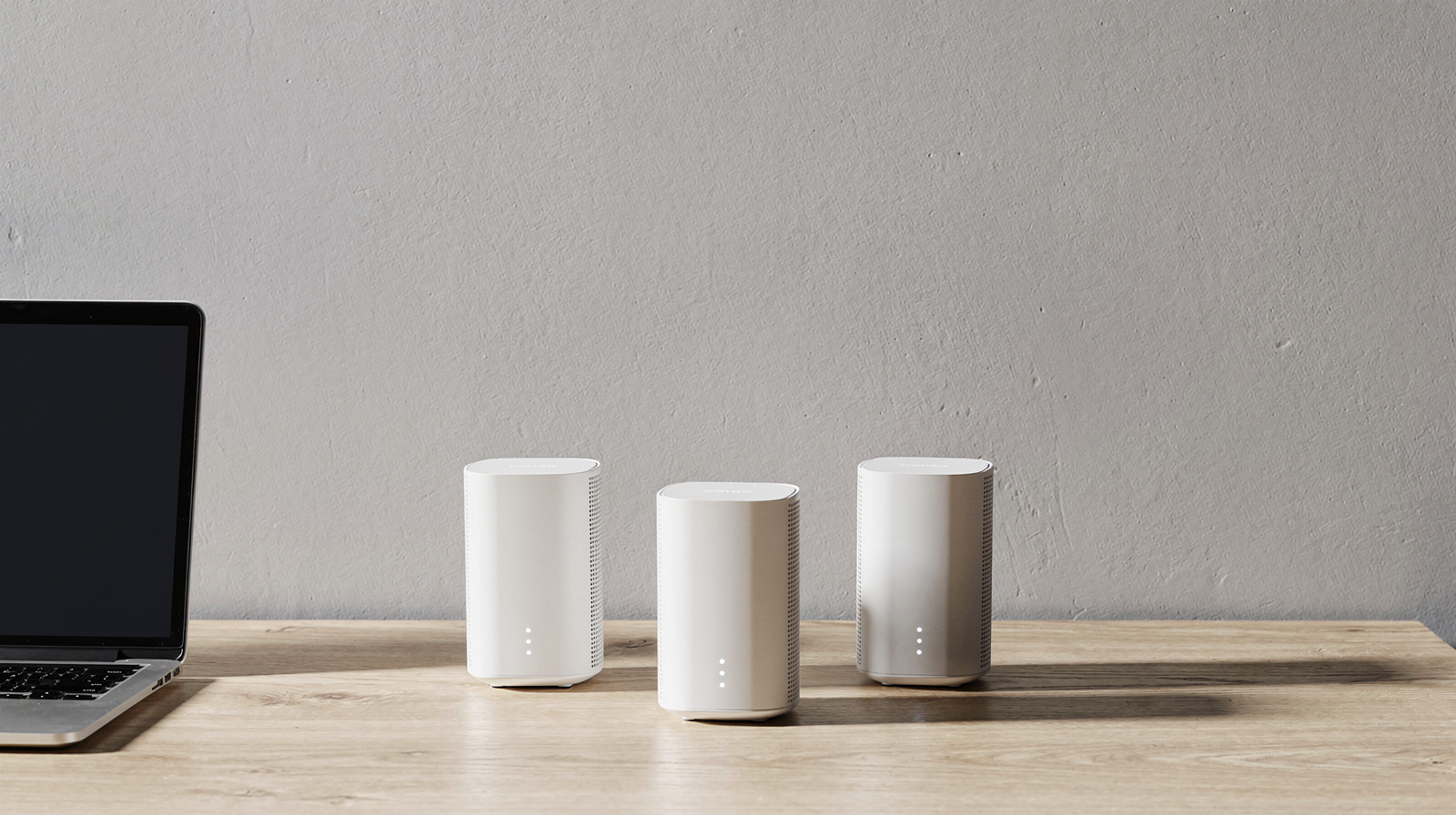
TP-Link Deco BE25 (Deco 7) BE5000 Dual-Band Mesh System, 3-pack
Consider this mesh system only after placement changes and a wired connection have been assessed.
View at TP-LinkMatch the pack size to the rooms you need to cover, and check compatibility with your existing router or modem. Real coverage depends on the building and node placement; we have not tested it in your home.
- Wi-Fi 6 mesh for a plan under a gigabit
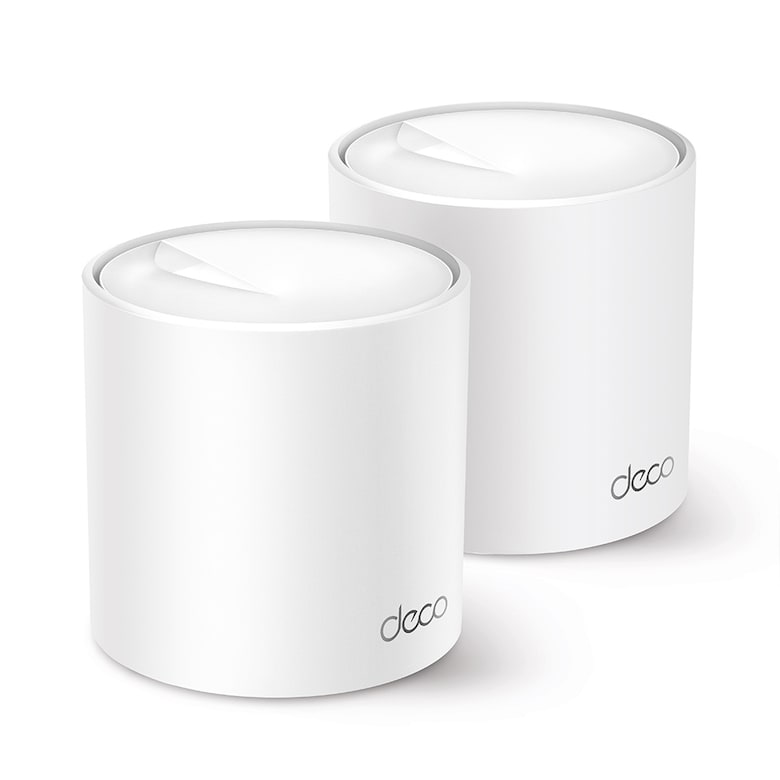
TP-Link Deco X50 AX3000 Wi-Fi 6 Mesh System, 2-pack
If your laptop and internet plan are on Wi-Fi 6 and under a gigabit, a Wi-Fi 6 mesh system is enough.
View at TP-LinkThe TP-Link Deco X50 is AX3000: TP-Link lists up to 2402 Mbps on 5 GHz (160 MHz channels) and 574 Mbps on 2.4 GHz, three Gigabit Ethernet ports on every unit, optional wired backhaul between units, and setup in the Deco app. TP-Link’s page gives a coverage figure only for the 3-pack (up to 6,500 sq. ft.), not for the 2-pack we link. HomeShield has a free basic plan, and the Pro plan is a paid subscription. Skip it if your plan is faster than 1 Gbps: its Ethernet ports are Gigabit.
What we like
- Wi-Fi 6 (AX3000) with up to 2402 Mbps on 5 GHz
- Three Gigabit Ethernet ports on every unit; optional wired backhaul
- Free basic HomeShield plan
Watch out for
- Gigabit Ethernet ports, so wired speeds top out at 1 Gbps
- HomeShield Pro is a paid subscription
- TP-Link doesn’t state coverage for the 2-pack
- Wi-Fi 7 mesh you set up from your phone
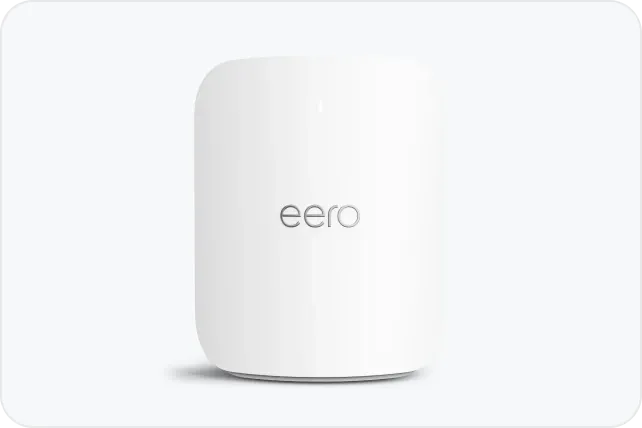
eero Pro 7 Tri-Band Mesh Wi-Fi 7 System, 3-pack
If you are buying Wi-Fi 7 now, the eero Pro 7 is the system to buy when you want mesh you set up from your phone and then forget.
View at eeroEach of the three units is rated for up to 2,000 sq. ft. and 200+ devices, so the pack covers about 6,000 sq. ft. in total. Every unit has two auto-sensing 5 GbE ports, enough for plans up to 5 Gbps and for a wired backhaul over Cat5e or better. It doubles as a Thread, Zigbee and Matter smart-home hub and works with older eero units. Ad blocking, threat protection, content filters and the VPN sit behind eero Plus. Skip it if you want router settings in a web browser, or more than two ports per node.
What we like
- Simple app setup, with a built-in Thread, Zigbee and Matter hub
- Two 5 GbE ports on every unit, with Ethernet backhaul
- Rated for 200+ devices per unit; works with all older eeros
Watch out for
- Many features need eero Plus, a paid subscription
- Settings live in the eero app, with no web interface listed
This guide compares Wi-Fi 6, Wi-Fi 6E and Wi-Fi 7 side by side, then explains what changes on a work-from-home desk. If your problem is a weak signal rather than an old standard, start with our complete guide to home office Wi-Fi setup: placement and band choice fix more than a new router does.
The short version
- Wi-Fi 7 is best for: new setups where your laptop or phone already supports Wi-Fi 7, busy homes with many devices, and multi-gig internet plans.
- Wi-Fi 6E is best for: getting onto the less crowded 6 GHz band with the many laptops and phones that support 6E but not 7.
- Wi-Fi 6 is fine for: home offices with Wi-Fi 6 laptops and internet plans well under a gigabit, where the router is not the bottleneck.
- Either way: if you can run a cable to your desk, wired Ethernet sidesteps the question.
How they compare
| Wi-Fi 6 | Wi-Fi 6E | Wi-Fi 7 |
|---|---|---|---|
IEEE standard | 802.11ax | 802.11ax, extended to 6 GHz | 802.11be (Extremely High Throughput) |
Introduced | 2018 (Wi-Fi Alliance) | 2020 | 2024 (Wi-Fi Alliance) |
Bands | 2.4 GHz, 5 GHz | 2.4 GHz, 5 GHz, 6 GHz | 2.4 GHz, 5 GHz, 6 GHz |
Widest channel | 160 MHz | 160 MHz | 320 MHz (6 GHz band only) |
Modulation | 1024-QAM | 1024-QAM | 4096-QAM (4K QAM) |
Multi-Link Operation | No | No | Yes (not on every product) |
Puncturing (use part of a busy channel) | No | No | Yes |
Quoted peak speed (theoretical) | 9.6 Gbps | Same 802.11ax technology as Wi-Fi 6 | 46 Gbps |
Security | WPA3 is mandatory for Wi-Fi CERTIFIED devices | WPA3 mandatory for all 6E devices, no WPA2 fallback | WPA3 is mandatory for Wi-Fi CERTIFIED devices |
Wi-Fi 7 keeps the efficiency features Wi-Fi 6 introduced, such as OFDMA and MU-MIMO, which let a router serve several devices at once. It is backward compatible, so Wi-Fi 6, Wi-Fi 5 and older devices still connect to a Wi-Fi 7 router, at their own speed.
About those speed numbers
The 46 Gbps and 9.6 Gbps figures are maximum signal rates derived from the IEEE specifications, not what any single laptop will see. TP-Link's own footnote says actual throughput "will vary as a result of network conditions, client limitations, and environmental factors." Vendors also disagree on the multiplier: the Wi-Fi Alliance says 320 MHz channels give twice the throughput of Wi-Fi 6, Intel says up to 2.4x, Microsoft says up to 4x and TP-Link says 4.8x. They are comparing different configurations, so treat any single "x times faster" figure with caution.
A more useful number for a laptop comes from Intel: a two-stream (2x2) Wi-Fi 7 laptop that supports 320 MHz channels, 4096-QAM and MLO has a theoretical maximum of 5.76 Gbps, and Intel estimates about 5.19 Gbps over the air in the best case.
Wi-Fi 7 vs Wi-Fi 6: what actually changes
Three changes matter; the rest are refinements.
320 MHz channels
Wi-Fi 6 tops out at 160 MHz channels. Wi-Fi 7 doubles that to 320 MHz, but only in the 6 GHz band, because that is the only band with enough room. Netgear's band plan shows the 6 GHz band fitting up to three 320 MHz channels. Double the channel width and you roughly double the peak rate, but only for a device that supports 320 MHz, and few laptops do.
4096-QAM
Modulation is how much data each radio symbol carries. Wi-Fi 7's 4096-QAM packs 12 bits into each symbol instead of 10, which TP-Link and the Wi-Fi Alliance put at a 20% higher transmission rate than Wi-Fi 6's 1024-QAM.
Multi-Link Operation (MLO)
This is the Wi-Fi 7 feature most relevant to work. Before Wi-Fi 7, a device connected on one band at a time. With MLO, a device can use two or more bands at once (for example 5 GHz and 6 GHz) or switch between them to avoid congestion. Intel, Microsoft and the Wi-Fi Alliance all describe it as a way to raise throughput, cut latency and make the link more reliable. For a video call, steadier matters more than faster.
The catch: MLO needs support on both ends. Netgear notes MLO is available on select Orbi systems, not all its Wi-Fi 7 hardware, so check the router's spec sheet. On Windows 11 you can confirm it is working: open your network's properties and look at "Network band (channel)"; if it lists more than one band, MLO is in use.
Puncturing
Wi-Fi 7 can also "puncture" a channel. If interference hits one part of a wide channel, the router keeps using the clean parts rather than falling back to a narrower channel. Intel describes this as the difference from Wi-Fi 6/6E, which blocks the whole channel.
Wi-Fi 7 vs Wi-Fi 6E: where 6E fits in
Wi-Fi 6E is Wi-Fi 6 extended into the 6 GHz band. The FCC opened that band for unlicensed use in the US in April 2020, adding 1,200 MHz of spectrum, more than twice the Wi-Fi bandwidth of the 5 GHz band.
The big advantage of 6 GHz is who is not on it. Only Wi-Fi 6E and newer devices can use it, so older phones, smart plugs and TVs stay on 2.4 GHz and 5 GHz. The Wi-Fi Alliance also made WPA3 mandatory for Wi-Fi 6E devices, with no fallback to the older WPA2 standard in that band.
For a home office, 6E is the practical middle ground. Many recent laptops support 6 GHz without supporting Wi-Fi 7, and a 6E or Wi-Fi 7 router gives those laptops a quieter band. What 6E lacks is 320 MHz channels, 4096-QAM and MLO.
Does your laptop support Wi-Fi 7?
This is the question that decides the upgrade. A Wi-Fi 7 router talking to a Wi-Fi 6 laptop is a Wi-Fi 6 connection.
On Windows, Wi-Fi 7 needs Windows 11 version 24H2 or later and a Wi-Fi 7 adapter. To check your adapter, open Command Prompt and run netsh wlan show drivers. Next to "Radio types supported", 802.11be means Wi-Fi 7 and 802.11ax means Wi-Fi 6 or 6E.
On a Mac, Apple publishes the Wi-Fi spec of every model. As of October 2026, Wi-Fi 7 with MLO arrived on the 2026 MacBook Air (M5) and the 2026 MacBook Pro with M5 Pro or M5 Max. The 2025 MacBook Pro 14-inch with M5, the M4 MacBook Pro and the M3 and M4 MacBook Air are Wi-Fi 6E. The M1 and M2 MacBook Air are Wi-Fi 6 on 5 GHz only.
Apple's spec table also shows something vendors' headline numbers hide. Its Wi-Fi 7 Macs and iPhones top out at 160 MHz channels and a 2,400 Mbps link rate, the same as its Wi-Fi 6E models. They don't use 320 MHz channels at all. For those devices, Wi-Fi 7's benefit is MLO and the newer radio, not a higher top speed.
If you are choosing a new work laptop anyway, it is worth checking the Wi-Fi line on the spec sheet. Our guide to laptops for working from home covers the other specs that matter.
Wi-Fi speed vs your internet plan
Wi-Fi speed and internet speed are different things. Wi-Fi is the link between your laptop and your router; your internet plan is the link between your router and the outside world. A download from the internet can never be faster than the slower of the two.
So if your plan is well below what your laptop's Wi-Fi link already reaches, a faster router will not make web pages, cloud files or video calls faster. It can still help with:
- Busy networks. Several people on calls at once, plus streaming and smart-home devices, is where Wi-Fi 6's OFDMA and Wi-Fi 7's MLO earn their keep.
- Local transfers. Copying files to a NAS or another computer on your network never touches the internet, so it can use the full Wi-Fi speed.
- Multi-gig plans. Netgear's own advice is that you need a gigabit or multi-gig internet plan and a compatible modem to take full advantage of Wi-Fi 7's speed.
When a home office should upgrade
Stay on Wi-Fi 6 if your router works well, your laptop is Wi-Fi 6, and your internet plan is under a gigabit. You would be paying for features none of your devices can use.
Consider Wi-Fi 6E or 7 if your laptop supports 6 GHz and you live somewhere crowded, such as an apartment building where many neighboring networks share 2.4 GHz and 5 GHz. The 6 GHz band only carries newer devices.
Choose Wi-Fi 7 if you are replacing an old router anyway, your laptop or phone supports Wi-Fi 7, or you have a multi-gig plan. Since Wi-Fi 7 routers also serve 6E and 6 devices, buying 7 when you are replacing a router anyway means your next laptop can use it. For a large home, our guide to the best mesh Wi-Fi systems for large homes compares five Wi-Fi 7 systems.
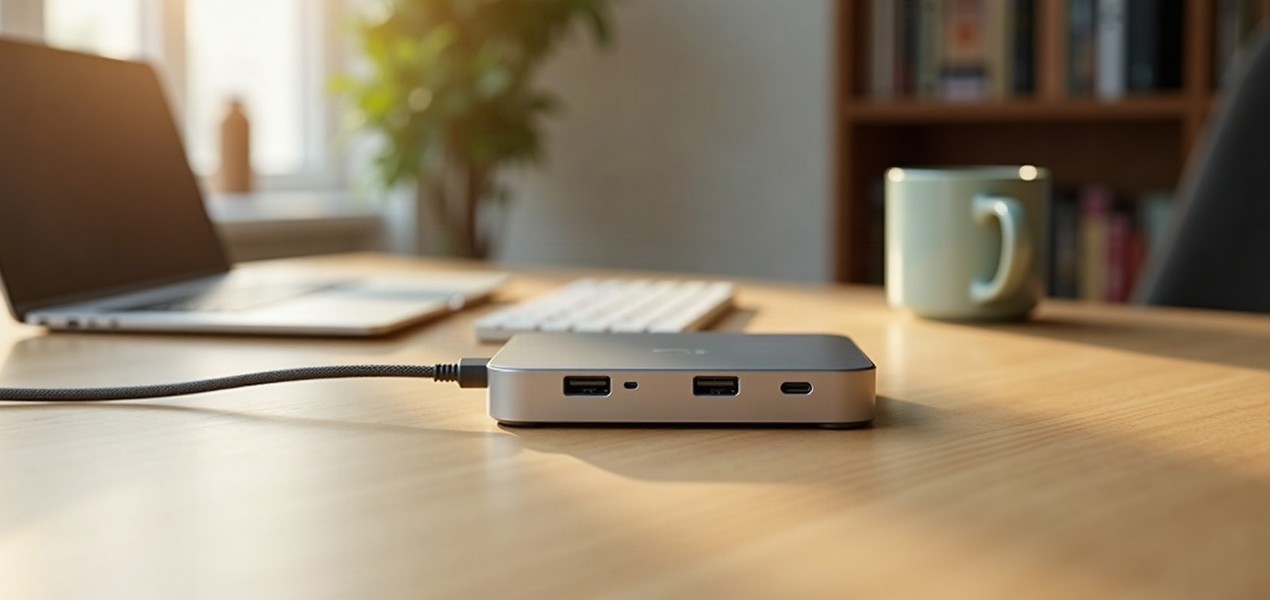
Run a cable if your desk is close enough. A wired connection to the router avoids interference and range problems entirely; our Ethernet vs powerline vs mesh guide covers the options. If your laptop has no Ethernet port, a docking station for your laptop with an Ethernet port can add one along with your monitors.
A note on security
Every generation here uses WPA3 on certified devices, and the Wi-Fi Alliance requires it for all new Wi-Fi CERTIFIED hardware. WPA3 is a clear improvement over WPA2, but no Wi-Fi standard makes a network safe on its own. Keep your router's firmware updated and use a strong Wi-Fi password.
How we chose
This comparison is research-based. We have not run our own speed tests; every figure comes from the source linked under Sources. This is a comparison of Wi-Fi standards, not a product roundup, so there are no picks here. The features and figures come from the IEEE and the Wi-Fi Alliance, and from the explainer and support pages of Intel, Cisco, TP-Link, Netgear, Microsoft and Apple. Where they disagree, as they do on "how many times faster", we say so. We weighed the standards by what a home office needs: steady calls and cloud work across several devices, on the laptops people actually own, rather than peak speed.
Questions people ask
Is Wi-Fi 7 worth it if my laptop only has Wi-Fi 6?
Not for that laptop on its own: a Wi-Fi 6 device connects to a Wi-Fi 7 router using Wi-Fi 6. A Wi-Fi 7 router can still make sense if you are replacing an old router anyway, have other Wi-Fi 7 devices, or plan to buy a new laptop soon.
What is the difference between Wi-Fi 6E and Wi-Fi 7?
Wi-Fi 6E is Wi-Fi 6 extended into the 6 GHz band, with channels up to 160 MHz and 1024-QAM. Wi-Fi 7 also uses 6 GHz but adds 320 MHz channels, 4096-QAM and Multi-Link Operation, which lets a device use more than one band at once.
Will Wi-Fi 7 make my internet faster?
Only if your Wi-Fi link, not your internet plan, is the bottleneck. Downloads from the internet can’t be faster than your plan, so Wi-Fi 7’s extra speed mainly shows up on multi-gig plans, busy networks and transfers between devices at home.
How do I check if my PC supports Wi-Fi 7?
On Windows 11 (version 24H2 or later), run netsh wlan show drivers in Command Prompt. If “Radio types supported” includes 802.11be, the adapter supports Wi-Fi 7; 802.11ax means Wi-Fi 6 or 6E.
Do older devices work with a Wi-Fi 7 router?
Yes. Wi-Fi 7 is backward compatible, so Wi-Fi 6, Wi-Fi 5 and older devices connect using their own standard on the 2.4 GHz or 5 GHz band. Only Wi-Fi 6E and newer devices can use the 6 GHz band.
Sources we used
- Wi-Fi Alliance: Wi-Fi generations (Wi-Fi 7, Wi-Fi 6 features)
- Wi-Fi Alliance: Wi-Fi security and WPA3
- IEEE 802.11be (Wi-Fi 7) standard page
- IEEE 802.11ax (Wi-Fi 6) standard page
- Intel: Wi-Fi 7 explainer (2x2 client speed footnote)
- Cisco: What is Wi-Fi 6E? (includes Wi-Fi 7 section)
- TP-Link: What is WiFi 7?
- TP-Link: What is WiFi 6?
- Netgear: What is WiFi 7?
- Netgear: WiFi 7 320MHz channels explained
- Microsoft: Faster and more secure Wi-Fi in Windows
- Apple: Wi-Fi and Ethernet specifications for Apple devices
- Selected product: manufacturer specifications and compatibility
Comments
No comments yet. Start the conversation.