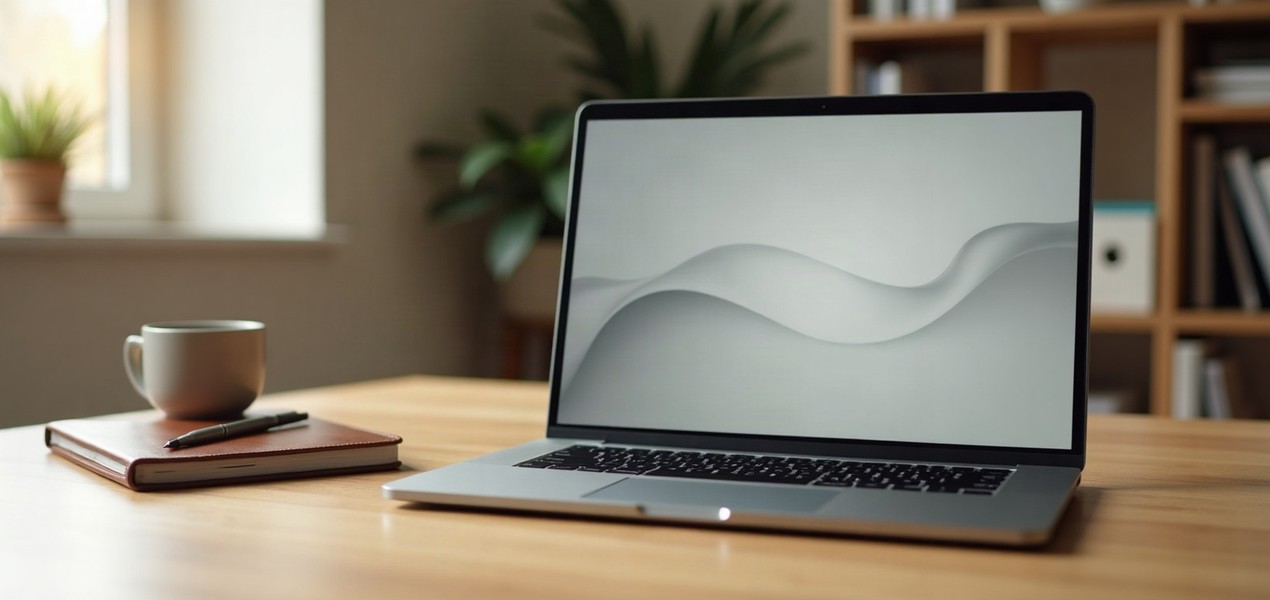
For most office work (email, documents, spreadsheets, a browser full of tabs and daily video calls), most people should buy the MacBook Air. It has the same M5 chip family, it is lighter, and Apple rates it at up to 15 hours of web use. The MacBook Pro earns its place only if you will use what it adds: a brighter 120Hz screen, HDMI and an SD card slot, and, in the configuration we link, 24GB of memory for heavier work.
Our picks at a glance
- View at Adorama
Best for most office work
- View at Adorama
Best big-screen Air
- View at Adorama
Best for heavier work
The picks in detail
- Top pick
Best for most office work
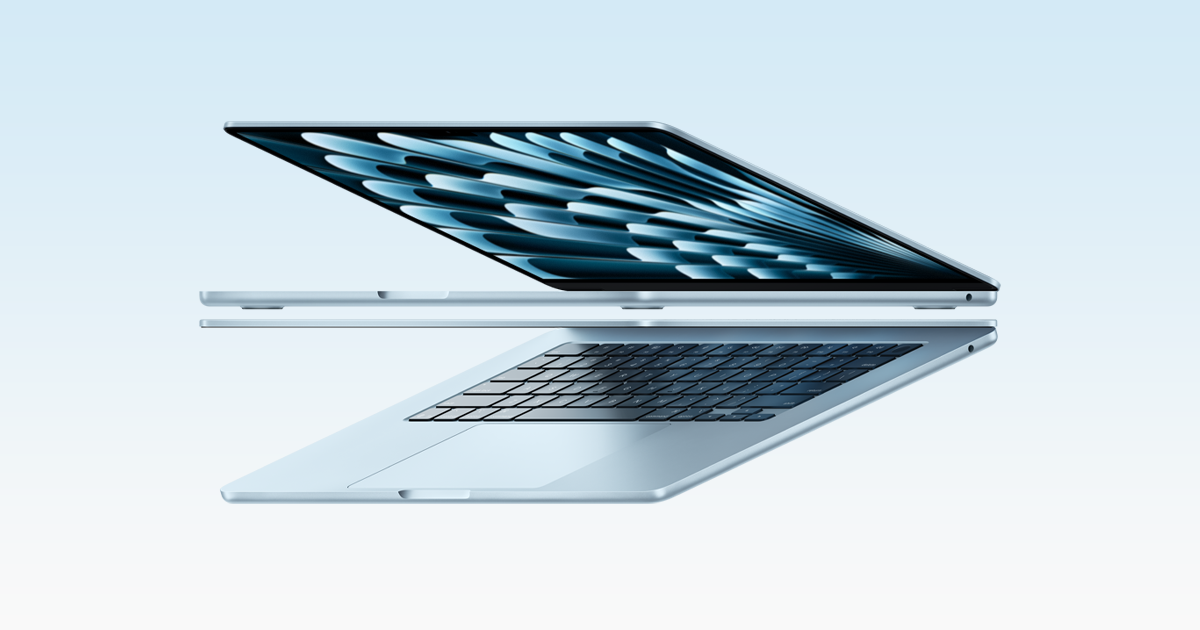
Apple MacBook Air 13" (M5), 16GB, 512GB
Most people working on a Mac should buy the 13-inch MacBook Air with M5.
View at AdoramaThe configuration we link has 16GB of memory and a 512GB SSD, Apple rates it at up to 15 hours of wireless web use, and it weighs 2.7 lbs. It drives up to two external displays and charges over MagSafe, so both Thunderbolt ports stay free for monitors. Skip it if you need HDMI or an SD slot built in, or a screen bright enough for a sunny room.
What we like
- 2.7 lbs
- Up to 15 hours web (Apple)
- Up to two external displays; Wi-Fi 7
Watch out for
- Two Thunderbolt ports, no HDMI or SD slot
- No ProMotion (120Hz) screen
- Best big-screen Air
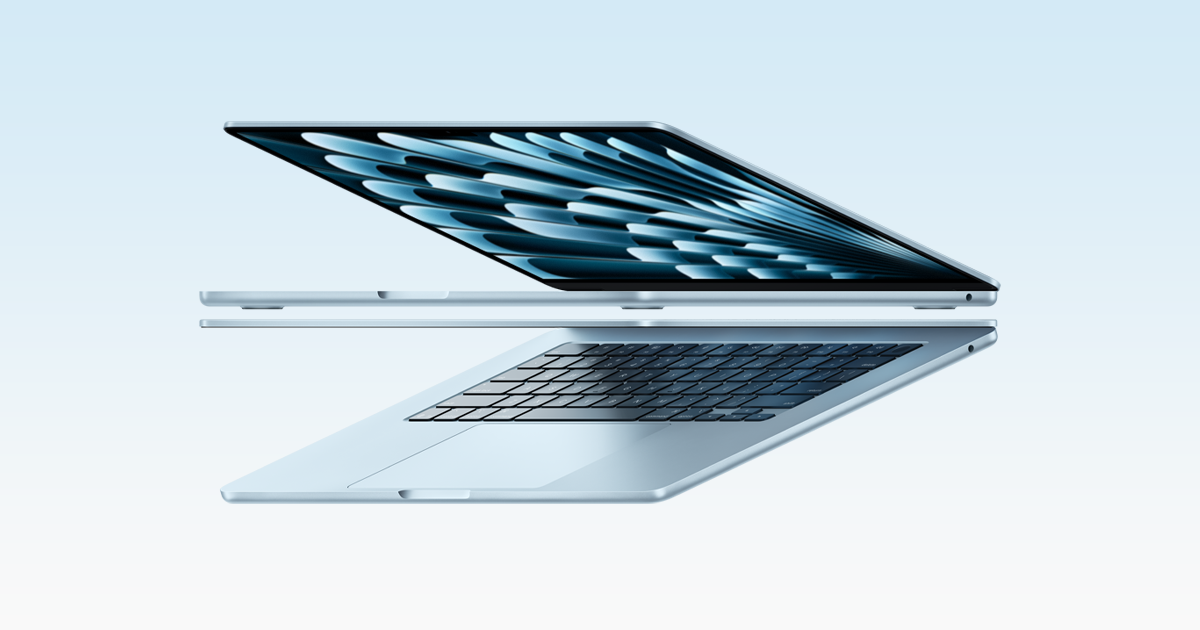
Apple MacBook Air 15" (M5), 16GB, 512GB
Buy the 15-inch MacBook Air if the laptop is your only screen.
View at AdoramaIt has a 15.3-inch 2880 x 1864 display and six speakers, with the same M5 chip family (here with a 10-core GPU), 16GB of memory and a 512GB SSD. Apple rates its battery the same as the 13-inch, up to 15 hours of web use, from a larger 66.5Wh battery. It weighs 3.3 lbs. Skip it if you work at a desk with a monitor most days: the 13-inch is lighter and does the same work.
What we like
- 15.3" screen
- Six speakers
- Same up to 15 hours web (Apple)
Watch out for
- Same two Thunderbolt ports as the 13-inch
- 3.3 lbs, nearly as heavy as the Pro
- Best for heavier work
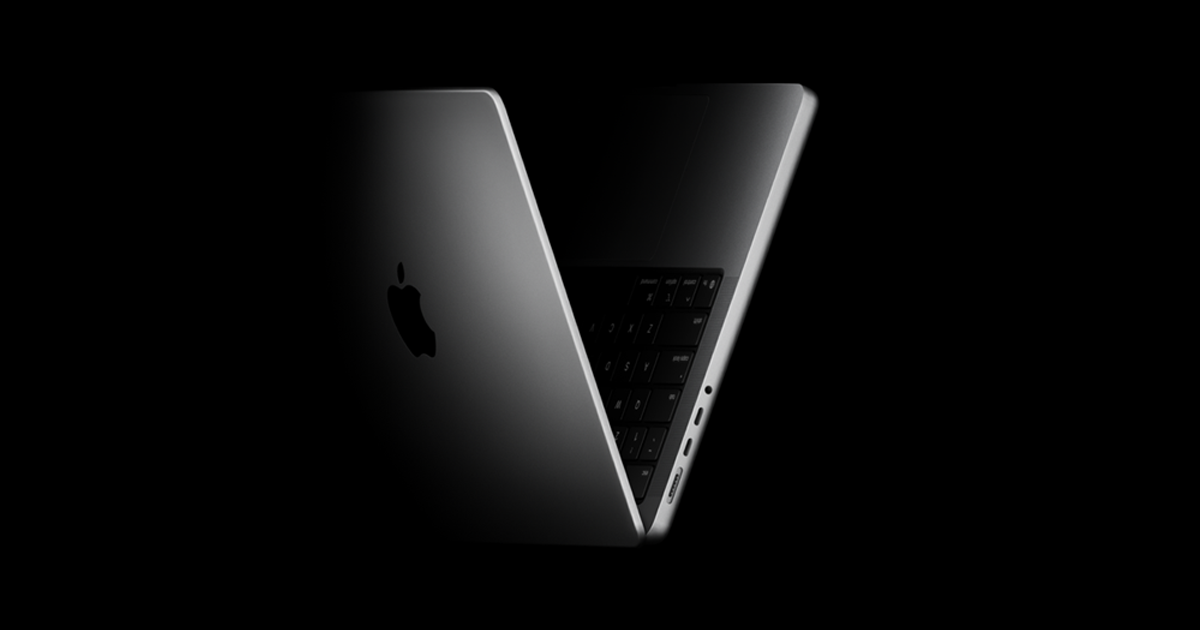
Apple MacBook Pro 14" (M5), 24GB, 1TB
Buy the 14-inch MacBook Pro with M5 only if you will use what it adds: a Liquid Retina XDR screen that refreshes at up to 120Hz and reaches up to 1000 nits for everyday content outdoors, three Thunderbolt 4 ports plus HDMI and an SD card slot, and up to 24 hours of video playback (Apple’s rating).
View at AdoramaThe configuration we link has 24GB of memory and a 1TB SSD, for photo or video editing and heavy multitasking. It weighs 3.4 lbs. Skip it if your work is documents, browsers and calls: the Air does that just as well.
What we like
- 120Hz XDR screen, up to 1000 nits
- HDMI, SD slot and three Thunderbolt 4 ports
- Up to 16 hours web, 24 hours video (Apple)
Watch out for
- Heaviest at 3.4 lbs
- Wi-Fi 6E, not Wi-Fi 7 like the Airs
For Windows options and a wider look at work laptops, see our complete guide to the best laptops for working from home.
The short version
- Choose the 13-inch MacBook Air if your work is mostly documents, browsers and calls, and you value weight and battery life.
- Choose the 15-inch Air if you want a bigger screen without the Pro’s extras.
- Choose the MacBook Pro if you edit photos or video, want HDMI and an SD slot built in, or work in a bright room.
Side by side
| MacBook Air 13" (M5) | MacBook Air 15" (M5) | MacBook Pro 14" (M5) |
|---|---|---|---|
Screen | 13.6", 2560 x 1664, 500 nits | 15.3", 2880 x 1864, 500 nits | 14.2" XDR, 3024 x 1964, up to 1000 nits SDR, 120Hz |
Battery (Apple) | Up to 15 h web, 18 h video | Up to 15 h web, 18 h video | Up to 16 h web, 24 h video |
Ports | 2 Thunderbolt 4, MagSafe, headphone | 2 Thunderbolt 4, MagSafe, headphone | 3 Thunderbolt 4, HDMI, SD slot, MagSafe, headphone |
External displays | Up to two | Up to two | Up to two |
Wi-Fi | Wi-Fi 7 | Wi-Fi 7 | Wi-Fi 6E |
Cooling | Fanless | Fanless | Fan |
Weight | 2.7 lbs | 3.3 lbs | 3.4 lbs |
Speakers | Four | Six | Six |
Memory linked | 16GB | 16GB | 24GB |
All three have a 12MP Center Stage camera with Desk View, a three-microphone array with directional beamforming, and the M5 chip’s 10-core CPU.
The screen: the biggest difference
The MacBook Pro’s Liquid Retina XDR display is the upgrade you will notice every day. ProMotion lets it refresh at up to 120Hz, so scrolling long documents looks smoother, and Apple rates it at up to 1000 nits for everyday content outdoors, against the Air’s 500. That helps next to a bright window. In a normal room, the Air’s screen is sharp and bright enough for office work.
Ports and your desk setup
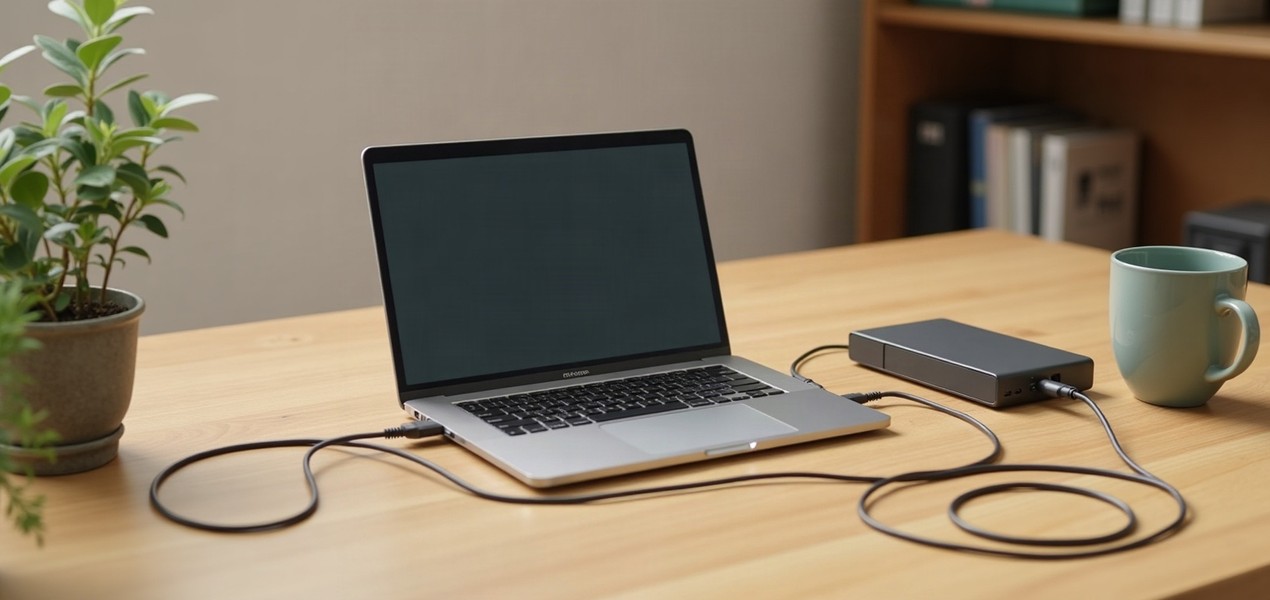
The Air has two Thunderbolt 4 ports plus MagSafe charging. Because it charges over MagSafe, both Thunderbolt ports stay free, so you can plug in two monitors directly. With one USB-C or Thunderbolt monitor, a single cable can charge the laptop and connect your accessories (see our best monitors for MacBook Pro, which works for the Air too). The Pro adds a third Thunderbolt port, HDMI and an SD card slot, which saves carrying adapters if you present on a TV or use camera cards.
Both support up to two external displays, and a dock can’t raise that limit. Our dual monitor setup guide explains how to connect two screens to a Mac.
Battery life
Apple rates the 13-inch Air at up to 15 hours of wireless web use and the 14-inch Pro at up to 16 hours. The gap is bigger for video playback: 18 hours against 24. Both cover a working day away from a charger, so the Pro’s lead matters mainly if you travel or often work unplugged.
Wi-Fi: the Air is newer here
Both M5 MacBook Airs have Apple’s N1 chip with Wi-Fi 7 and Bluetooth 6. The 14-inch MacBook Pro with M5 has Wi-Fi 6E and Bluetooth 5.3; only the M5 Pro and M5 Max models get Wi-Fi 7. For most home offices this changes little, since a Wi-Fi 6E laptop already uses the 6 GHz band. Our Wi-Fi 7 vs Wi-Fi 6 guide explains when the newer standard matters.
Fan or no fan
The MacBook Air has no fan, so it is silent. The MacBook Pro has a fan, which helps it handle long, heavy jobs such as video exports or large code builds. For documents, browsers and video calls you won’t notice a difference in speed.
Memory: buy what you need up front
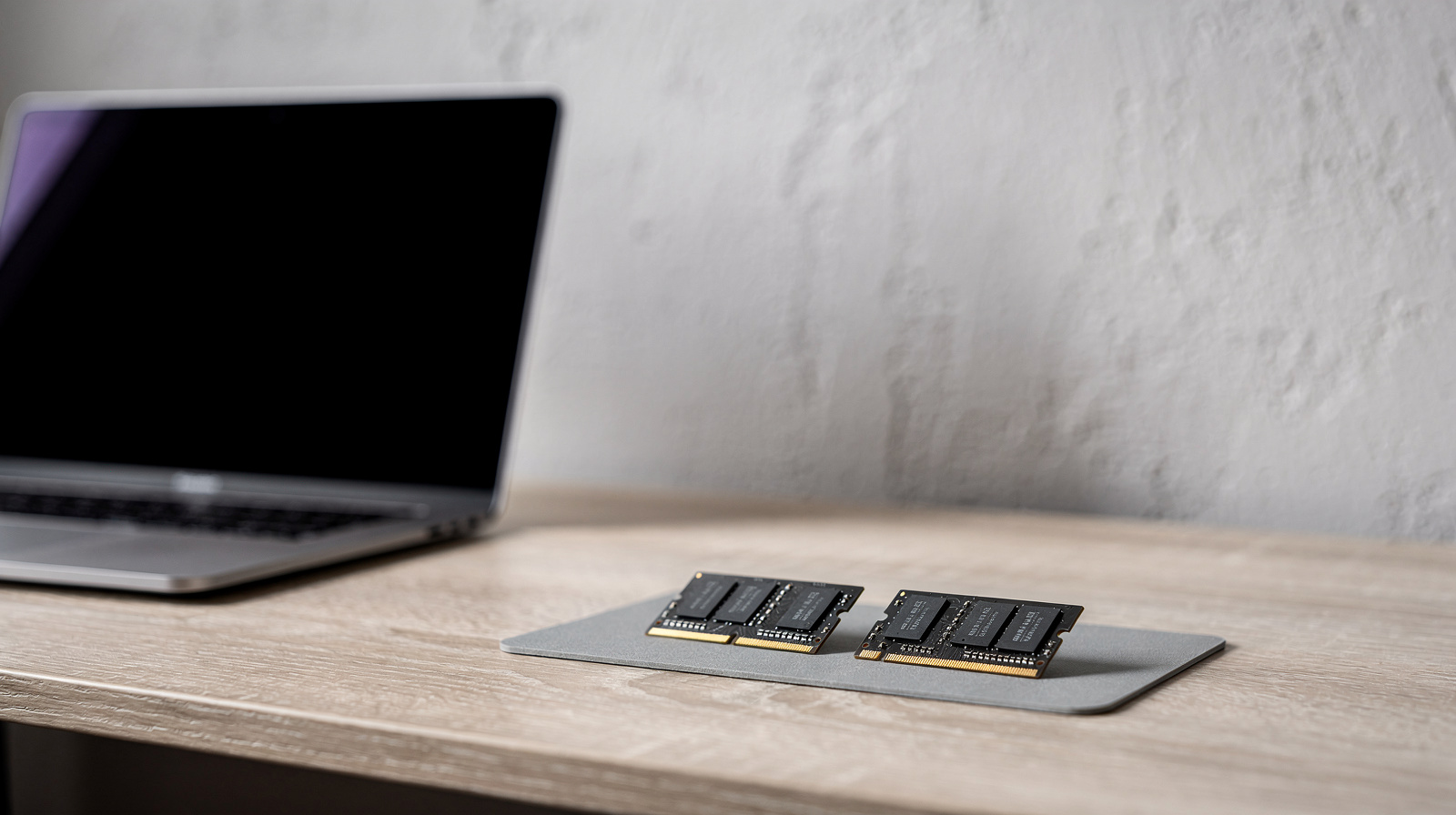
Neither laptop’s memory can be upgraded after purchase. The Airs we link have 16GB, which suits most office work. The Pro we link has 24GB. Our RAM guide explains when more is worth it.
How we chose
We have not tested these laptops. Every figure here comes from Apple’s technical specifications pages, linked under Sources, and covers the exact configurations we link.
Questions people ask
Is the MacBook Air good enough for office work?
Yes. Documents, spreadsheets, browsers and video calls are well within what the M5 MacBook Air handles, and the 13-inch model weighs 2.7 lbs. Choose at least 16GB of memory, since it can’t be upgraded later.
Can a MacBook Air run two external monitors?
Yes. The M5 MacBook Air supports up to two external displays. Because it charges over MagSafe, you can plug one monitor into each Thunderbolt port.
Does the MacBook Pro have an HDMI port?
Yes. The 14-inch MacBook Pro with M5 has an HDMI port and an SDXC card slot alongside three Thunderbolt 4 ports. The MacBook Air has neither, so it needs an adapter or dock for HDMI.
Does the M5 MacBook Pro have Wi-Fi 7?
No. The 14-inch MacBook Pro with the M5 chip has Wi-Fi 6E. Wi-Fi 7 comes only on the M5 Pro and M5 Max models, and on both M5 MacBook Airs.
Is the MacBook Air fanless?
Yes, the MacBook Air has no fan and runs silently. The MacBook Pro has a fan for long, heavy workloads.
Sources we used
Comments
No comments yet. Start the conversation.