K Curtis is the founder and editor of OhmNook. He has a background in IT and customer service, holds graduate certificates in IT and in cloud computing, and has worked from home as a freelance web designer and developer since 2020.
A step-by-step 3-2-1 backup plan for a home office: a drive at your desk, an offsite copy with a backup service, and a restore test, using the built-in tools on Windows and Mac.
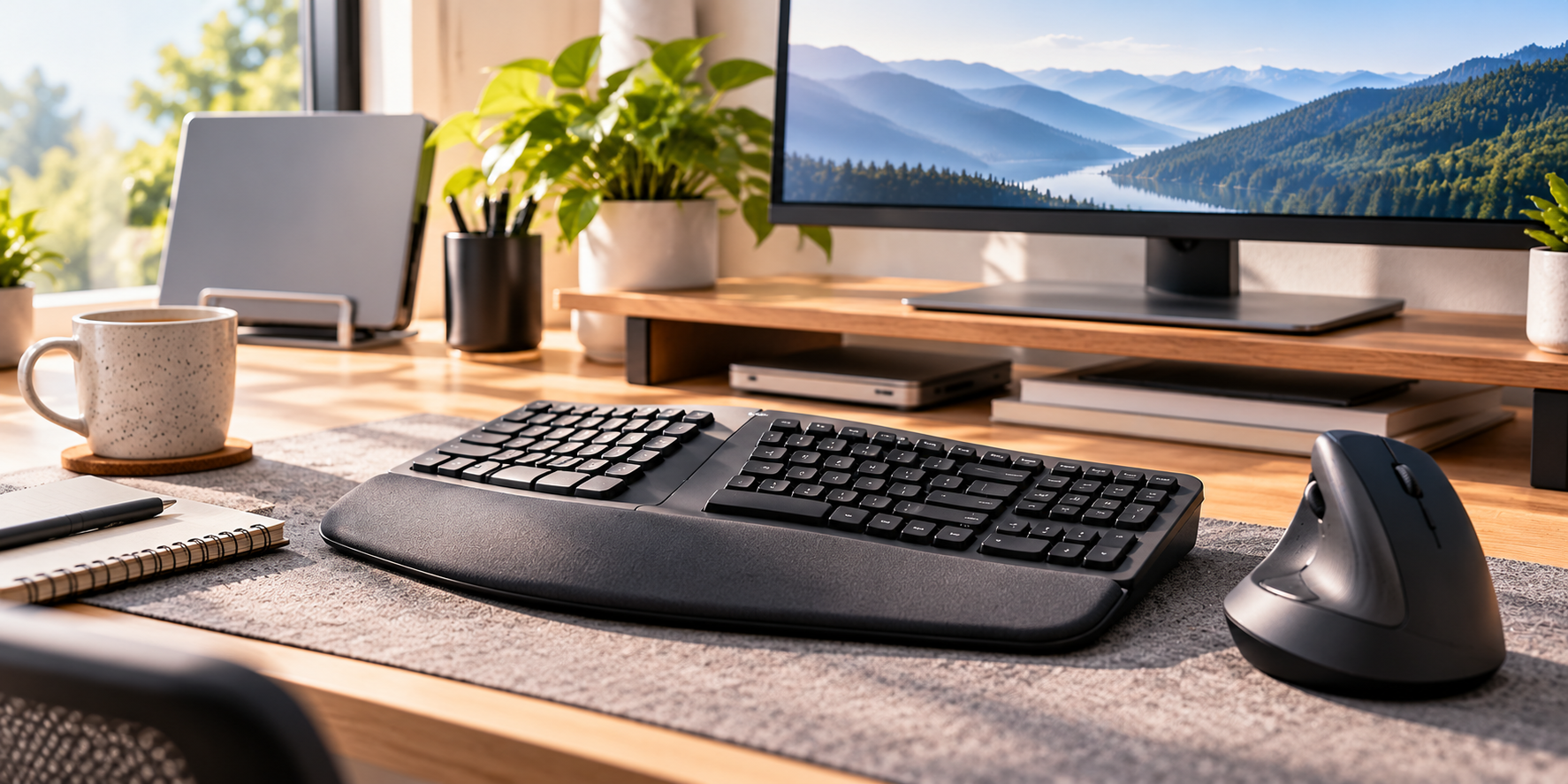
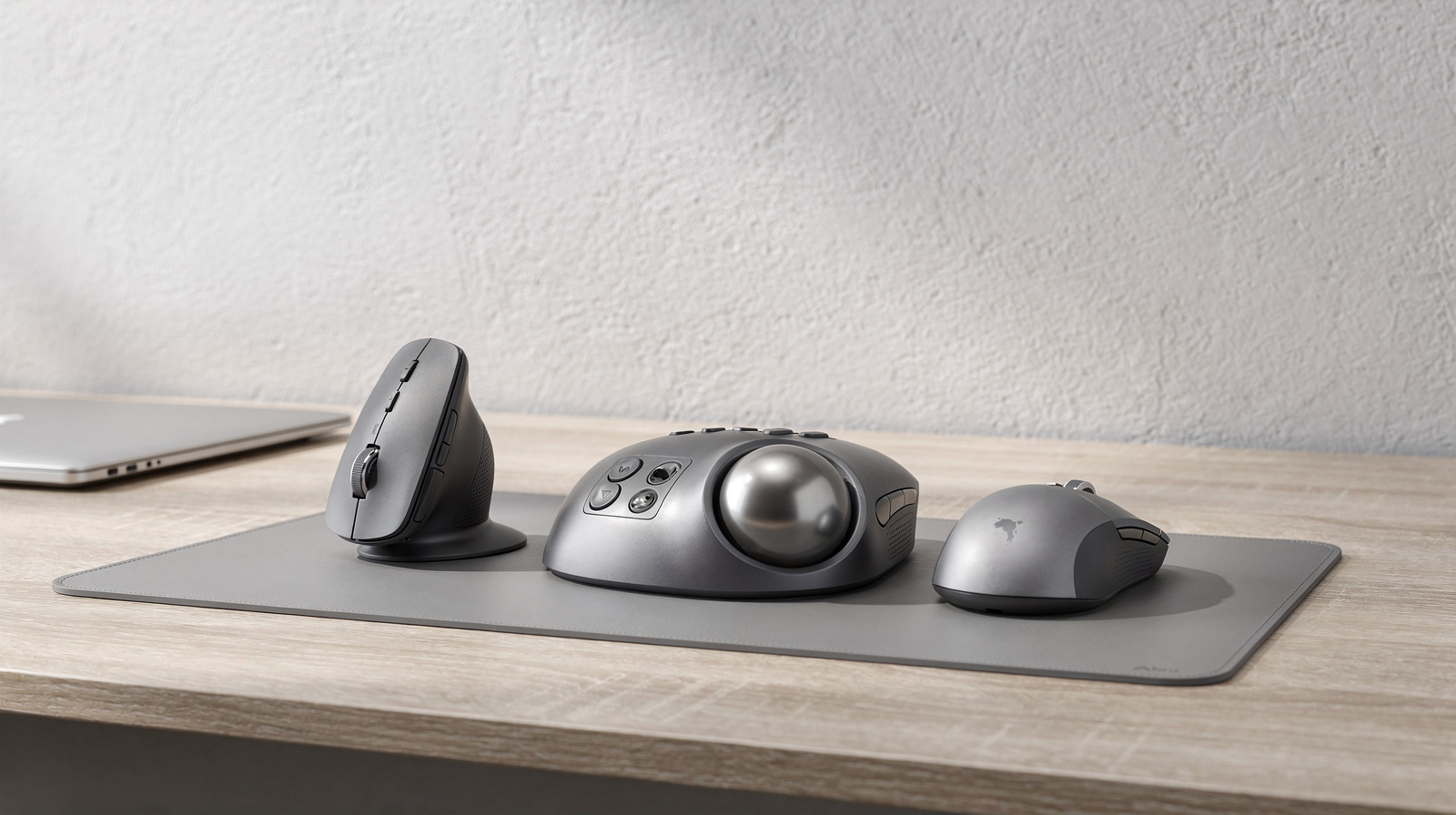
Split, wave, vertical and trackball designs explained by shape, tilt and fit, with four picks: a keyboard and mouse combo, a curved split keyboard, a vertical mouse and a thumb trackball.
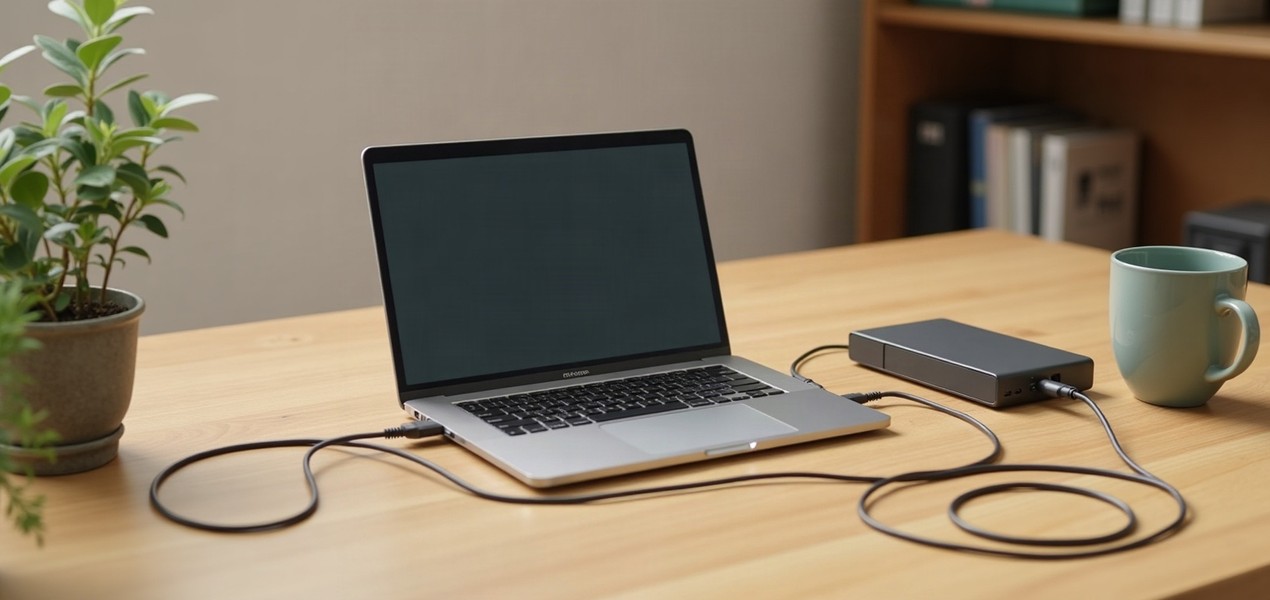
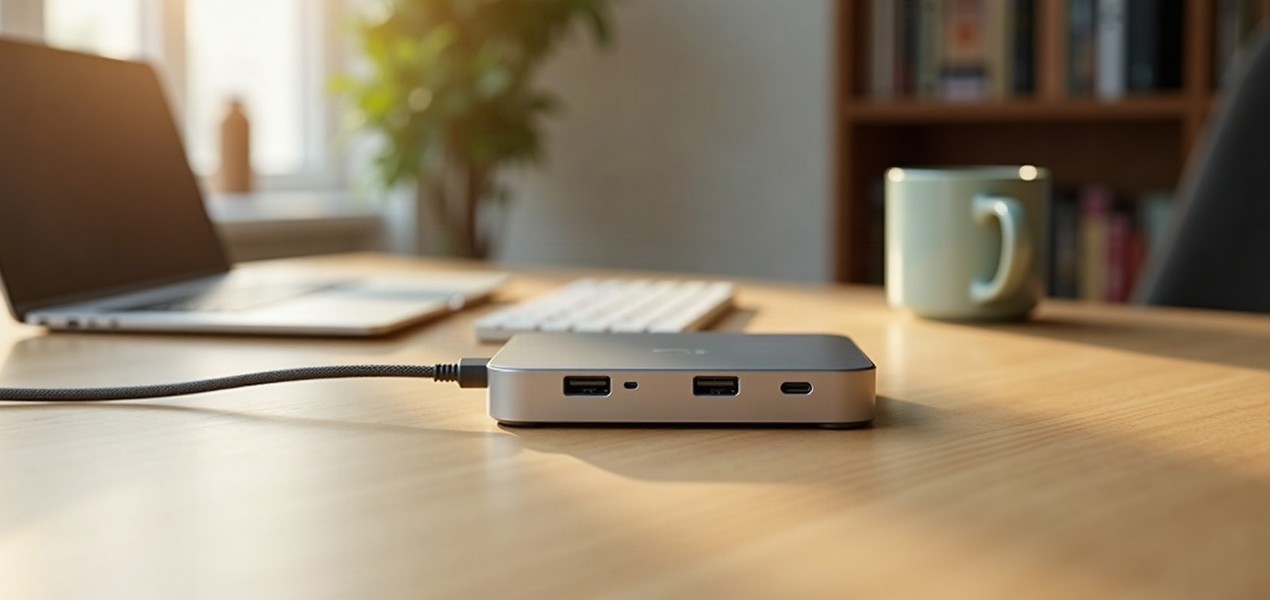
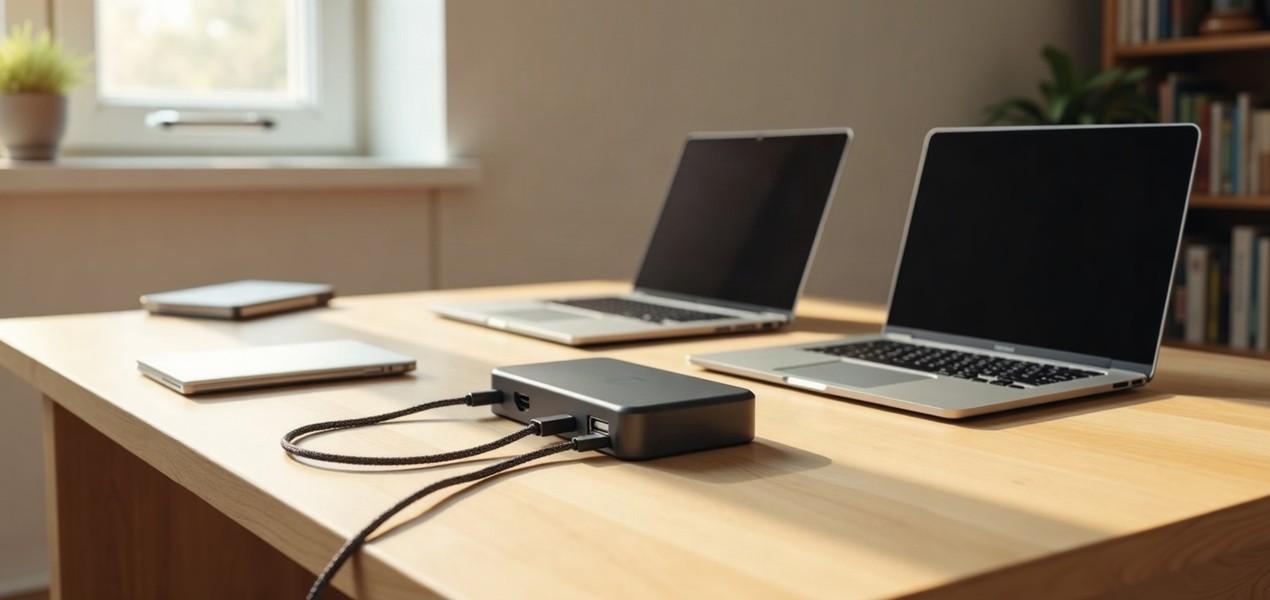
A dock adds ports, monitors and charging to a laptop over one cable. See how USB-C, USB4, Thunderbolt 4 and Thunderbolt 5 docks differ, and which you need.
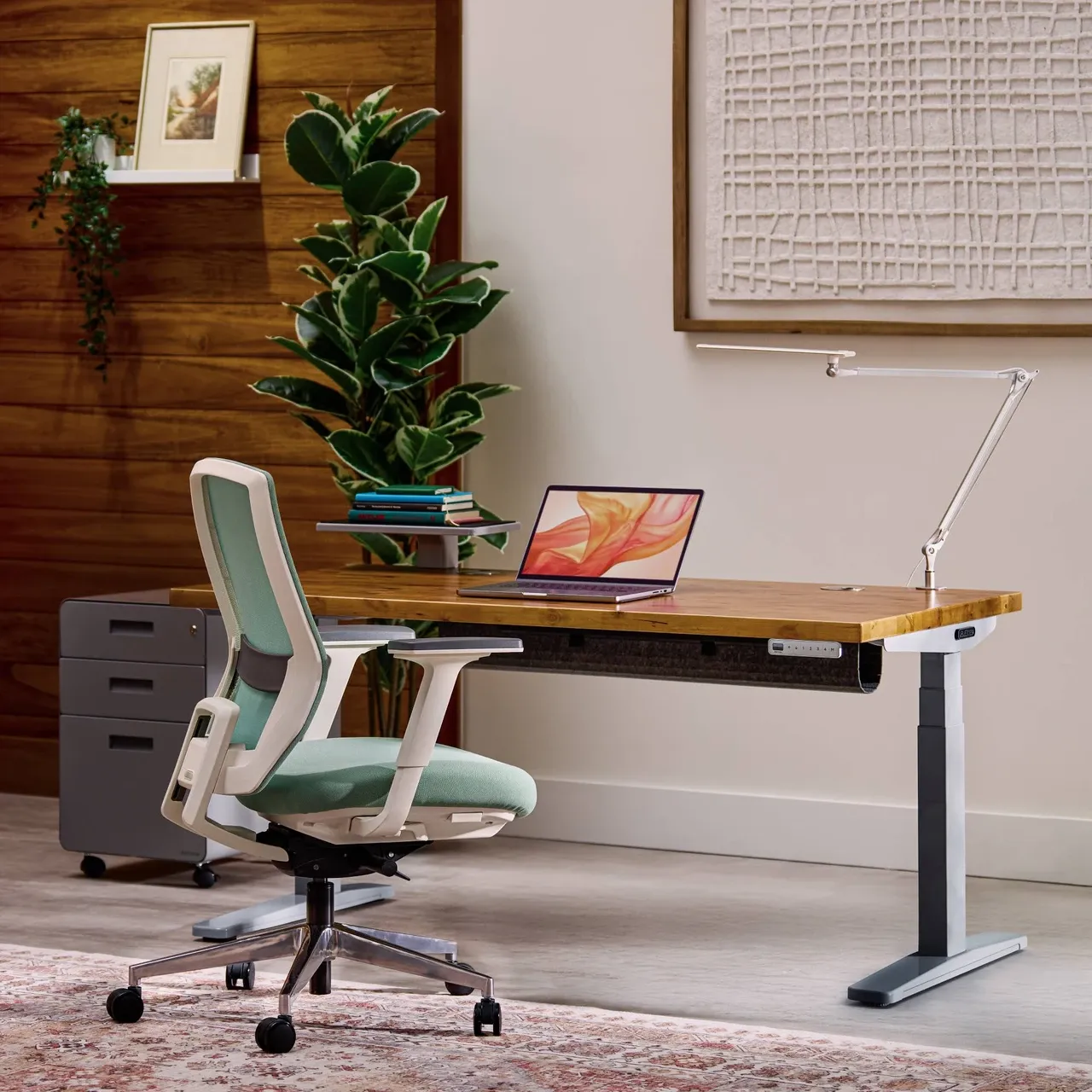
Four electric standing desks from UPLIFT, FlexiSpot, Vari and VIVO, compared on height range, lifting capacity, desktop size, warranty and the things that catch buyers out.
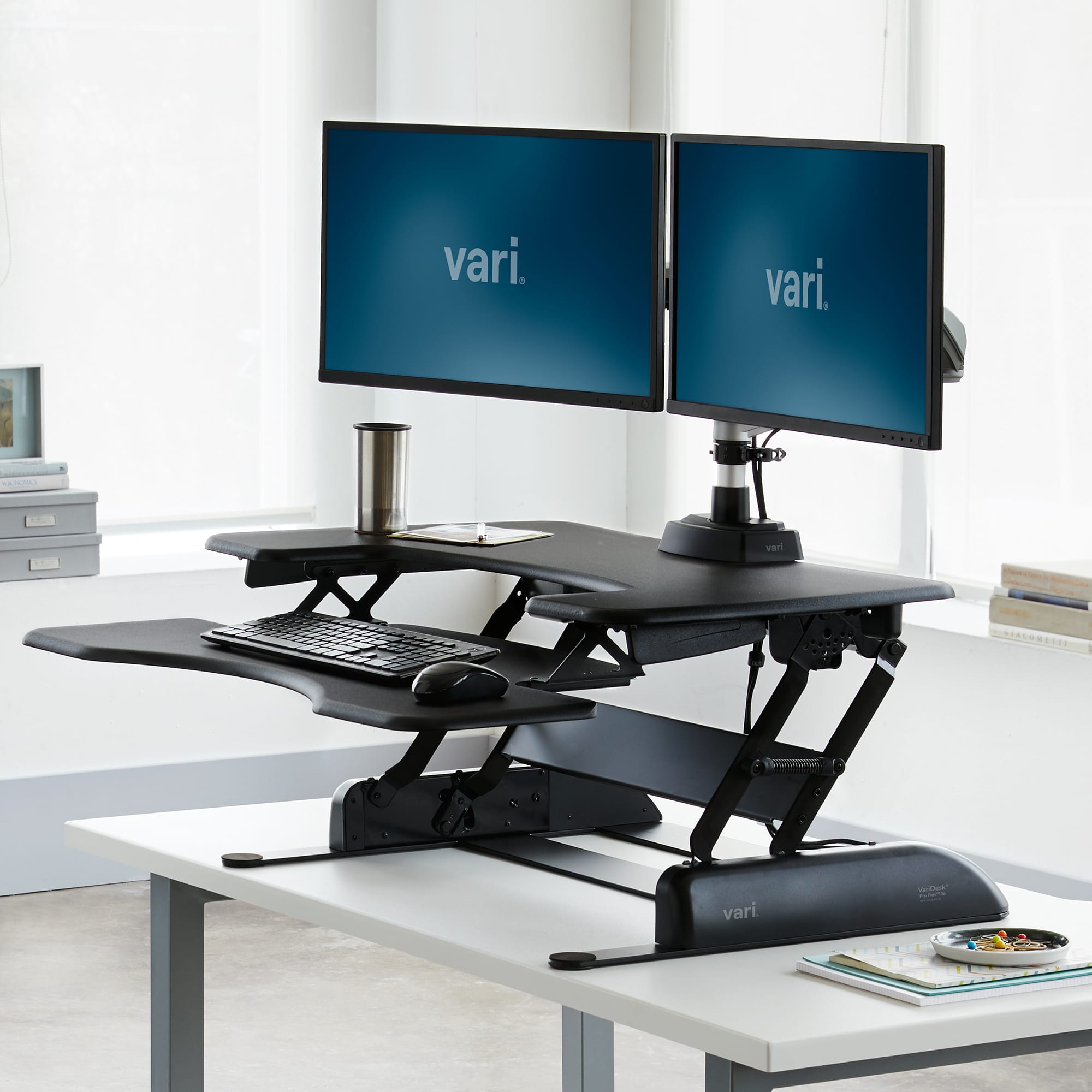
A standing desk converter sits on the desk you have; a full standing desk replaces it. Compare capacity, keyboard height, space and setup, with one converter of each type and one desk.
Three Thunderbolt docks that cover most MacBook and Windows desks, with the charging, ports and screen limits for each Mac chip, plus the known problems the spec sheets leave out.
Thunderbolt 5 adds Bandwidth Boost, twice the PCIe data rate and higher charging minimums. See what that changes for docks, monitors and cables, and who can skip it.
A vertical mouse changes your grip; a trackball changes how you point. Here is who should buy the Logitech Lift, who should buy the MX Ergo S, and what to check first.
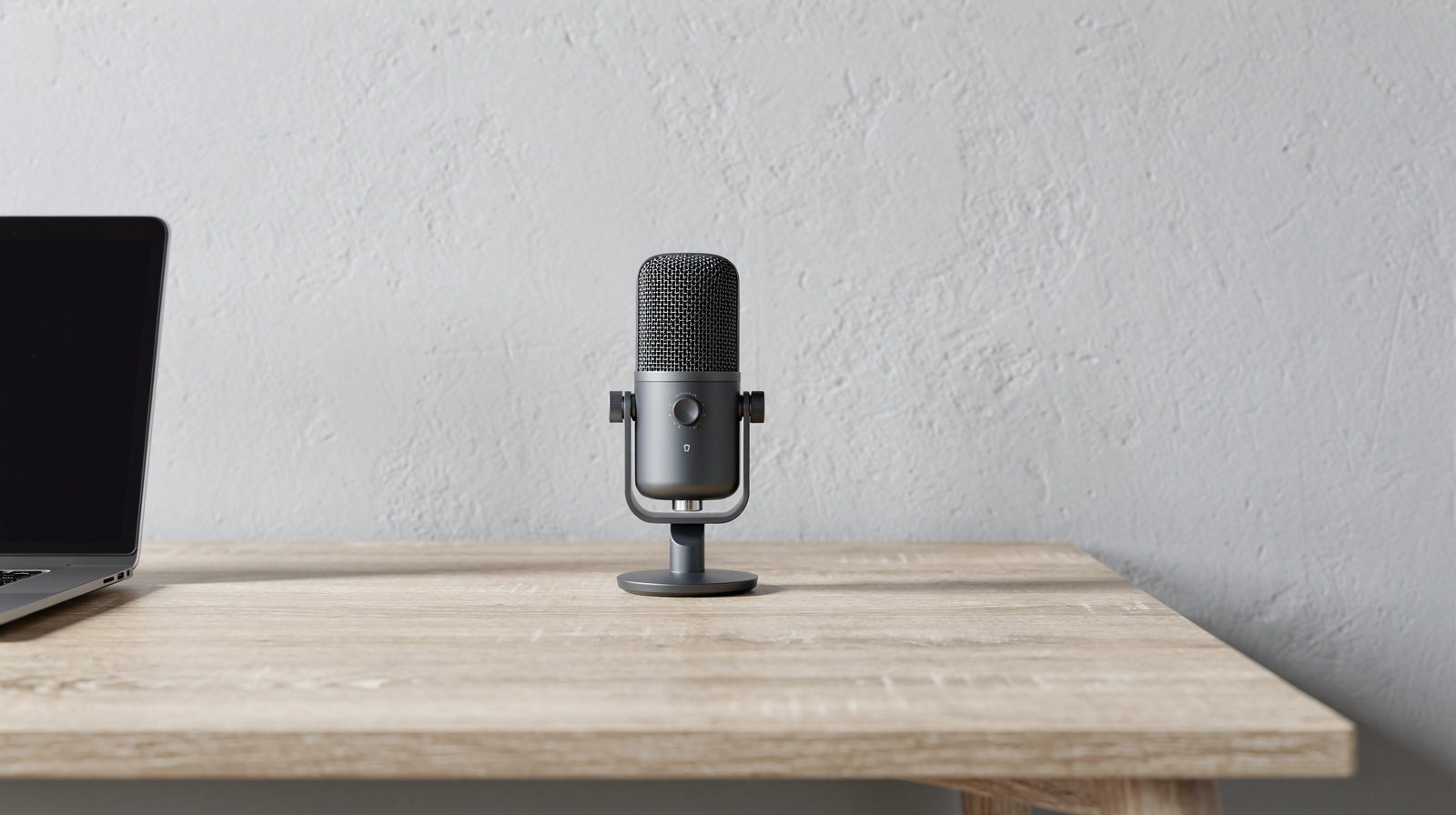
Four USB microphones for Zoom, Teams and Meet, with a plain buy-or-skip for each: dynamic or condenser for your room, the cable in the box, whether you need a stand, and the software involved.
Three two- and four-bay NAS boxes from Synology and QNAP, with the bays, RAID options, network ports and warranties each maker lists, and what a NAS can and cannot do for your backups.
An external drive, a NAS and a cloud service each solve a different problem. Here is which one to use for your situation, and which cloud backup and sync services fit each.
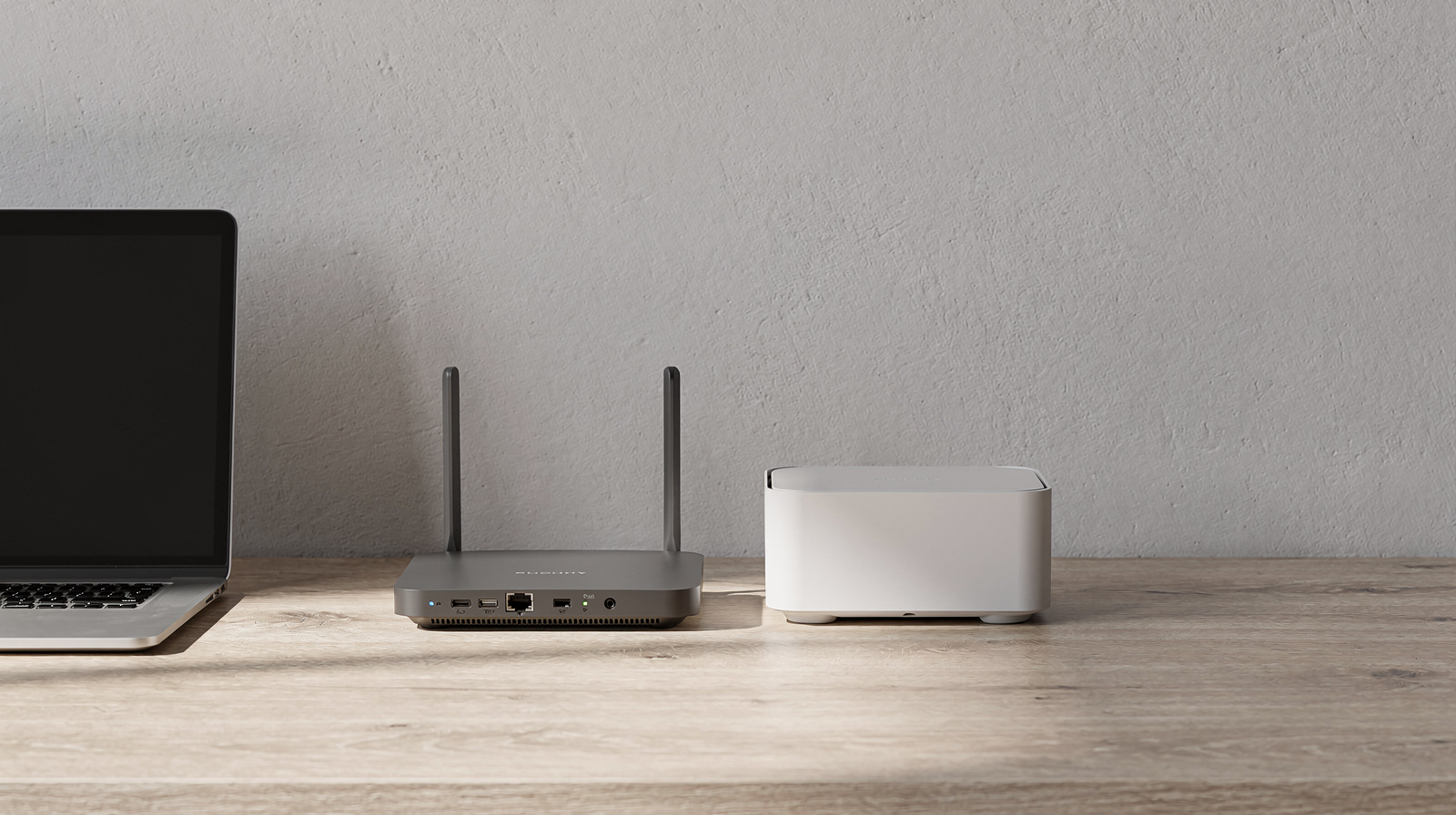
Five Wi-Fi 7 mesh systems for big houses, compared on the things that decide the purchase: Ethernet on every node, backhaul, 6 GHz, node count and paid add-ons.
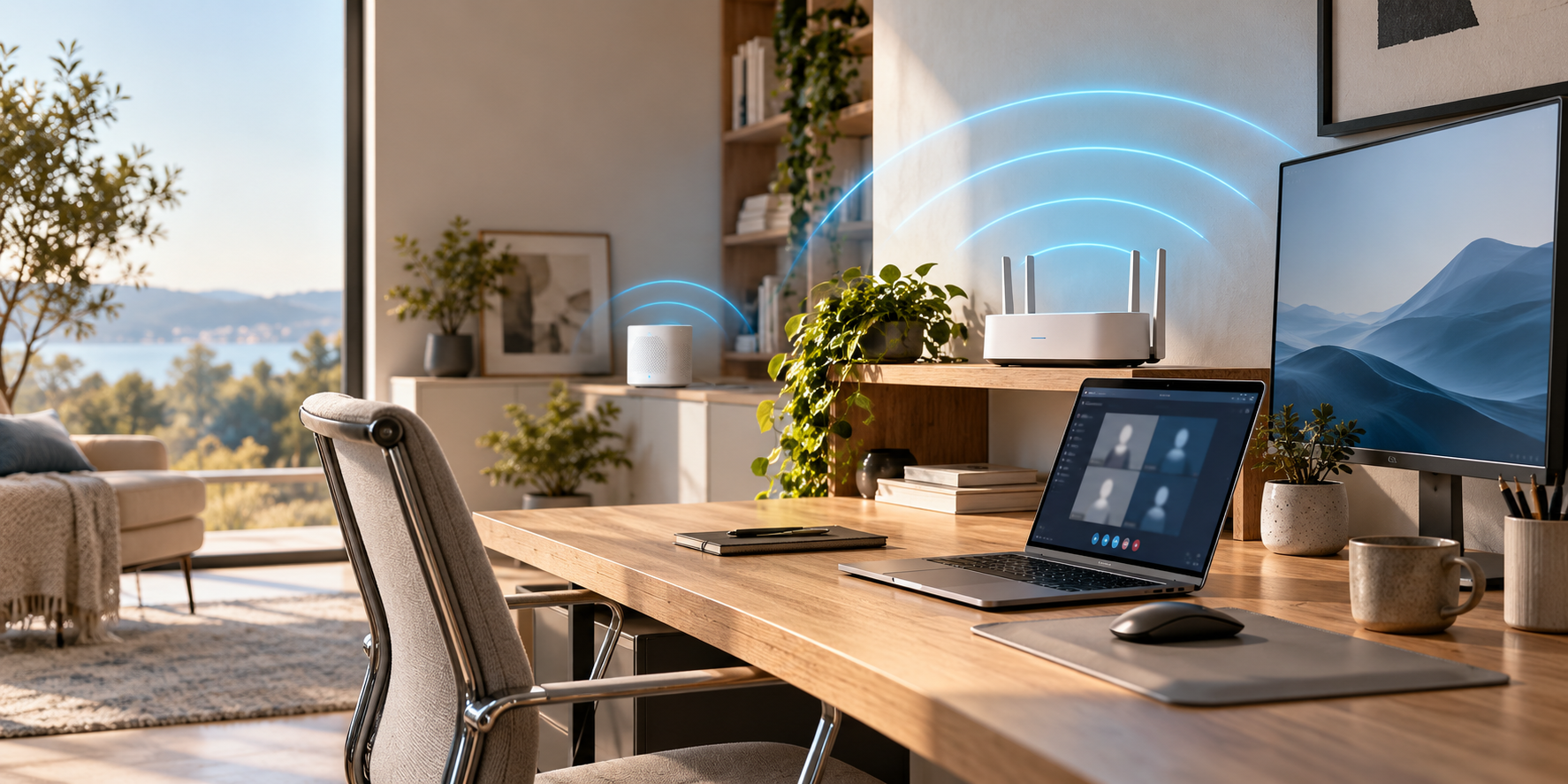
Ethernet, a powerline adapter, MoCA over coax or mesh Wi-Fi: how each gets a connection to your home office desk, what can go wrong, and how to choose.
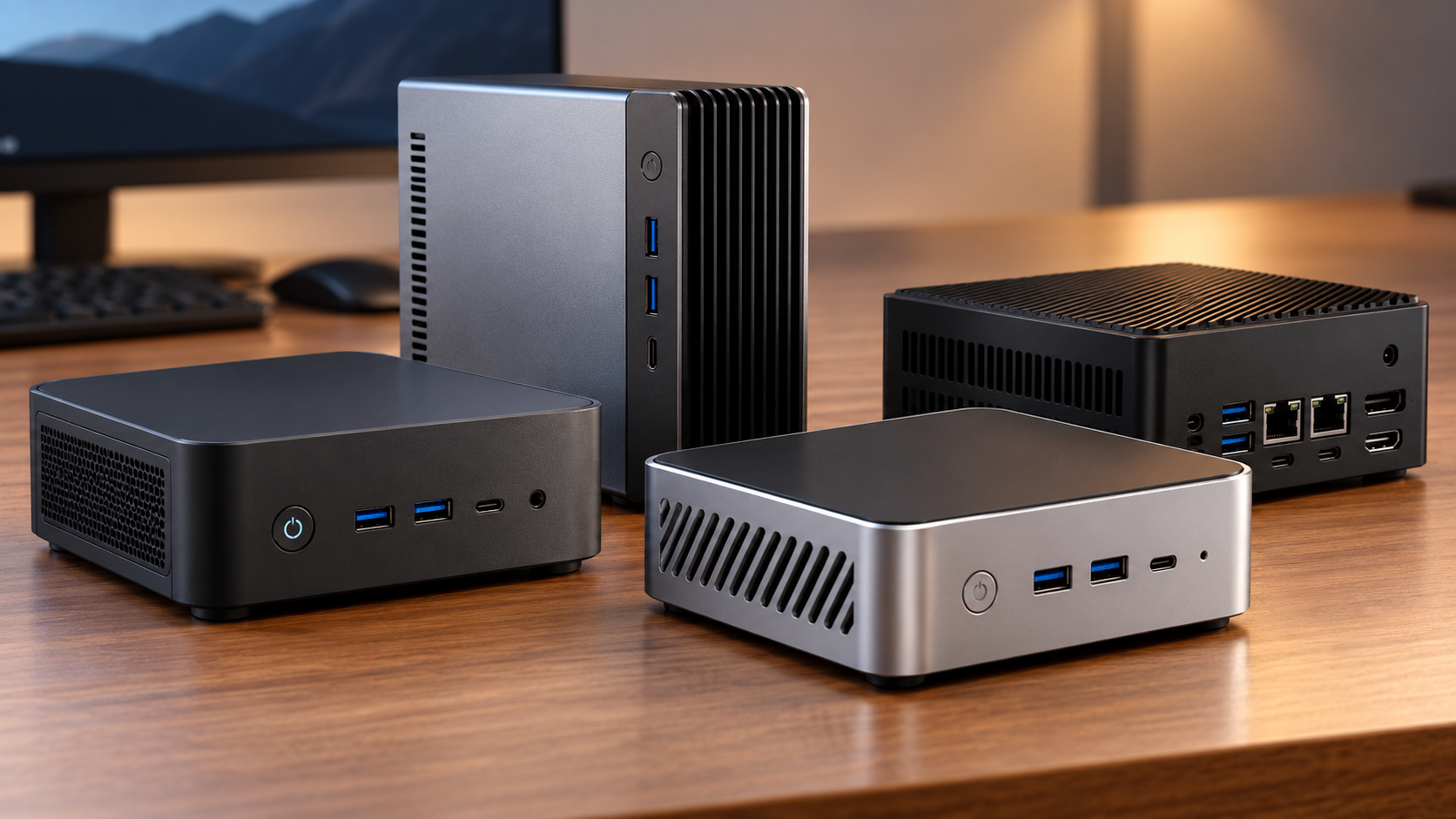
What a home server does in a home office, what to look for in a mini PC (processor, memory, storage, network, noise, power), and three picks with their specs checked.
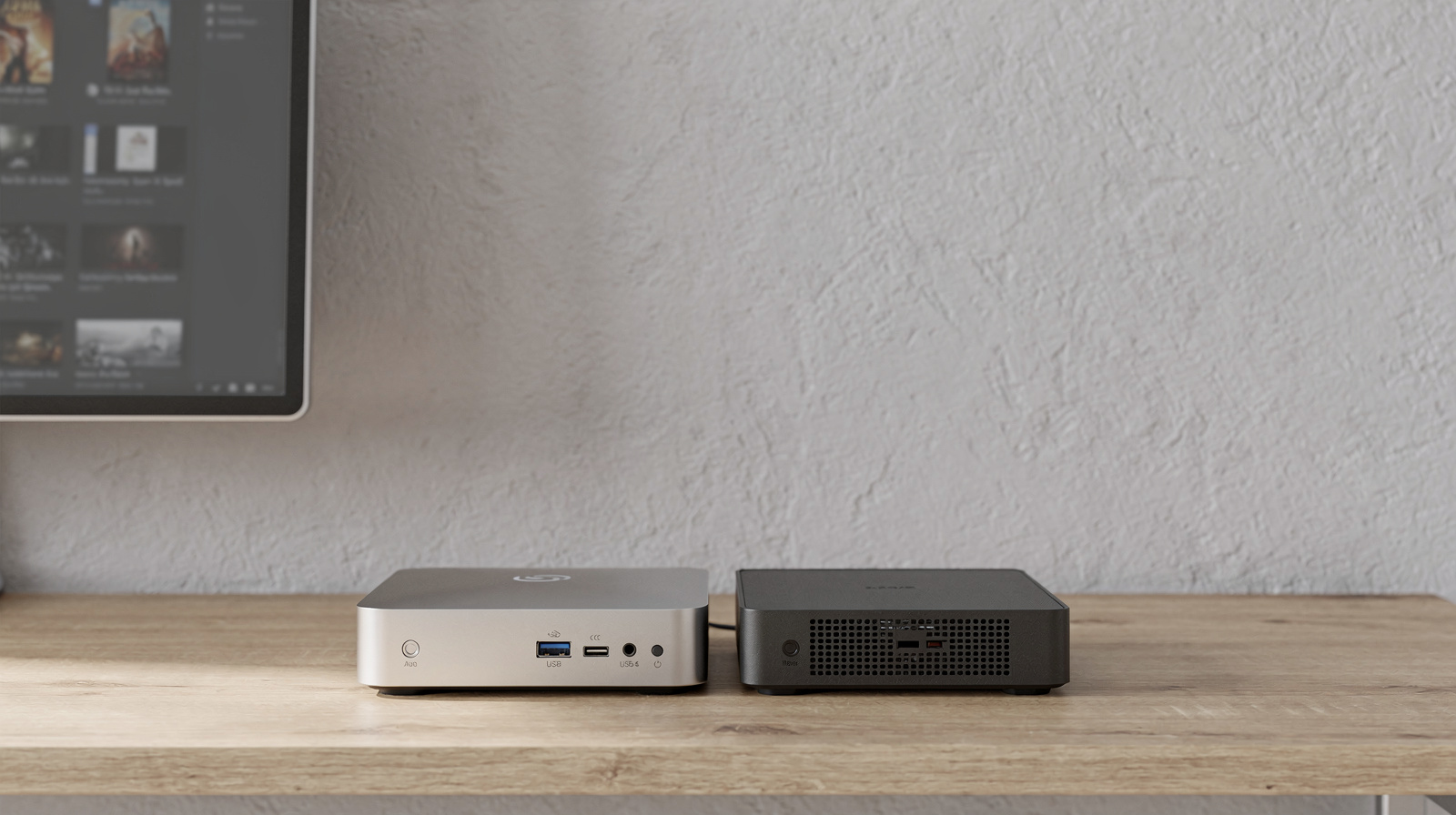
Three Intel machines for a Plex server, what an N150 can and can’t transcode, and the Plex Pass you will probably need, both for hardware transcoding and for watching away from home.
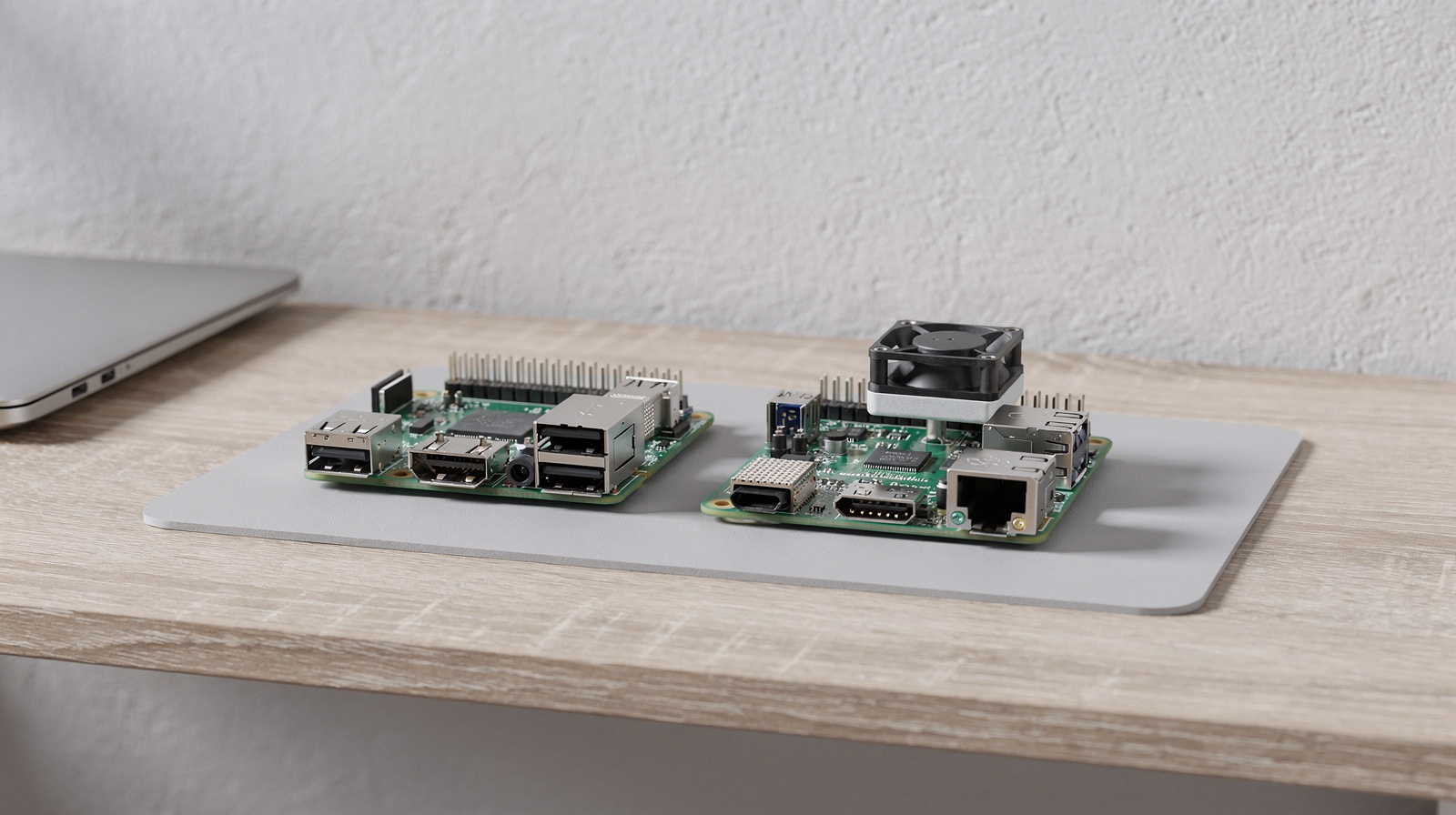
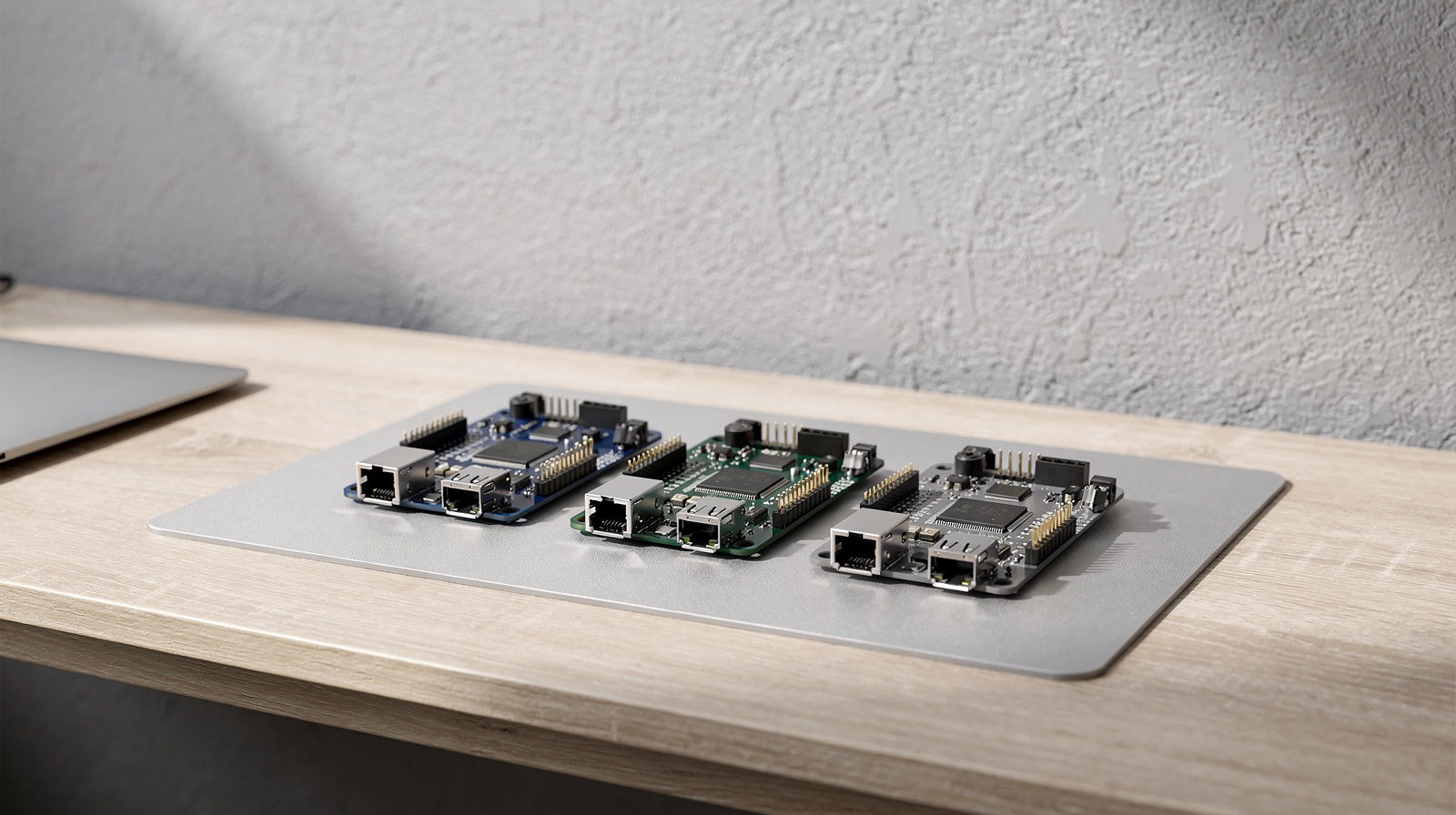
Four boards that can stand in for a Raspberry Pi, chosen by job: electronics projects, more speed, standard PC software and a quiet always-on Pi-hole. Plus what software support looks like on each.
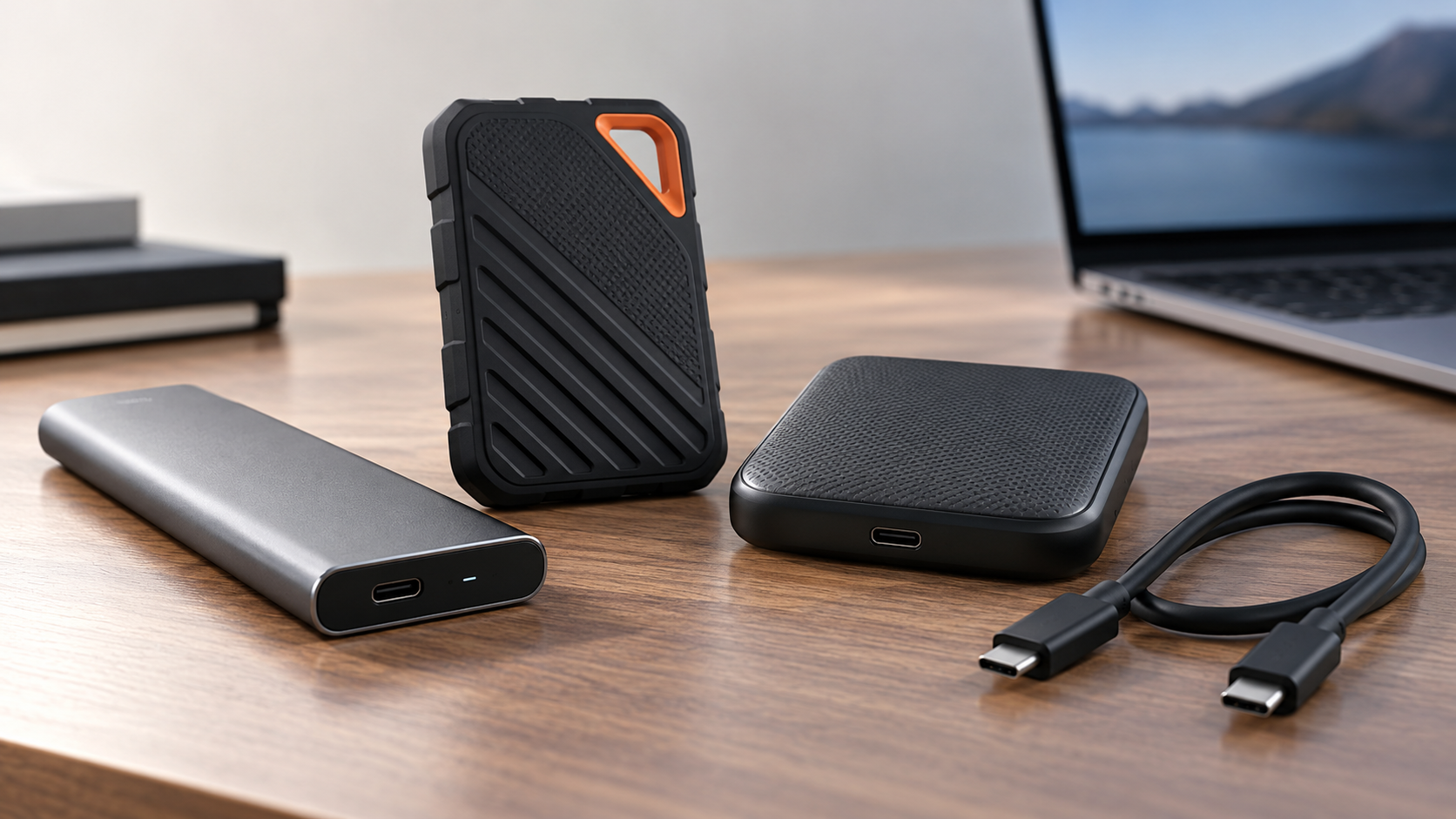
Four external SSDs for laptops, from an everyday 10Gbps drive to Thunderbolt, with the speeds, ruggedness ratings and encryption each maker lists, and the one known problem worth checking before you buy.
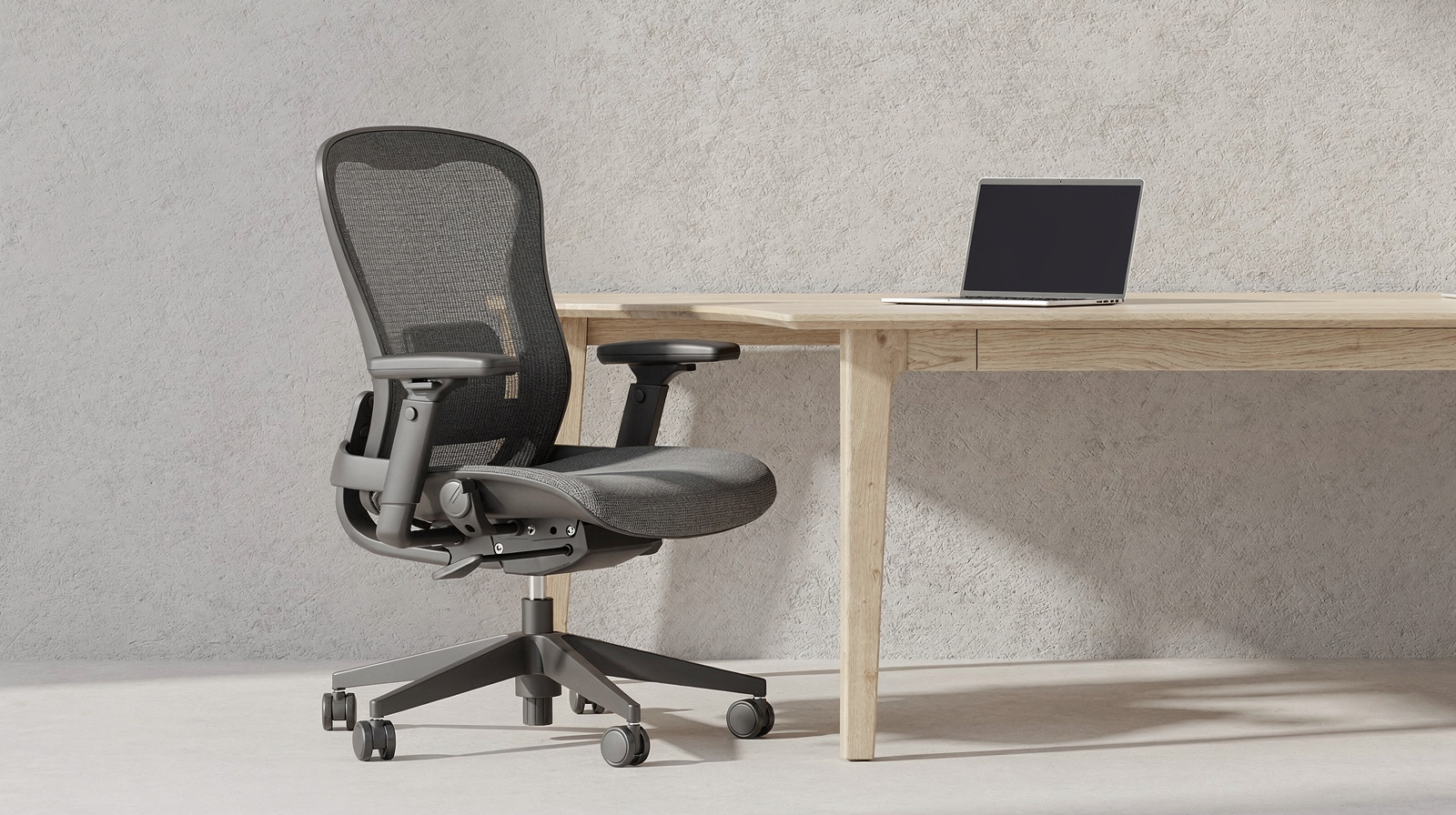
Four office chairs from HON, Humanscale and Staples, compared on the adjustments that matter: seat height and depth, arms, lumbar support, recline and weight rating.
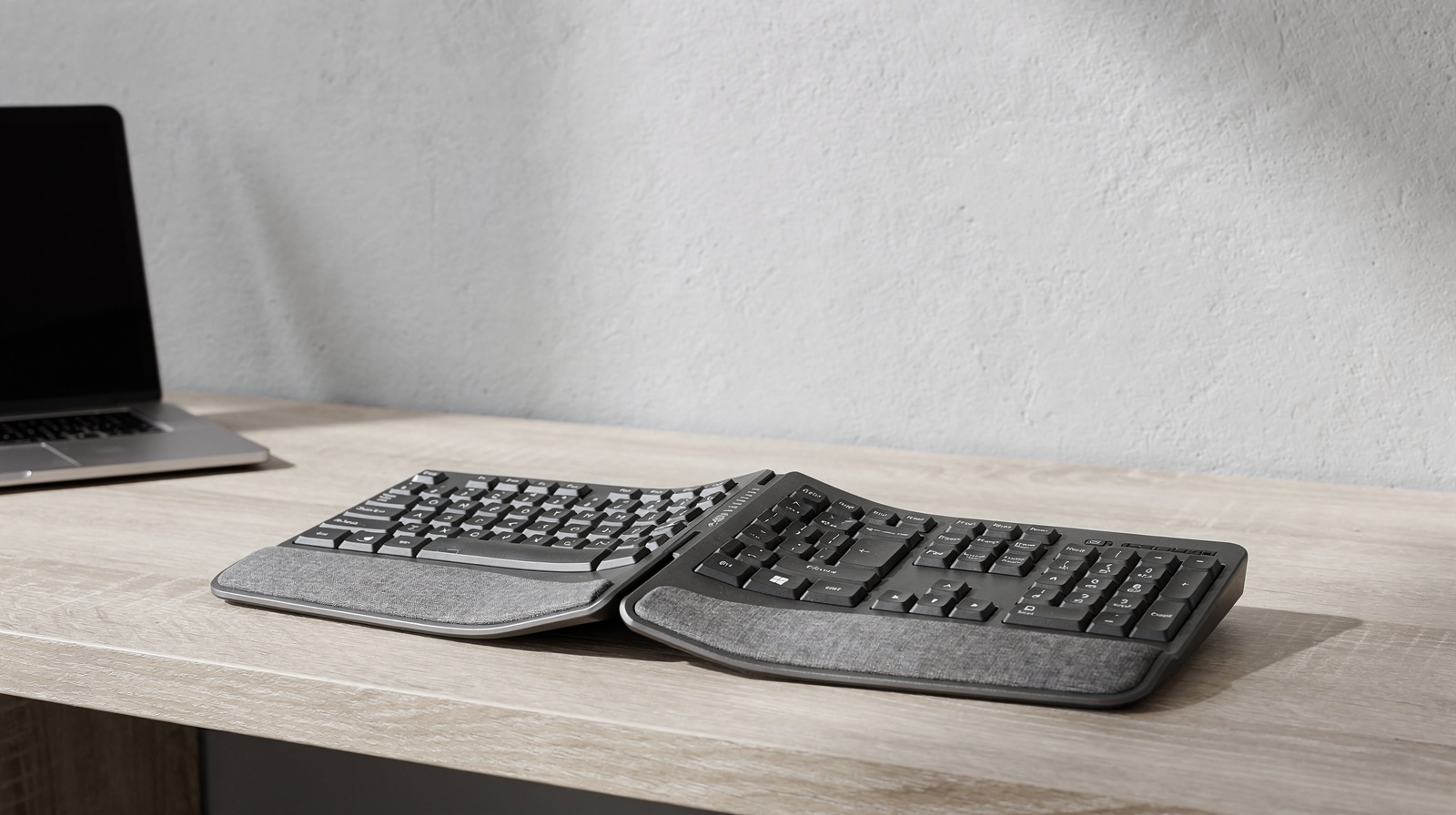
Five ergonomic keyboards, from a curved split board with negative tilt to a fully split one, a mechanical wave and a rechargeable tenkeyless. Each pick says who should buy it and who should skip it.
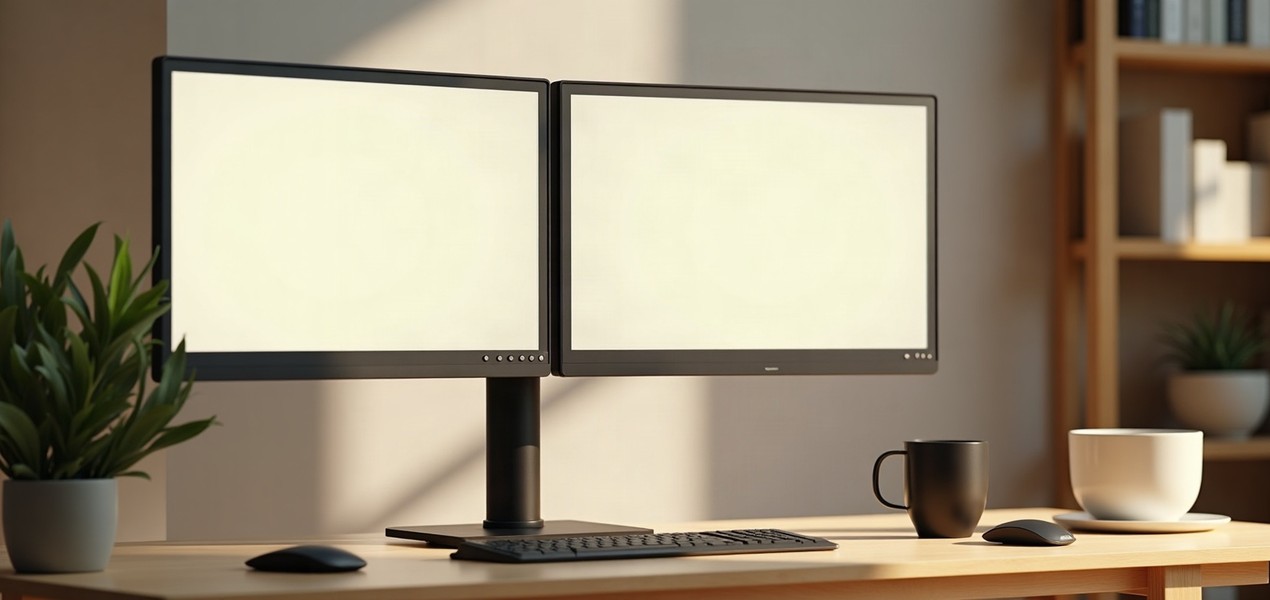
Four dual monitor arms and stands for a home office, matched to your screens’ size and weight, from Ergotron’s counterbalanced arms to clamp and freestanding pole mounts.
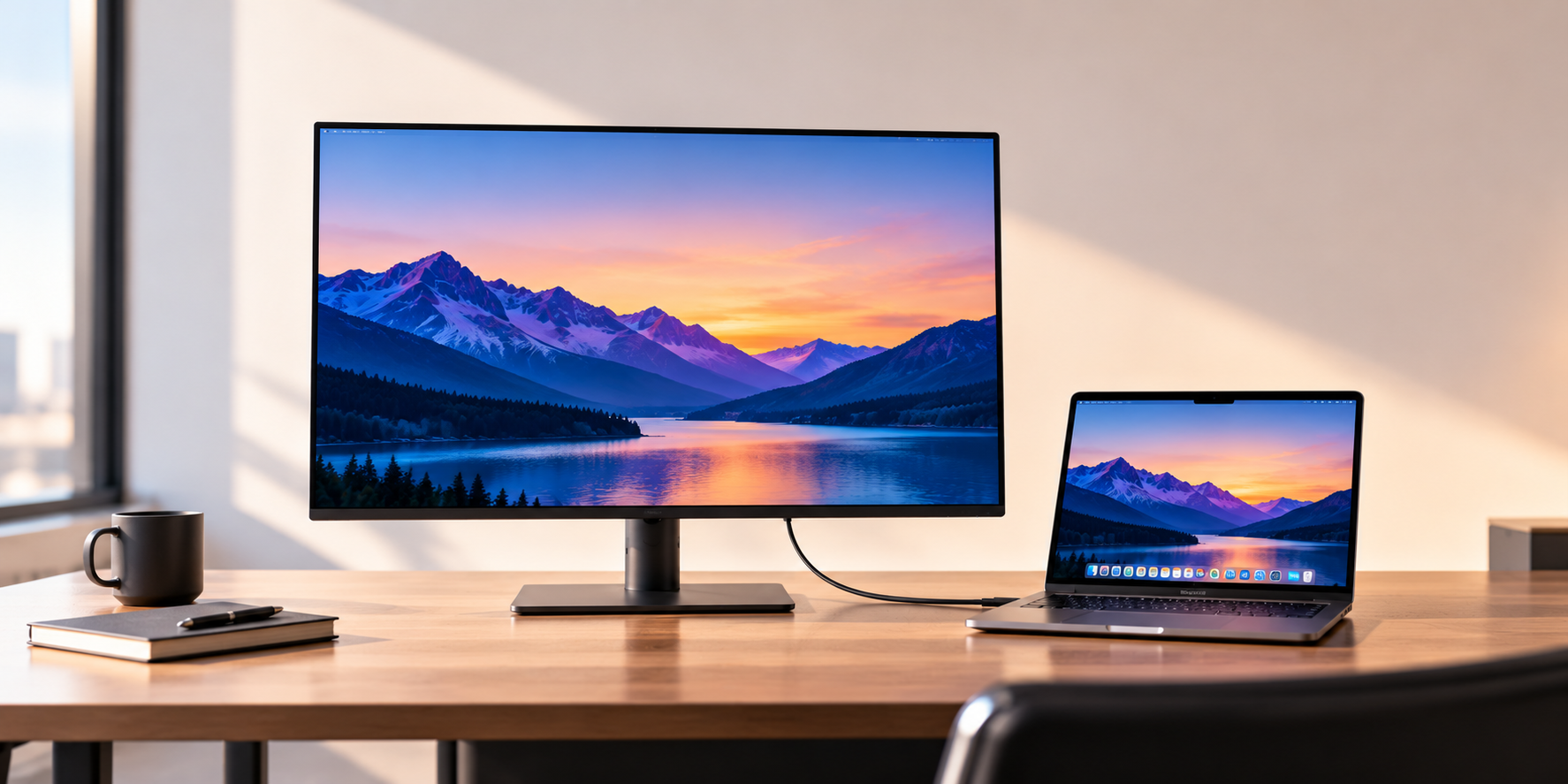
Five monitors that cover most home-office desks, from a 27-inch 4K screen on one USB-C cable to an ultrawide and a 5K display for Macs. Below them, how to choose for your own laptop and desk.
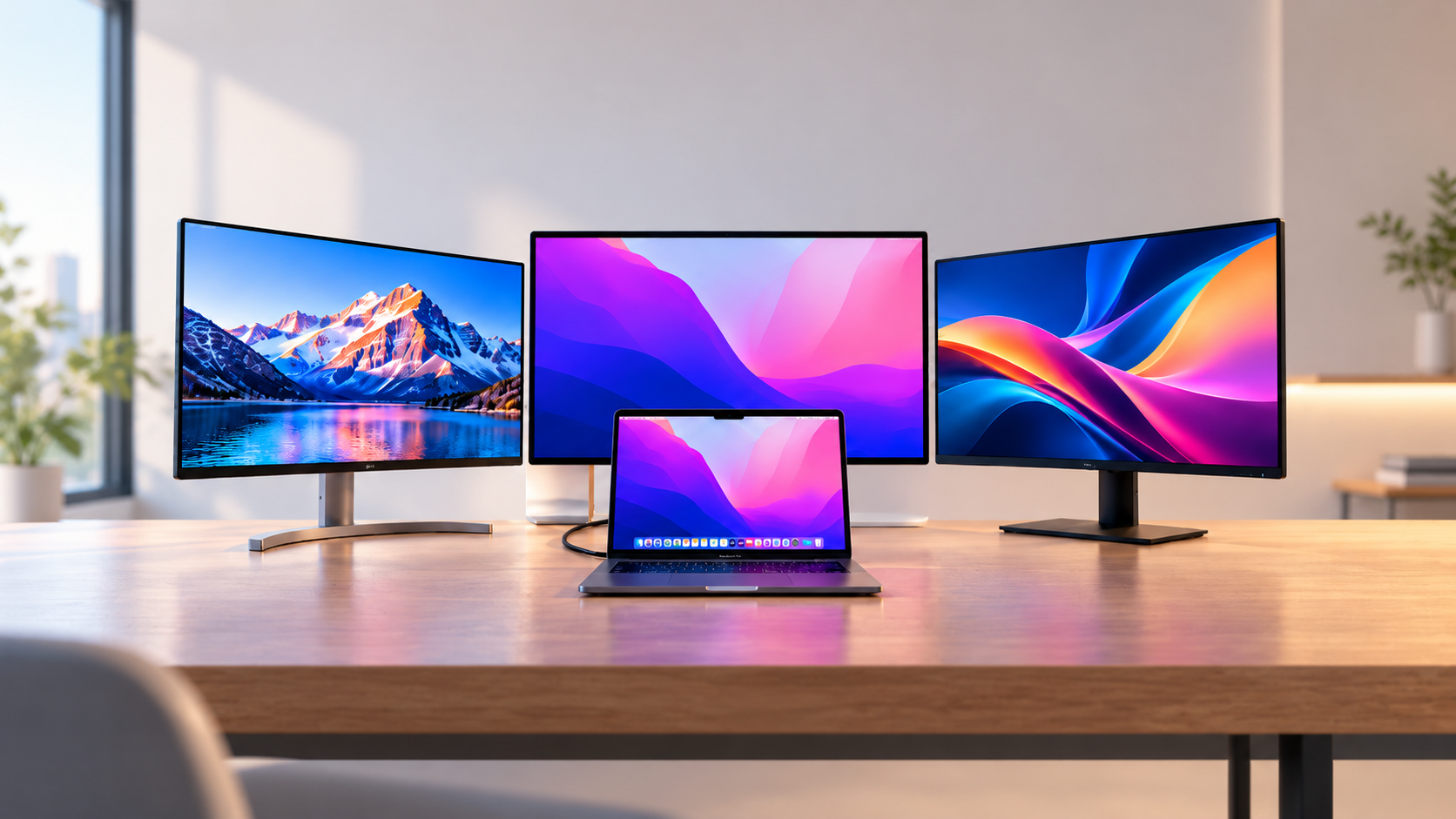
Three monitors that suit a MacBook Pro on a home-office desk, from Apple’s 5K Studio Display to BenQ’s Mac-tuned screens, all charging the laptop over one cable.
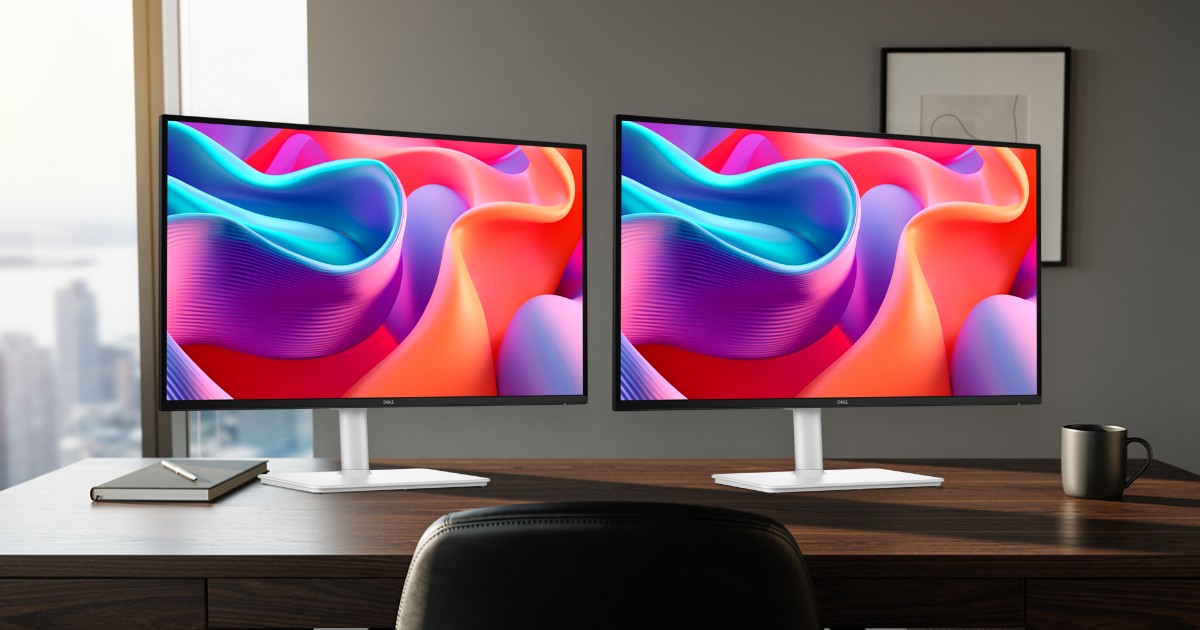
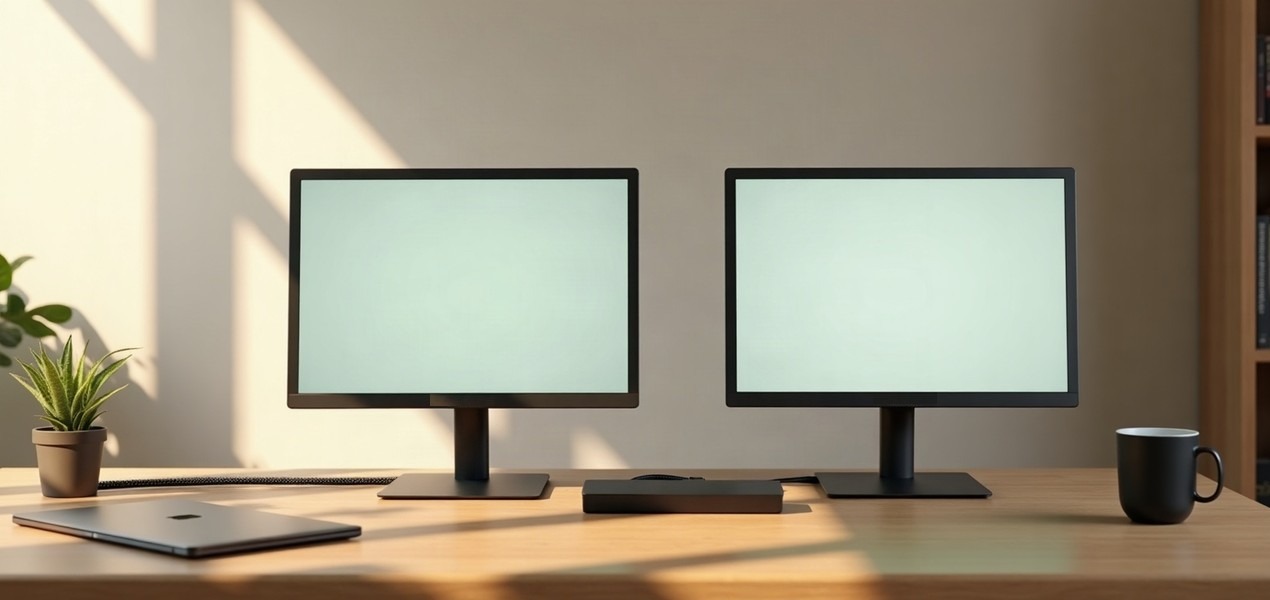
Check what your laptop can drive, connect both screens, set Extend and arrange them, then line them up on the desk. With the Mac chip limits and fixes for the usual problems.
Five docks that put two monitors on one laptop cable. We list the charging each maker publishes and, because it catches out many Mac owners, which docks give two separate screens on a MacBook and which only mirror.
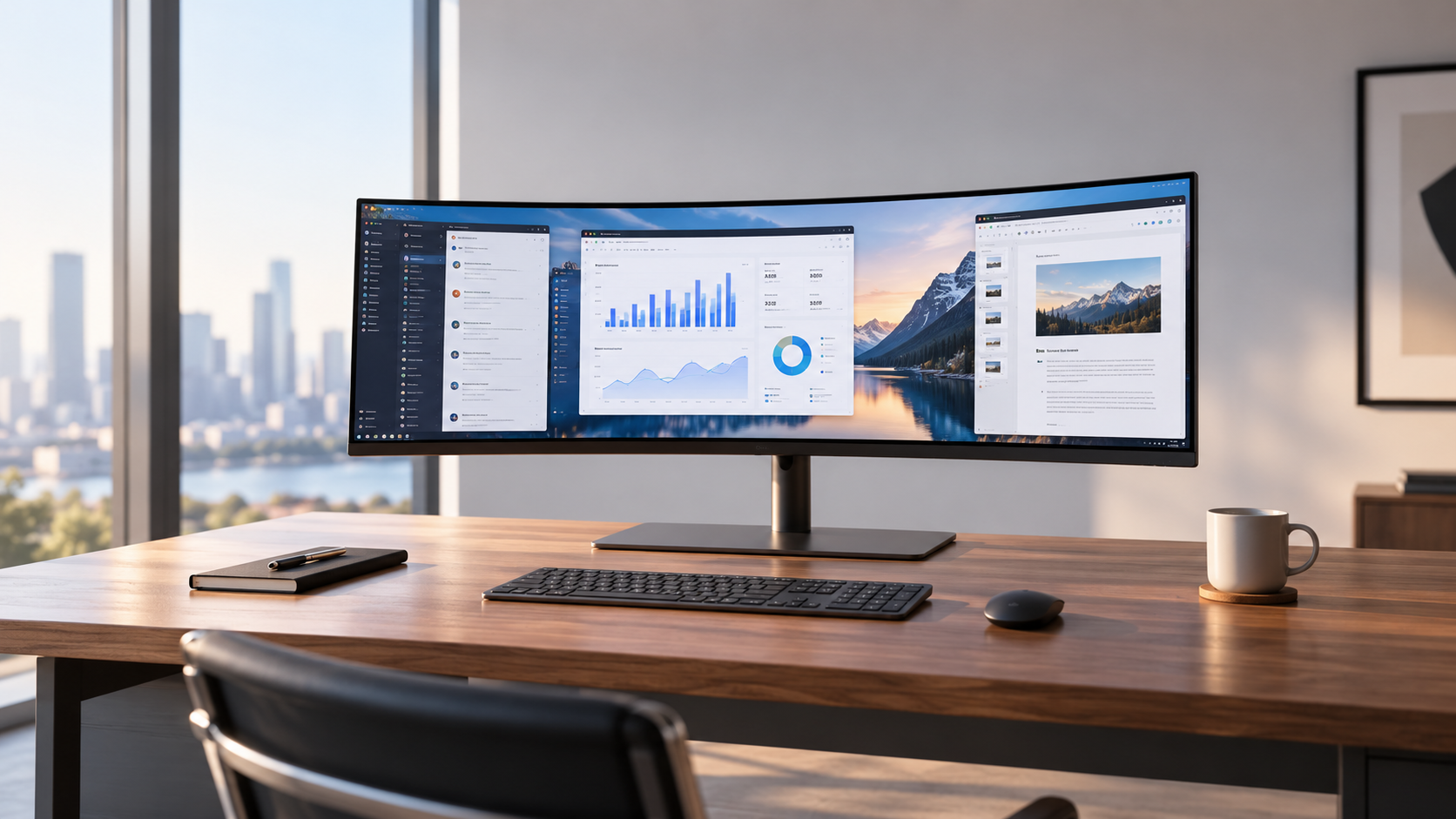
Five 34-inch ultrawide monitors for a home office, picked for single-cable laptop connections and screen quality rather than the gaming specs most ultrawide lists lead with.