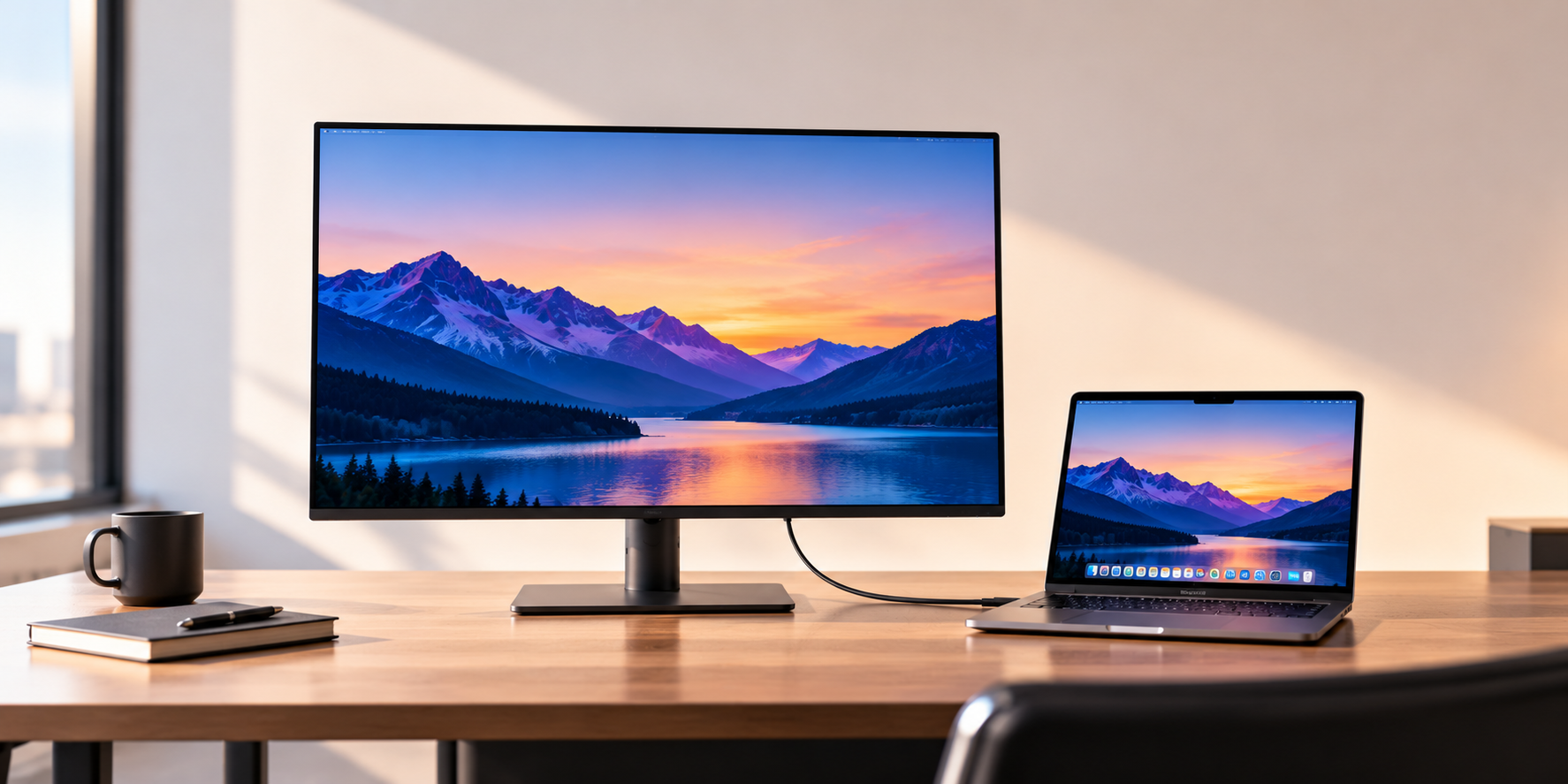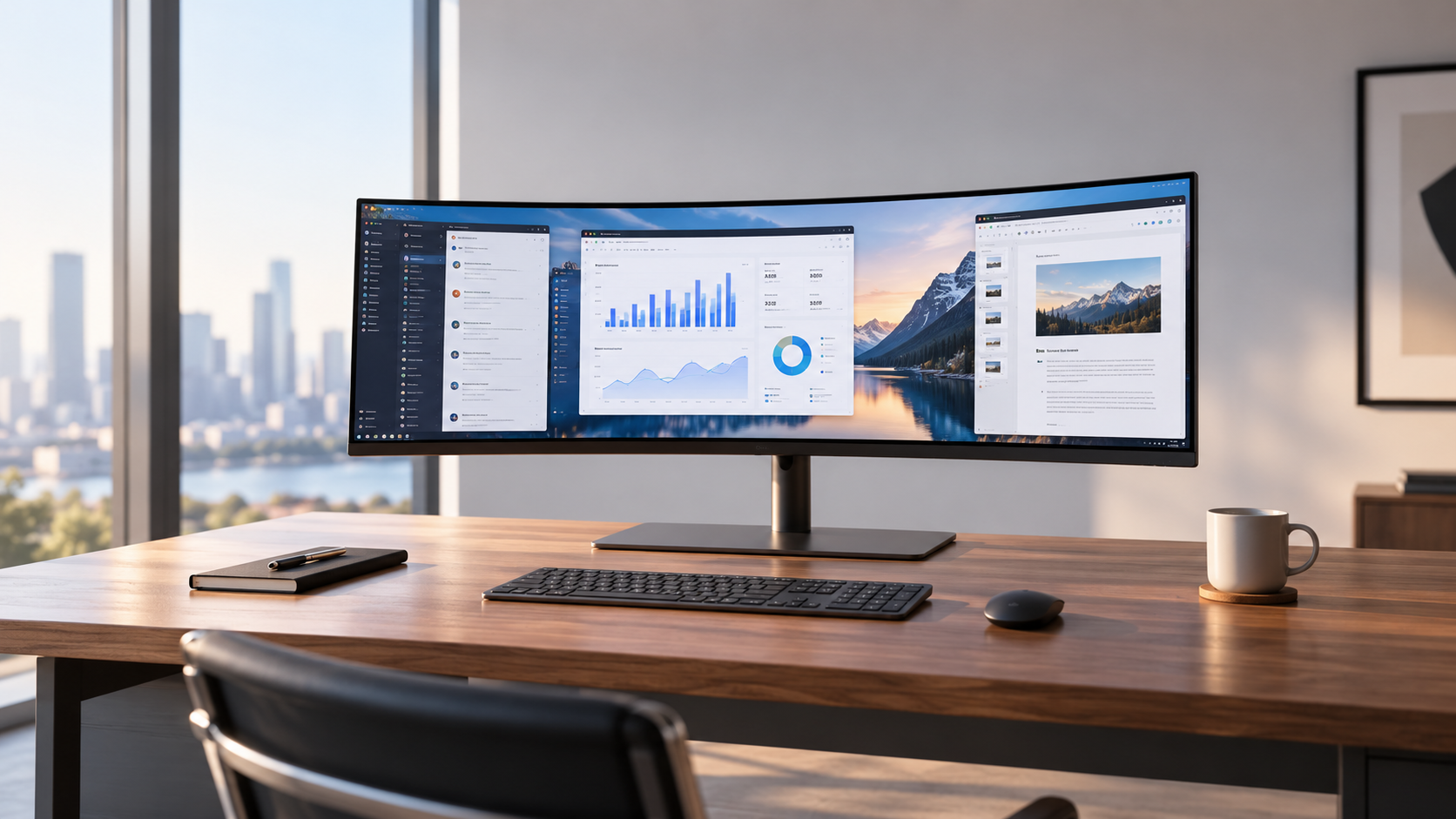
The best ultrawide monitor for work is the Dell UltraSharp U3425WE. Its 34-inch curved IPS screen gives you one wide canvas for spreadsheets and side-by-side documents, and one Thunderbolt 4 cable carries video, data and up to 90W of charging to your laptop. If your laptop needs 65W or less and you work in a dim room, the Dell S3425DW is the USB-C alternative with a higher-contrast VA panel. For size, resolution and stands across all kinds of monitors, see our guide to the best monitors for a home office.
Our picks at a glance
- View at Dell
Best overall
- View at Best Buy
Best USB-C alternative
- View at Target
Best for two computers
- View at Walmart
Best flat ultrawide
- View at B&H Photo
Best for contrast
The picks in detail
- Top pick
Best overall
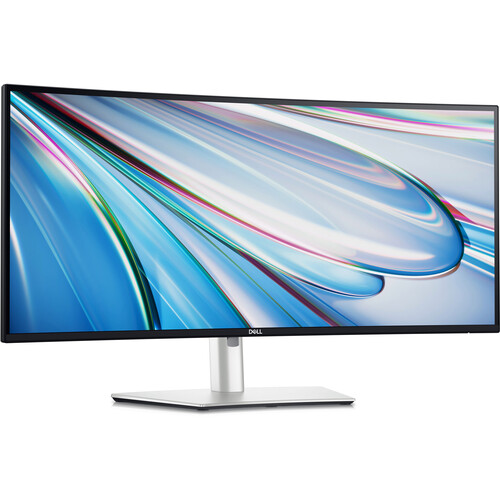
Dell UltraSharp U3425WE
The Dell UltraSharp 34 is the ultrawide most people working from a laptop should buy.
View at DellIts 34-inch curved IPS panel (3440 x 1440 at 120Hz) sits on a stand that adjusts for height, tilt and swivel, and one Thunderbolt 4 cable carries video, data and up to 90W of charging to a compatible laptop. It adds 2.5 Gigabit Ethernet and a downstream Thunderbolt 4 port. Dell lists 98% DCI-P3 and 100% sRGB and Adobe RGB, the widest color coverage here, plus a 3-year warranty. Skip it if you work in a dim room and want deeper blacks: the VA panels below have higher contrast.
What we like
- One Thunderbolt 4 cable for video, data and up to 90W of charging
- 98% DCI-P3, 100% sRGB and 100% Adobe RGB
- Height, tilt and swivel stand; 2.5 Gigabit Ethernet
Watch out for
- Lower contrast (2000:1) than the VA ultrawides
- No pivot listed for the stand
- Best USB-C alternative
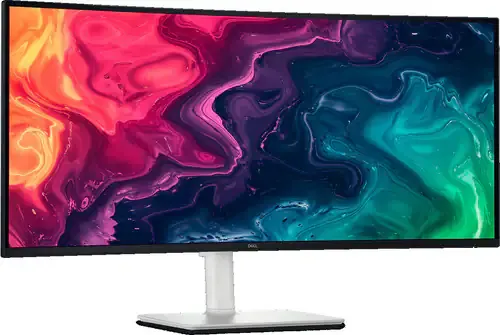
Its USB-C port carries video, 5Gbps data and up to 65W of charging, and the 3000:1 contrast suits dim rooms and mixed lighting. It covers 95% DCI-P3, runs at 120Hz and has two 5W speakers. The stand adjusts for height, tilt and slant (a few degrees of side-to-side lean to level the screen), but Dell lists no swivel. Buy it if your laptop’s charger is 65W or less and you prefer contrast to off-angle color. Skip it if you need more charging power or a longer warranty: Dell lists one year, against three for the U3425WE.
What we like
- USB-C with video, data and up to 65W of charging
- 3000:1 contrast, 95% DCI-P3
- Two 5W speakers built in
Watch out for
- No swivel listed for the stand
- 1-year limited warranty
- Best for two computers
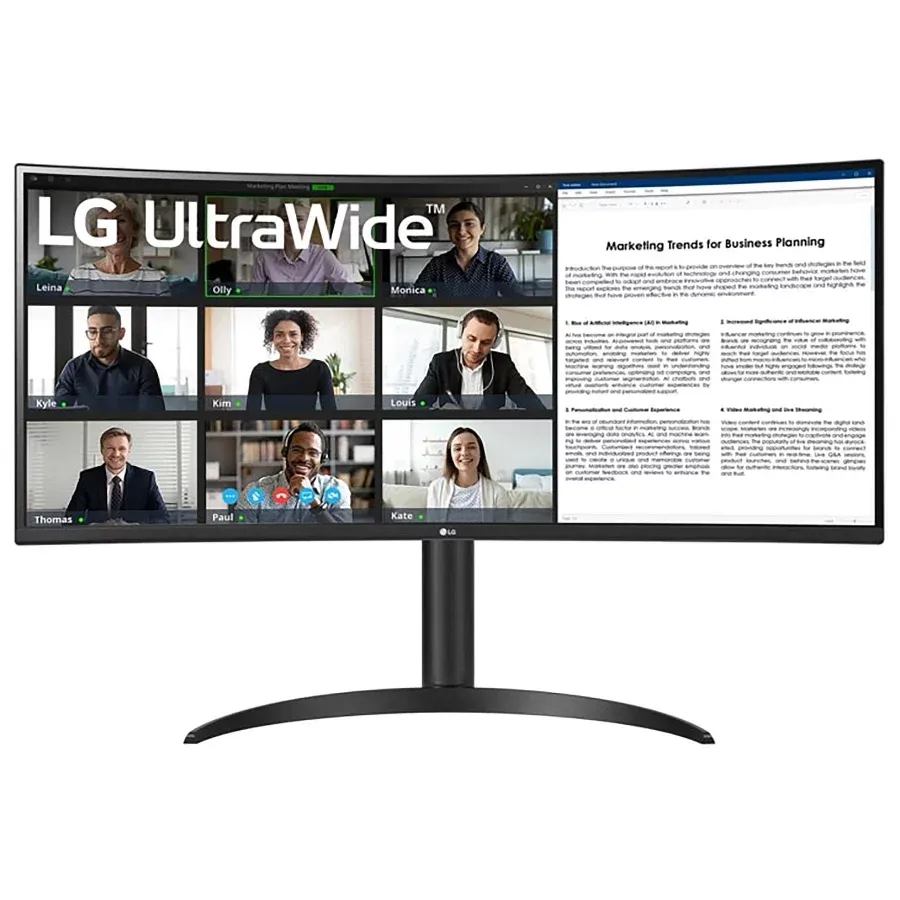
LG 34WR55QK-B
The LG 34WR55QK-B suits a desk shared between a laptop and a second computer.
View at TargetIts USB-C port carries video and 65W of charging, and Picture-by-Picture shows two inputs side by side on the one screen. It is a curved VA panel with 3000:1 contrast, 99% sRGB coverage and HDR10 support, running at 100Hz. Buy it if you switch between a work laptop and a desktop or console. Skip it if you want 120Hz or the color range of an IPS panel; the Dell U3425WE has both.
What we like
- USB-C with 65W of laptop charging
- Picture-by-Picture: two inputs at once
- HDR10 support
Watch out for
- 100Hz, lower than the Dell monitors here
- VA panel, so narrower color coverage than IPS
- Best flat ultrawide
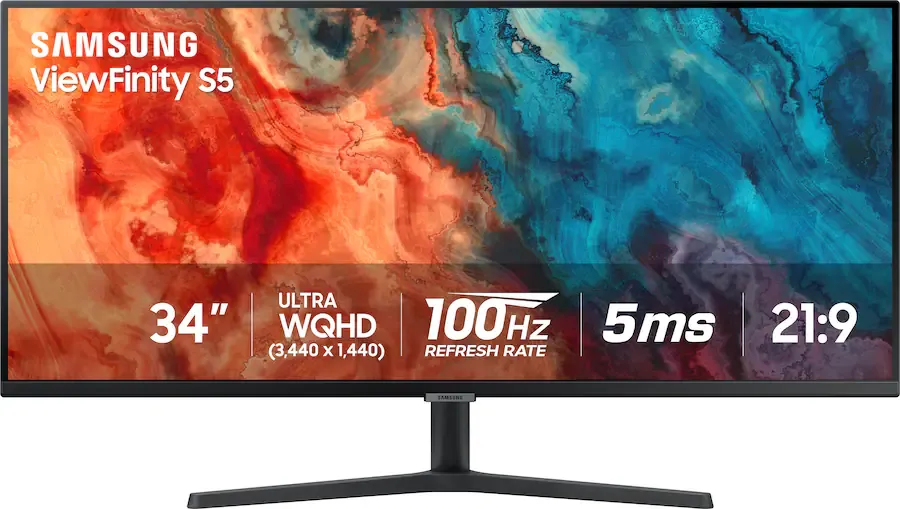
Samsung ViewFinity S50GC
The Samsung ViewFinity S50GC is the only flat screen here, which keeps every spreadsheet line straight.
View at WalmartIt is a 3440 x 1440 VA panel at 100Hz with 3000:1 contrast and AMD FreeSync. It connects over DisplayPort and HDMI only, so a laptop still needs its own charger, and a dock or hub for accessories. Buy it if you dislike curved screens or connect a desktop PC that has no use for USB-C charging. Skip it if you want one cable to your laptop.
What we like
- Flat screen (no curve)
- AMD FreeSync
- Plain DisplayPort and HDMI inputs
Watch out for
- No USB-C: needs a separate charger and hub
- 100Hz refresh rate
- Best for contrast
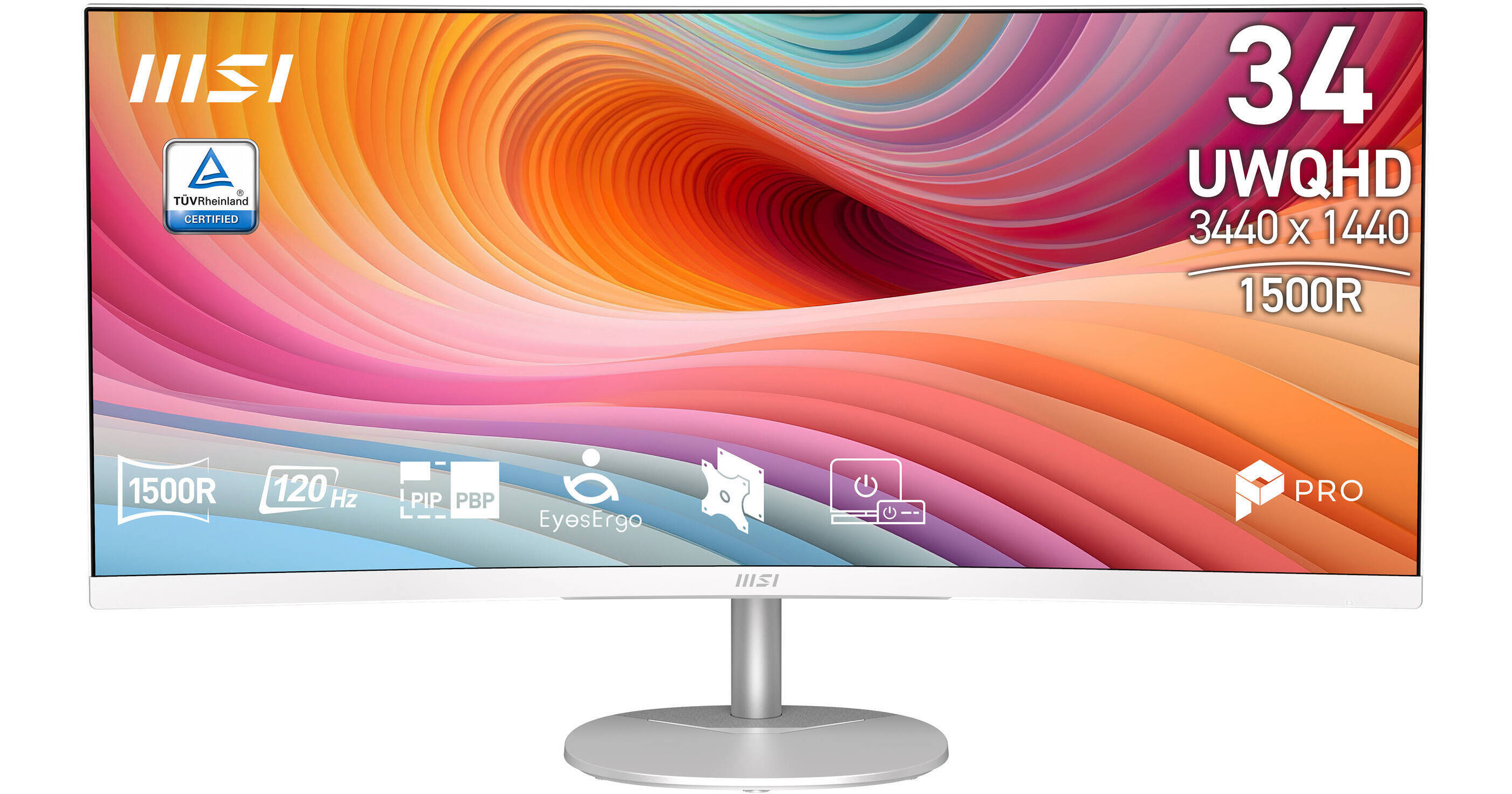
Its curved VA panel has the highest contrast here at 3500:1 and runs at 120Hz, with 91% DCI-P3, 89% Adobe RGB and 114% sRGB coverage, and it has built-in speakers. It has no USB-C, so a laptop needs a separate video cable and charger, or a dock. Buy it for a desktop PC in a dim room. Skip it if you work from a laptop and want a one-cable desk; the U3425WE also covers more DCI-P3.
What we like
- Highest contrast here (3500:1)
- 120Hz on a curved VA panel
- Built-in speakers
Watch out for
- No USB-C
- Sold at fewer major retailers than the Dell and Samsung picks
The five monitors below were chosen for work, not for the very high refresh rates and RGB lighting that gaming ultrawides lead with.
The short version
- Best overall: Dell UltraSharp U3425WE. One Thunderbolt 4 cable with up to 90W, and the widest color coverage here.
- Best USB-C alternative: Dell S3425DW. USB-C with up to 65W and a 3000:1 VA panel.
- Best for two computers: LG 34WR55QK-B. USB-C with 65W, plus Picture-by-Picture.
- Best flat ultrawide: Samsung ViewFinity S50GC. No curve, DisplayPort and HDMI only.
- Best for contrast: MSI PRO MP341CQW E12. 3500:1 contrast and built-in speakers, no USB-C.
How they compare
Monitor | Panel | Refresh | Laptop connection | Contrast |
|---|---|---|---|---|
Dell U3425WE | IPS, curved | 120Hz | Thunderbolt 4, up to 90W | 2000:1 |
Dell S3425DW | VA, curved | 120Hz | USB-C, up to 65W | 3000:1 |
LG 34WR55QK-B | VA, curved | 100Hz | USB-C, 65W | 3000:1 |
Samsung ViewFinity S50GC | VA, flat | 100Hz | None (DisplayPort, HDMI) | 3000:1 |
MSI PRO MP341CQW E12 | VA, curved | 120Hz | None (DisplayPort, HDMI) | 3500:1 |
All five are 34-inch screens at 3440 x 1440 with a 21:9 aspect ratio. That is the same pixel density as a 27-inch 1440p monitor, just wider, so text and windows stay a comfortable size without changing Windows display scaling.
USB-C, Thunderbolt or neither
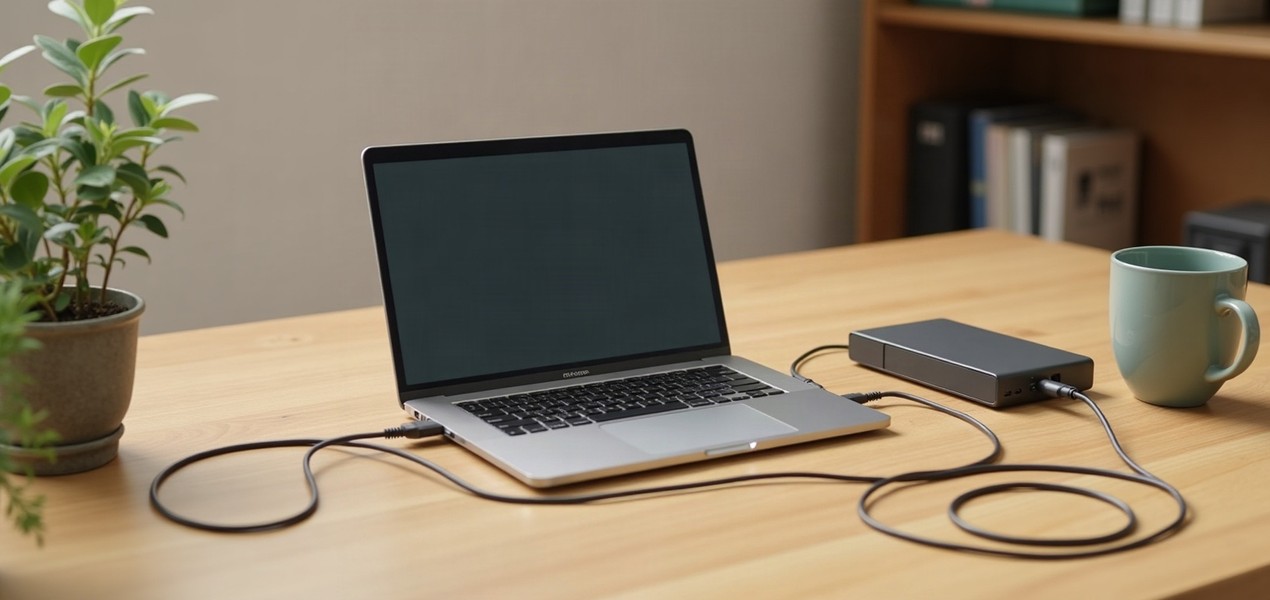
If you work from a laptop, buy an ultrawide that charges it over one cable. Three of the five do: the Dell U3425WE over Thunderbolt 4 with up to 90W, and the Dell S3425DW and LG 34WR55QK-B over USB-C with 65W. Compare that figure with the wattage on your laptop's own charger. If the monitor supplies the same or more, it can replace the charger on your desk; if it supplies less, the laptop charges more slowly and can drain under heavy load.
The Samsung and MSI monitors use DisplayPort and HDMI only, which means a separate charger for your laptop and, for more than a video connection, a dock alongside the monitor. Our guide to USB-C and Thunderbolt docking stations explains what a dock adds.
IPS or VA
IPS panels generally hold color and viewing angles better. VA panels generally have higher contrast, which suits dim rooms and mixed lighting. Most people should buy IPS, which here means the U3425WE. Choose one of the VA monitors if your room is often dim and deep blacks matter more to you than off-angle color.
Curved or flat
Four of the five are curved; the Samsung ViewFinity S50GC is flat. A curve keeps the far edges of a 34-inch screen roughly the same distance from you as the center. A flat screen keeps every line in a spreadsheet or document straight. It is a matter of taste, so try both in a store if you can.
One ultrawide or two monitors?
An ultrawide suits one big window at a time, such as a wide spreadsheet or a video timeline, and needs one cable. Two monitors suit two separate apps open side by side all day. Our dual monitor setup guide covers the two-screen route, and our best dual monitor stands and arms guide covers mounting them.
Using an ultrawide with a MacBook
The three USB-C and Thunderbolt picks connect to a MacBook with one cable. macOS doesn't support DisplayPort MST daisy-chaining, so don't plan to chain a second monitor from the U3425WE's downstream port on a Mac. If you mainly use a Mac and want the sharpest text, our best monitors for MacBook Pro guide explains why a 27-inch 5K screen suits macOS scaling.
How we chose
These recommendations are research-based. We have not tested these monitors. We checked each pick against its maker's or a retailer's published spec sheet (linked under Sources) and confirmed each is sold by at least one major US retailer. We left out gaming-branded monitors, whose high refresh rates and lighting add nothing to office work, and favored brands with an established US retail and support presence. For each monitor we looked at the laptop connection and charging wattage, panel type and color coverage, the curve and the stand. We link to US retailers we could confirm sell each exact model; we don't compare their prices.
Questions people ask
Do I need a new graphics card for an ultrawide monitor?
No. Any recent laptop or desktop with a DisplayPort, HDMI or USB-C video output can drive a 3440 x 1440 ultrawide for office work. A dedicated graphics card matters only for gaming at high frame rates.
Curved or flat: does it matter for office work?
It is mostly personal preference. A curve keeps the far edges of a wide screen roughly the same distance from you as the center; a flat screen keeps spreadsheet lines straight. The Samsung ViewFinity S50GC is the only flat option here.
Will an ultrawide monitor charge my laptop?
Only if it has USB-C or Thunderbolt with power delivery. Here the Dell U3425WE supplies up to 90W, and the Dell S3425DW and LG 34WR55QK-B supply 65W; the Samsung and MSI monitors don’t charge a laptop.
Do I still need a dock if my ultrawide has USB-C?
Often not, if you only need the monitor and a few accessories, since the cable carries video, data and charging. Buy a dock if you need more ports than the monitor offers.
Is 3440 x 1440 enough resolution for a 34-inch ultrawide?
Yes, for office work. It has the same pixel density as a 27-inch 1440p monitor, so text and windows stay a comfortable size without changing display scaling.
Sources we used
Comments
No comments yet. Start the conversation.