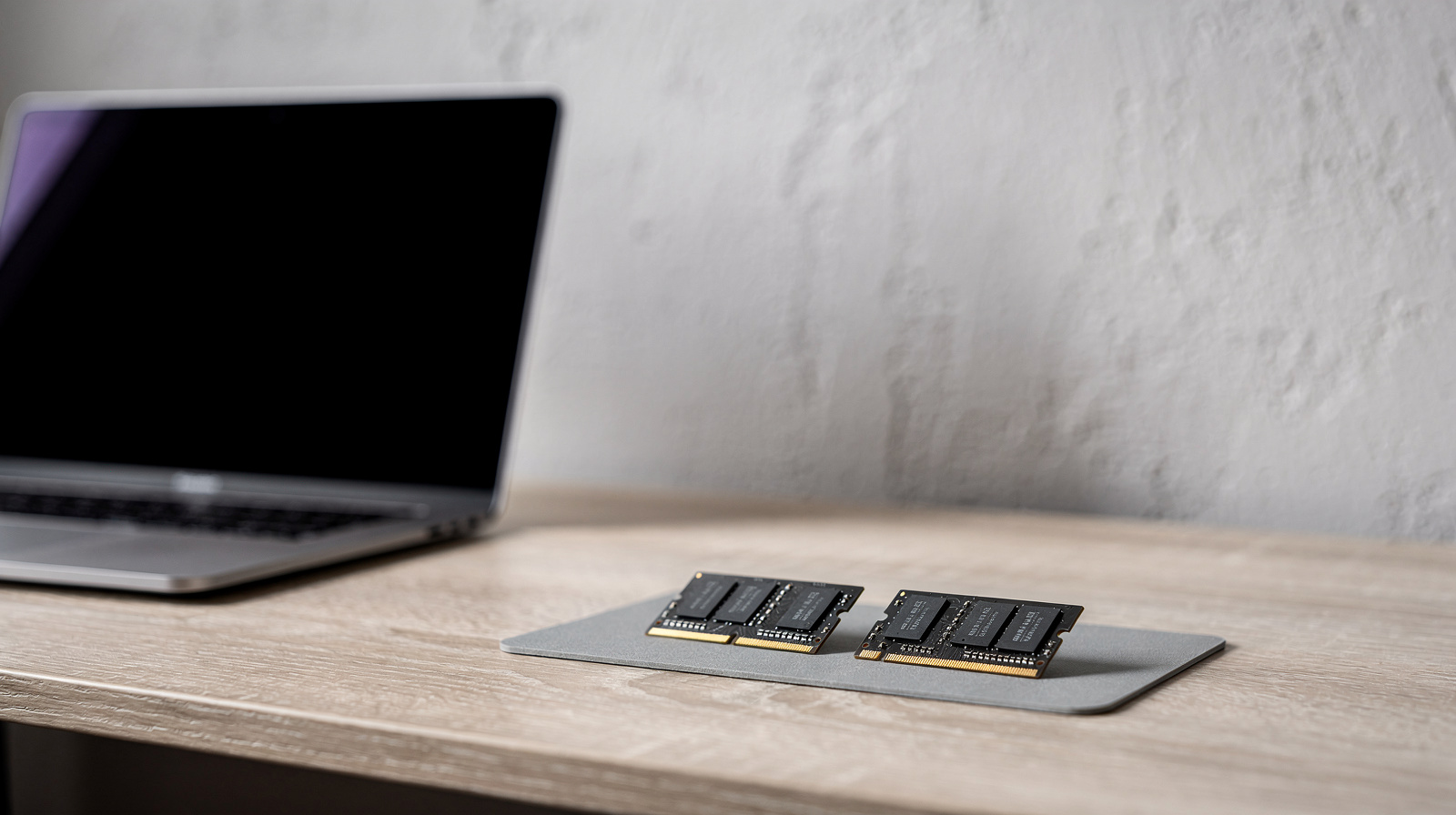
For most people buying a laptop for remote work in Australia, 16GB of RAM is our starting recommendation. Consider 24GB or 32GB when your actual applications or measurements justify it. An existing 8GB laptop that handles your work reliably does not need replacing just to meet a buying-guide recommendation. The right amount depends on the software you run together, not your job title alone.
Our picks at a glance
- View at Officeworks
A Mac with enough memory from day one
- View at The Good Guys
A bigger screen, same 16GB starting point
The picks in detail
- Top pick
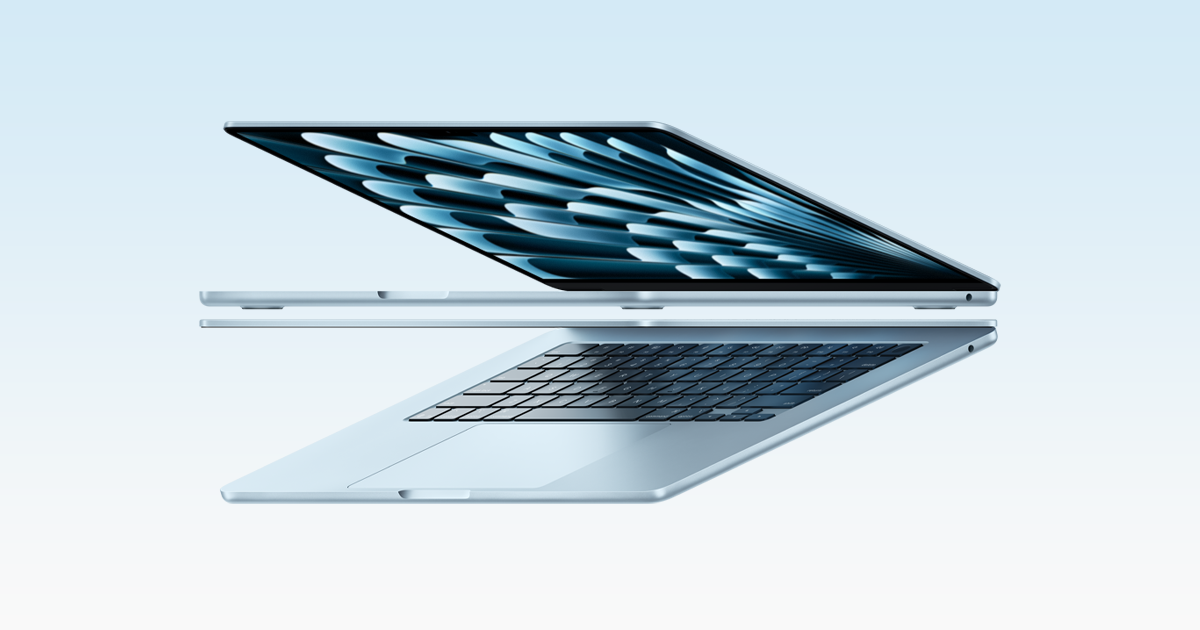
A Mac with enough memory from day one
Apple MacBook Air 13" (M5), 16GB, 512GB
If your work runs on a Mac, buy the 13-inch MacBook Air with M5 and take the 16GB model.
View at OfficeworksThis configuration has 16GB of memory and a 512GB SSD, and Apple rates its battery at up to 15 hours of wireless web use. It has two Thunderbolt 4 ports plus MagSafe charging, drives up to two external displays, and weighs 2.7 lbs (1.2 kg). The memory can’t be upgraded after purchase, so 16GB is the least you should buy. Skip it if your employer needs Windows, or if you want built-in HDMI or Ethernet.
What we like
- 16GB of memory and a 512GB SSD
- Up to 15 hours of web use (Apple’s rating)
- 2.7 lbs; up to two external displays
Watch out for
- Memory can’t be upgraded later
- Only two Thunderbolt ports, no HDMI
- A bigger screen, same 16GB starting point
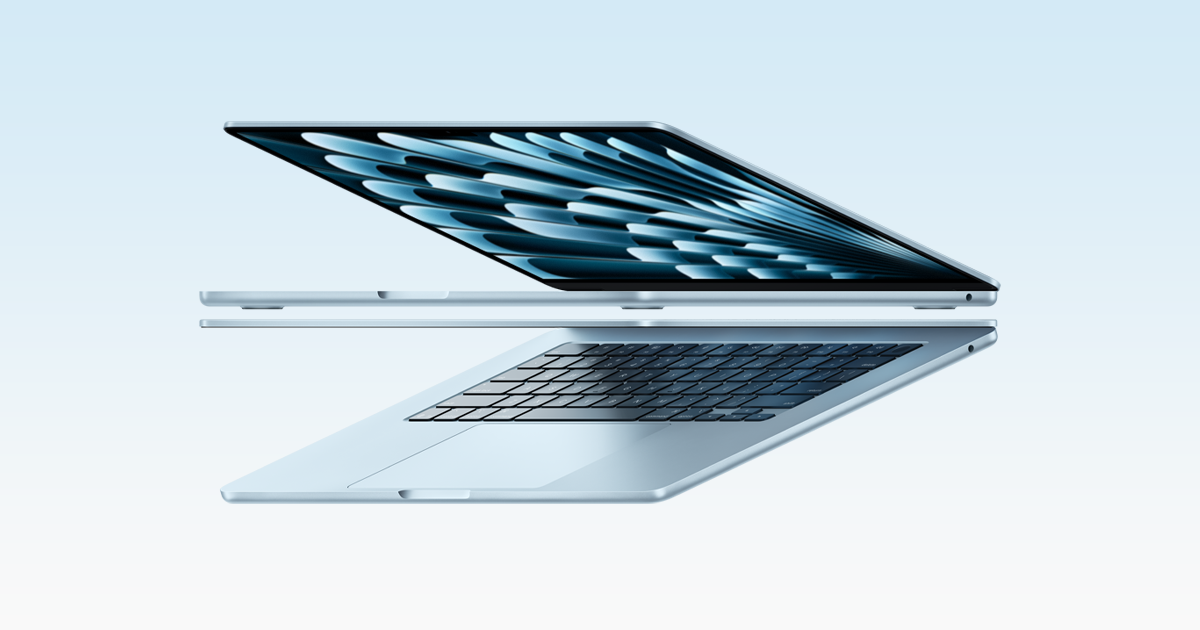
Apple MacBook Air 15" (M5), 16GB, 512GB
Buy the 15-inch MacBook Air if the laptop is your only screen.
View at The Good GuysIt has a 15.3-inch 2880 x 1864 display and six speakers, with the M5 chip (here with a 10-core GPU), 16GB of memory and a 512GB SSD. Apple rates its battery at up to 15 hours of web use, from a 66.5Wh battery, and it weighs 3.3 lbs (1.5 kg). The memory can’t be upgraded after purchase. Skip it if you work at a desk with a monitor most days: the 13-inch is lighter and does the same work.
What we like
- 15.3-inch screen
- Six speakers
- Up to 15 hours of web use (Apple’s rating)
Watch out for
- Two Thunderbolt ports, no HDMI
- 3.3 lbs (1.5 kg), heavier than the 13-inch
For the whole purchase decision, use our complete Australian guide to laptops for working from home, covering software, screens, ports and setup.
This is a research-based explainer. We have not tested these memory configurations ourselves. The workload table is editorial guidance rather than a benchmark or a guarantee that a particular laptop will run every task smoothly. Manufacturer documentation is linked under Sources.
How much RAM do you need: 8GB, 16GB or 32GB?
Use your busiest normal work session as the reference point. A browser, a call, a spreadsheet and a company security agent all compete for resources; the same laptop may feel different with one application open.
Your workload | Our starting point | What to check before buying |
|---|---|---|
Existing laptop, email and a few simple documents | Keep 8GB if it still works well | Whether real tasks stall, rather than the amount alone |
New laptop for documents, calls and ordinary multitasking | 16GB | Your employer's application and device requirements |
Larger projects, heavy multitasking or regular content creation | Consider 24GB or 32GB | Actual memory use and the software maker's recommendation |
Several virtual machines, large datasets or specialist production work | Workload-specific specification | Memory assigned to each task plus the host system |
Do not treat this as a rule that every job needs the next tier up. Buying unused capacity does not improve a task that is limited by something else. Equally, an application opening successfully is a weaker standard than completing your full workday comfortably.
RAM is not the same as storage
RAM holds active working data; storage holds files and applications between sessions. A laptop advertised with a large SSD can still have limited RAM. When comparing Australian listings, put those two specifications in separate columns so a generous storage figure does not distract from the memory configuration.
Our Australian NAS guide covers shared storage and backups. A NAS can provide another place for files, but it does not increase the working memory installed in the laptop.
Write down what you are trying to fix before shopping. Waiting for a website, waiting for a video export, and waiting for a document to respond may have different causes. More RAM is a capacity decision, not a universal repair for a slow computer.
Check the computer you already use
Measure a representative work session before choosing a replacement. Include the programs that normally run in the background and any employer-approved VPN or security software. Avoid deliberately opening hundreds of unnecessary tabs to manufacture a workload you never encounter.
On Windows
ASUS's Windows support guide explains how Task Manager shows memory and other resource use. Open Task Manager, inspect Performance and Memory, then compare what you see with the moments when work slows down. Also look at the relevant applications rather than judging the whole machine from one number. See the ASUS Task Manager guide under Sources.
A high memory reading is a reason to investigate, not proof by itself that you must buy more RAM. Note whether closing an application changes the symptom. If a work-managed machine behaves poorly, send those observations to your IT team before buying hardware or changing settings.
On a Mac
Apple's Activity Monitor documentation explains Memory Pressure, compressed memory and swap. The pressure graph reflects several factors, not simply how much RAM appears free. Observe it during the workload that causes trouble, and compare that with how the applications respond. See Apple's memory-usage guide under Sources.
Do not use one screenshot immediately after startup as your purchasing evidence. Repeat the observation during a call, while opening the files you actually use, and when your normal applications are running together.
When 16GB is a sensible starting point
We recommend starting a new general-office shortlist at 16GB because it leaves more capacity than an 8GB configuration for concurrent tasks. This is a purchasing judgement, not a claim that every 16GB computer performs equally or that 8GB cannot do office work.
For an Australian buyer comparing local retail listings, check the full model code. Similar laptop names may cover different memory capacities, processors and upgrade arrangements. Ask the seller to confirm the exact configuration in writing if the product page and specification sheet disagree.
A work-issued device also needs to fit your employer's support policy. Approval for an operating system or remote-access client may matter more than choosing a capacity yourself. Obtain that requirement before narrowing the shortlist.
When to consider 24GB, 32GB or more
Move up when the workload provides a reason: larger editing projects, several substantial applications used at once, or virtual machines with explicit memory allocations. Consult the requirements for the current version of the software, not a years-old recommendation copied into a shop listing.
Adobe's Premiere requirements illustrate why the workload matters. Its Windows recommendations distinguish HD work from 4K and higher-resolution media, with 32GB or more recommended for the latter. This is a requirement for that application and workflow, not a rule that every remote worker needs 32GB. See Adobe's technical requirements under Sources.
Ask a more precise question than “will 32GB last longer?” Write down what additional task you expect to run, how often, and whether it needs more memory. If there is no identifiable task, you can decide whether the extra capacity is worth prioritising over other features.
Check upgrade options before placing the order
Do not assume a laptop has replaceable memory. Look for the exact model's service manual or configuration information, and distinguish memory you can select before purchase from memory you can change afterwards. A configurable product page alone does not establish upgradeability.
Apple's Australian MacBook Air specification page lists unified-memory configurations. Use the current Australian page for the configuration being sold, and choose the capacity you intend to keep; do not base a purchase on an assumed later RAM upgrade. The model's listed storage options are a separate choice.
For Windows laptops, ask whether memory is soldered, socketed or a combination, and what the manufacturer supports. If you cannot verify that information, treat a later upgrade as unavailable when comparing your options. That is a conservative buying assumption, not a statement about every Windows machine.
A purchase checklist for an Australian home office
- List the actual applications. Include company software, browser-based tools and anything used during calls.
- Observe a busy session. Record the slowdown, resource readings and whether closing an application helps.
- Read the current software requirements. Separate minimum installation requirements from recommended working specifications.
- Confirm the local model. Match the Australian listing's model code, RAM, storage and upgrade information.
- Ask IT when applicable. Confirm compatibility and support before purchasing a device for managed work.
- Keep the decision specific. Buy the capacity that suits your evidence, rather than the largest number available.
Finally, distinguish computer performance from connection problems. If calls freeze even when the laptop responds normally, use our Australian Ethernet, powerline and mesh comparison to investigate the network route. A RAM upgrade cannot repair weak Wi-Fi.
Questions people ask
Is 16GB of RAM enough for remote work?
It is our starting recommendation for a new general-office laptop, not a guarantee for every workload. Check the applications you use together and your employer’s requirements.
Should I replace an 8GB laptop that still works?
Not solely because it has 8GB. If it completes your real work reliably, keep using it and assess the cause of any future slowdown before replacing it.
Does a larger SSD give me more RAM?
No. Storage and RAM serve different roles. Compare both specifications separately.
Is 32GB useful for video editing?
It can be, depending on the software, resolution and project. Adobe recommends 32GB or more for 4K and higher on Windows in its Premiere requirements; other applications may differ.
Sources we used
Comments
No comments yet. Start the conversation.