Laptops for Working From Home: The Australian Complete Guide
Plan a work-from-home laptop in Australia: software, memory, screens, ports, local configurations and a practical checklist for purchase and setup.
Updated
Founder and editor

K Curtis is the founder and editor of OhmNook. He has a background in IT and customer service, holds graduate certificates in IT and in cloud computing, and has worked from home as a freelance web designer and developer since 2020.
Plan a work-from-home laptop in Australia: software, memory, screens, ports, local configurations and a practical checklist for purchase and setup.
Updated
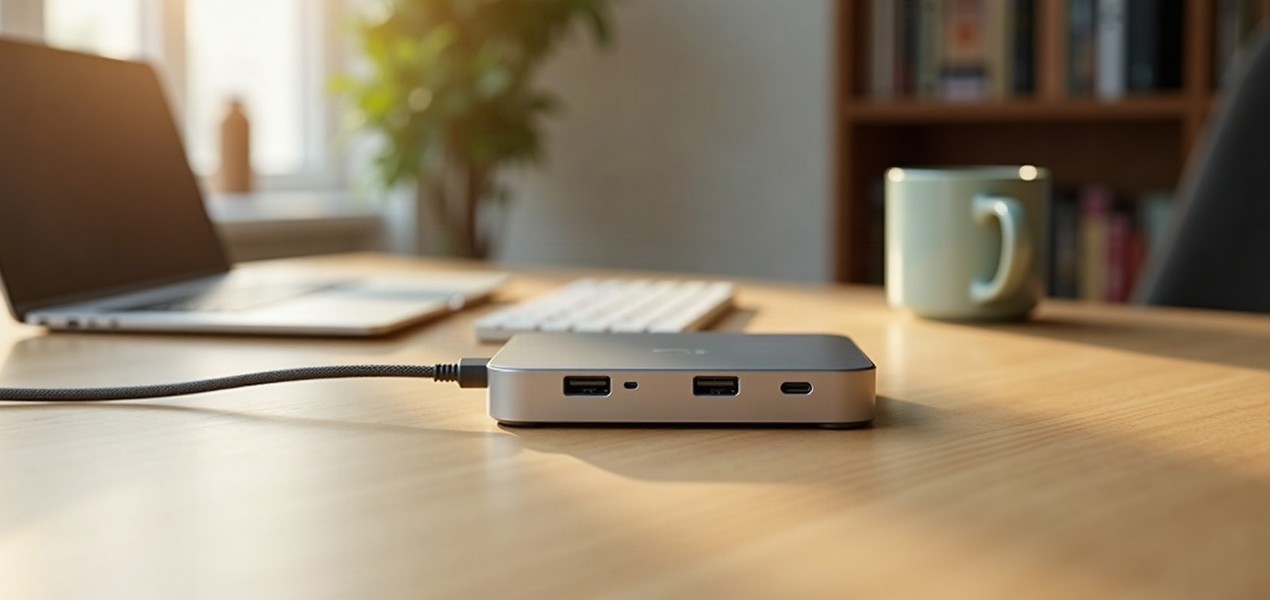
Choose and set up a USB-C or Thunderbolt dock in Australia, with checks for displays, charging, cables, shared desks and common connection problems.
Updated
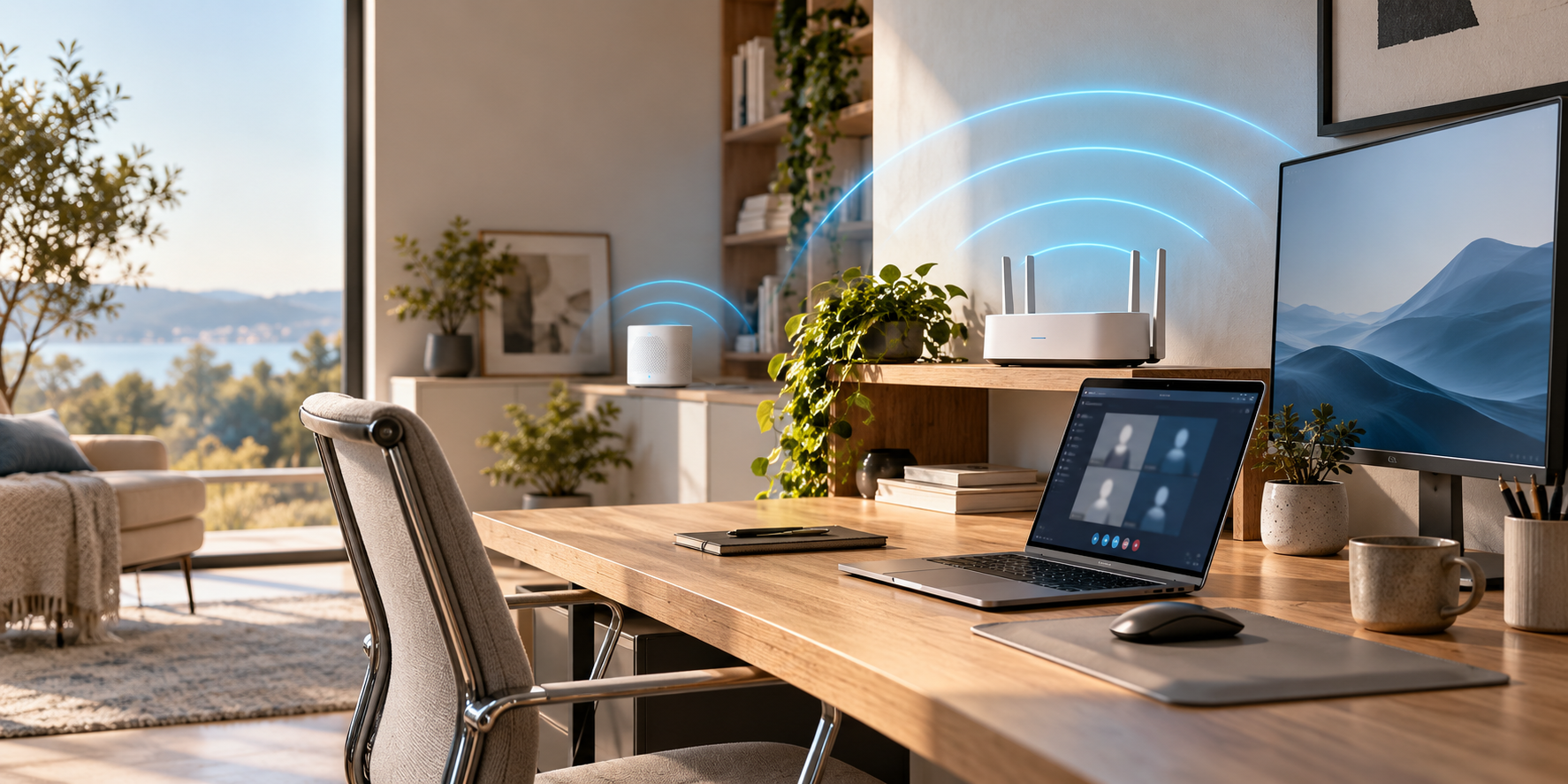
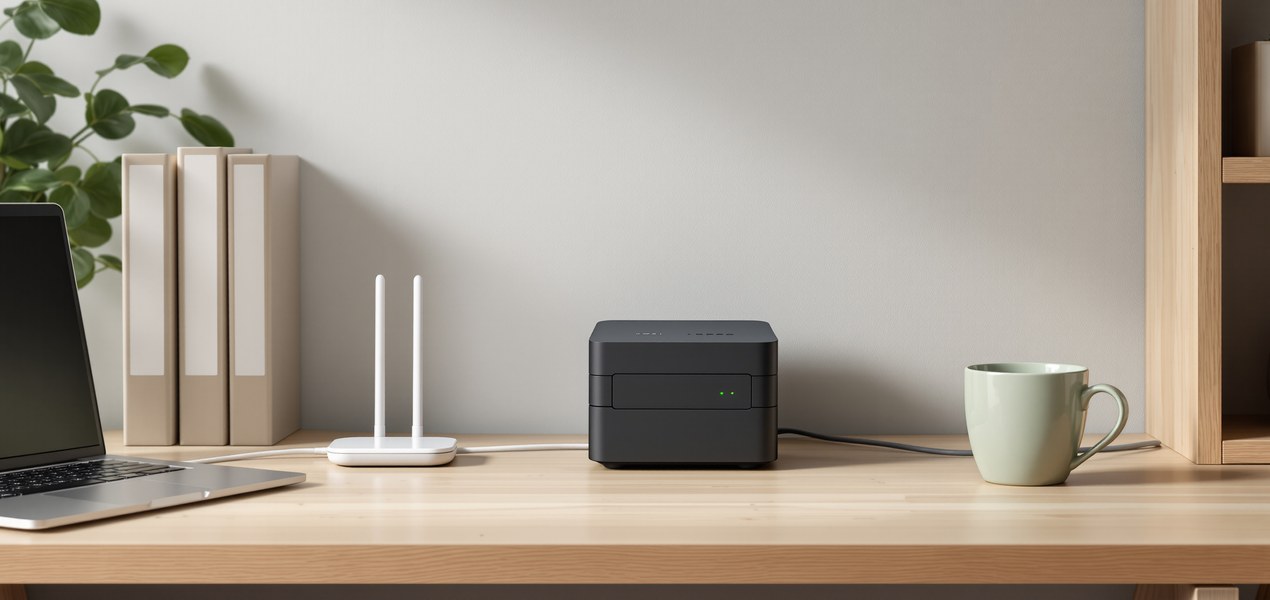
Set up home-office Wi-Fi in Australia with a test-first plan covering nbn, router placement, Ethernet, mesh, powerline and practical troubleshooting.
Updated
Plan an Australian home office from room measurements to desks, screens, cables and Wi-Fi, with practical worksheets and a first-week setup checklist.
Updated
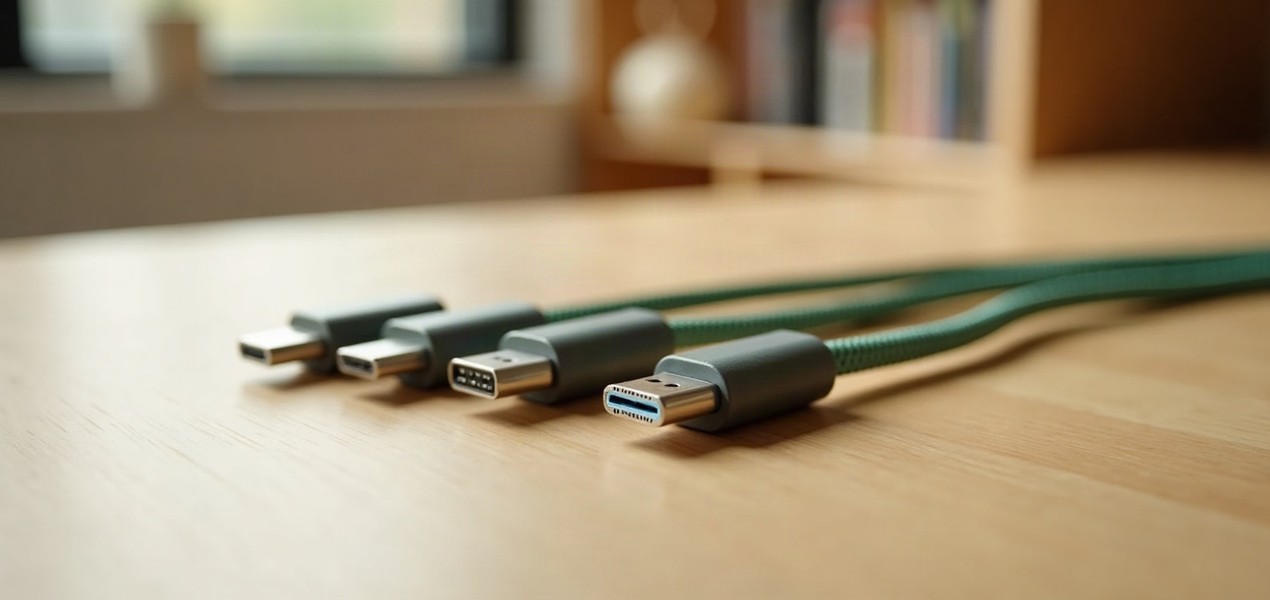
Compare Thunderbolt 5, Thunderbolt 4 and USB4 for an Australian desk setup, including display support, charging, cable labels and compatibility checks.
Updated
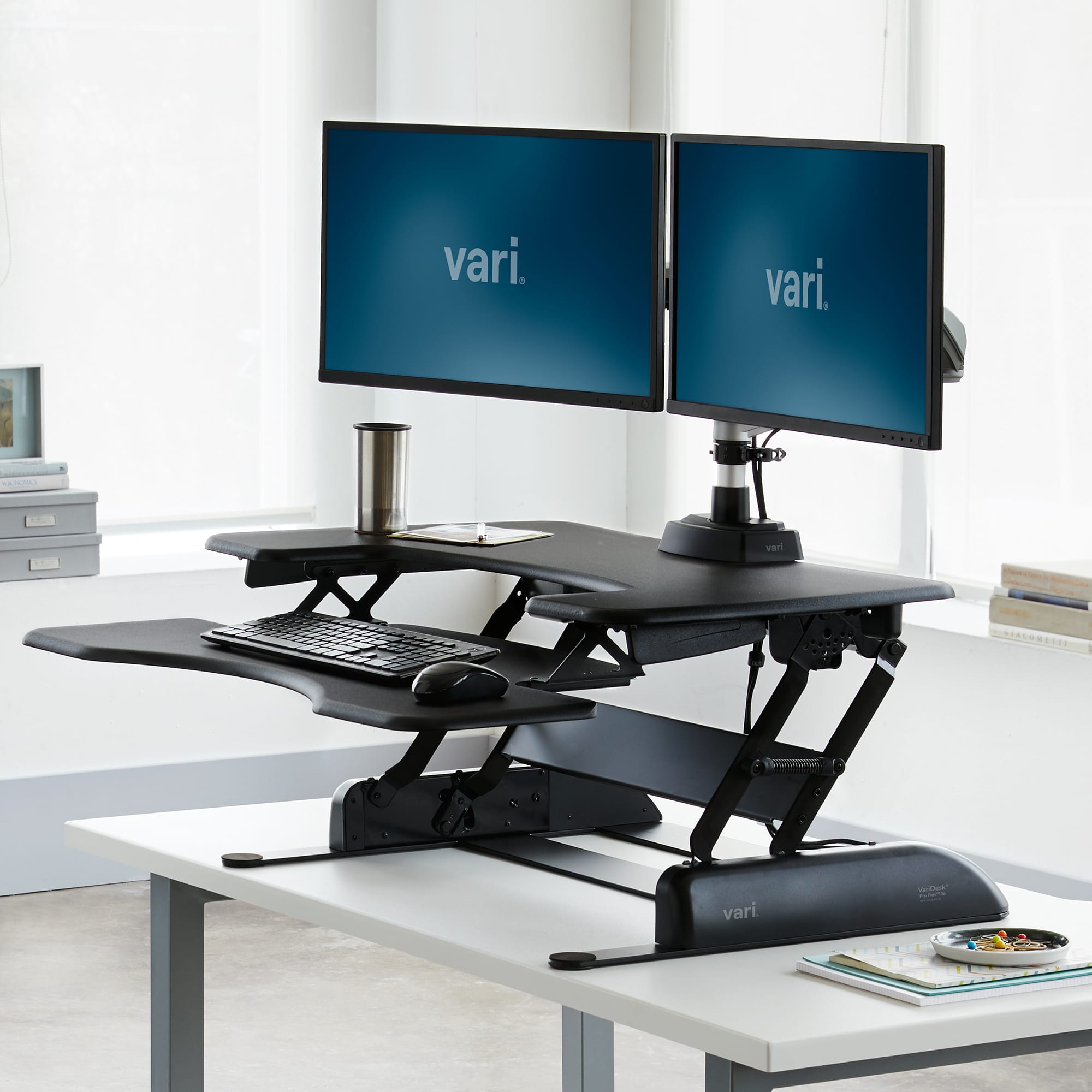
Compare a standing desk converter with a full sit-stand desk for an Australian home office, with measurement checks, keyboard space and cable planning.
Updated
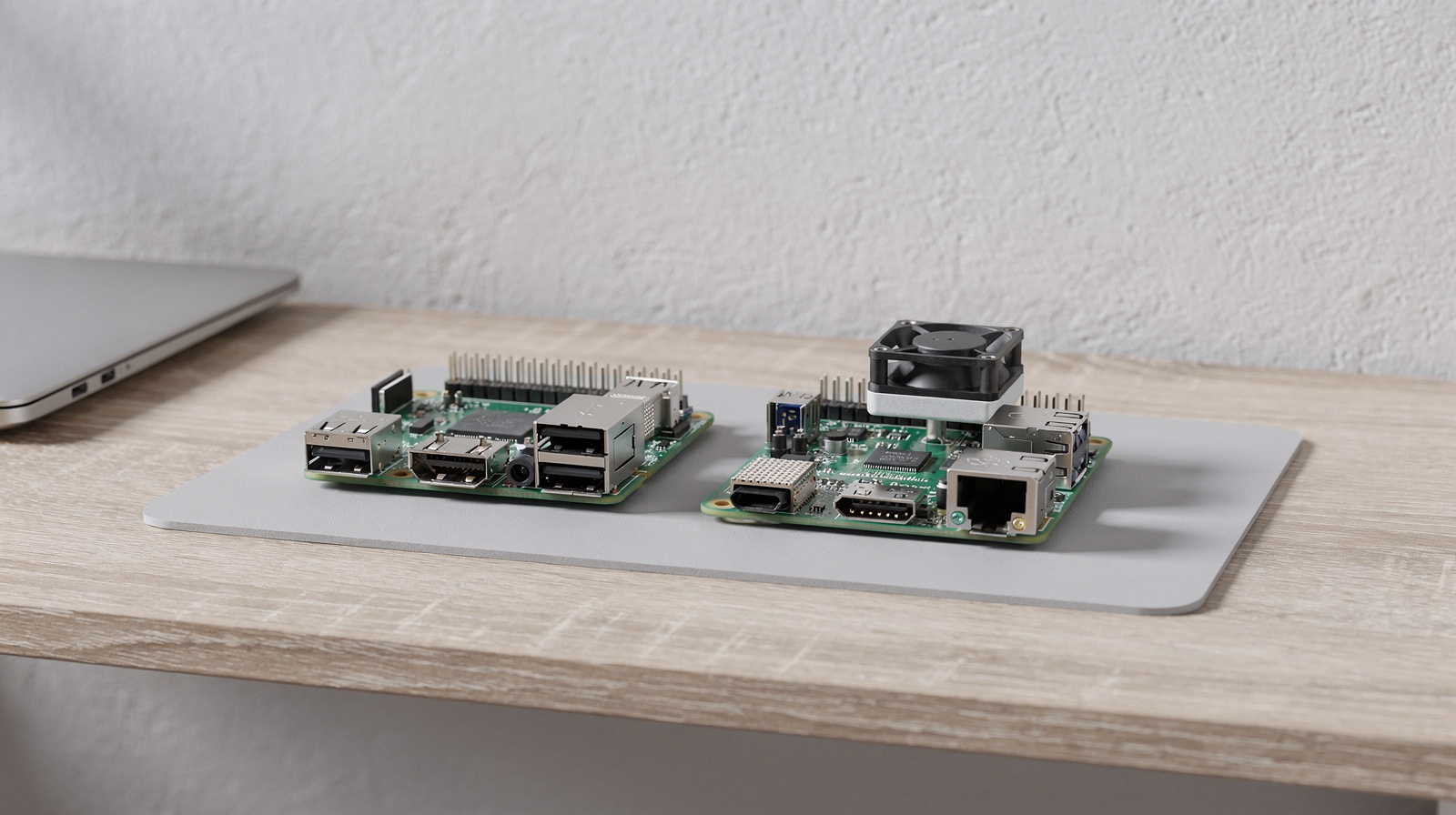
Compare Raspberry Pi 4 and Pi 5 for Australian home projects: core specifications, power, cooling, accessories and a checklist for choosing a complete kit.
Updated
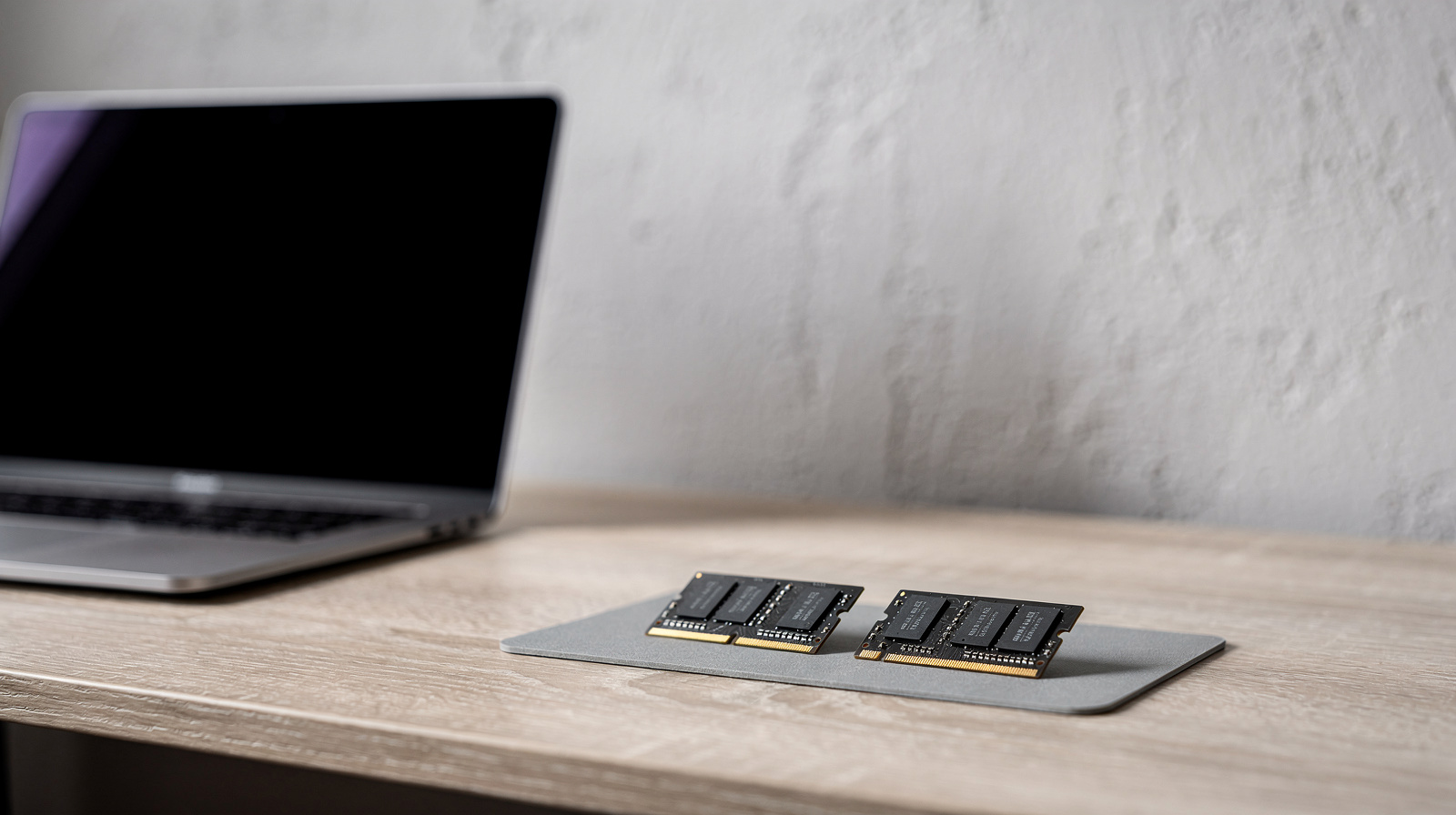
Choose laptop RAM for remote work in Australia: when 16GB makes sense, who needs 32GB, and how to check your workload before buying a new computer.
Updated
Choose a connection for your Australian home office: compare Ethernet, powerline and mesh Wi-Fi, then test the option that suits your rooms and workday.
Updated
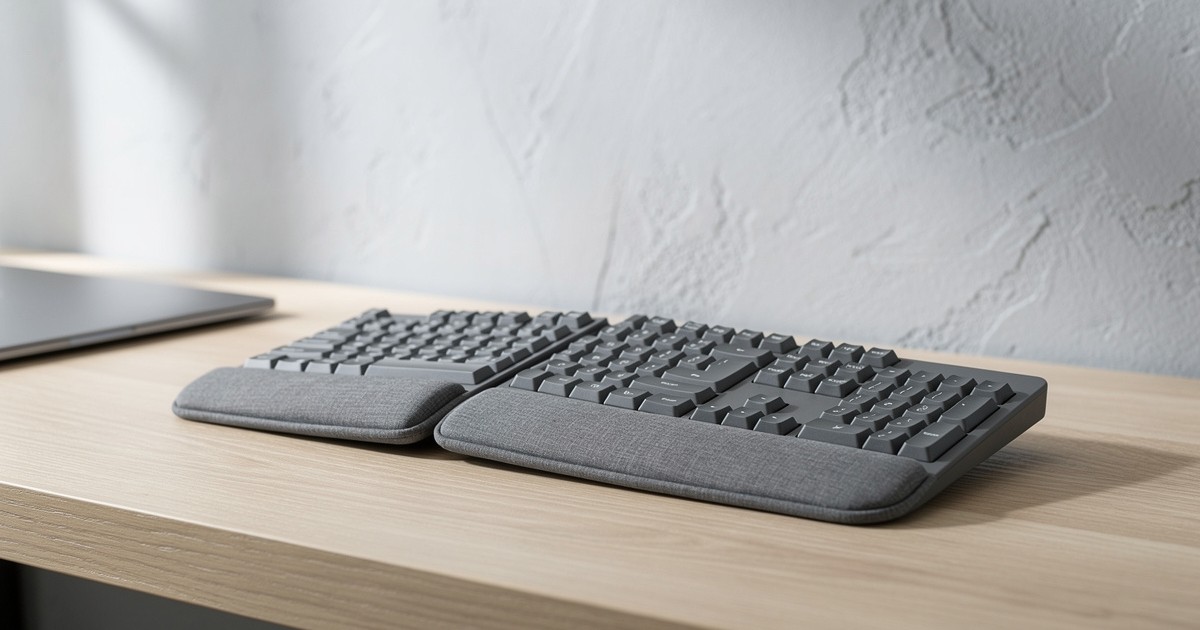
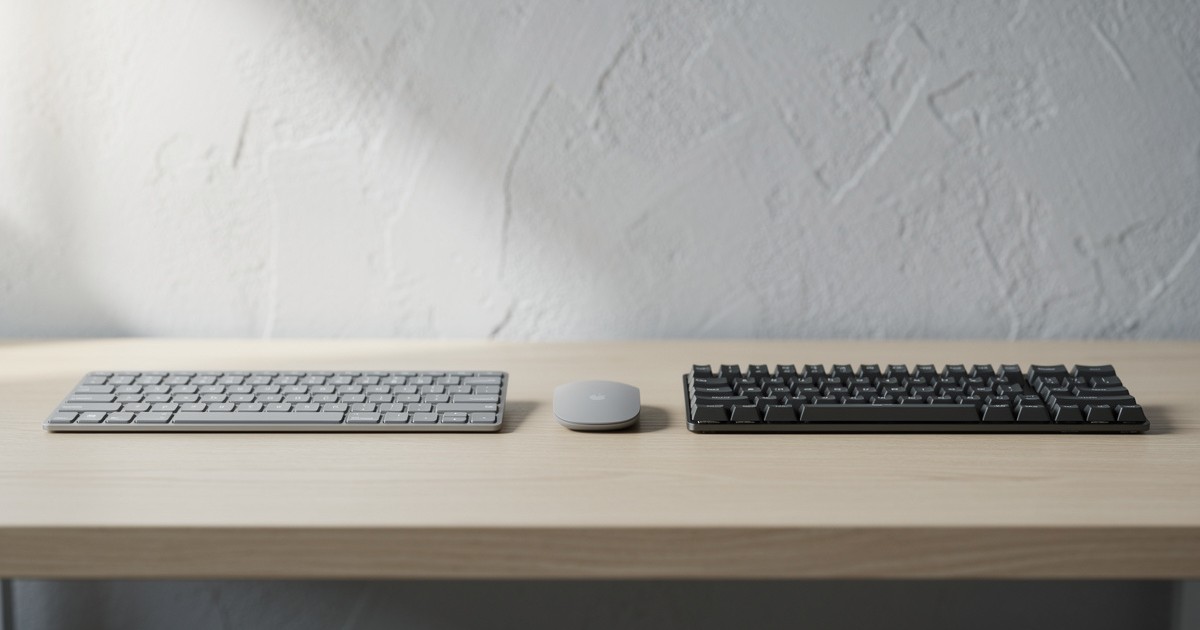
Four ergonomic keyboards you can buy from Australian retailers: a curved split, a compact wave, a fully split and a mechanical one, with who should buy each and who should skip it.
Updated
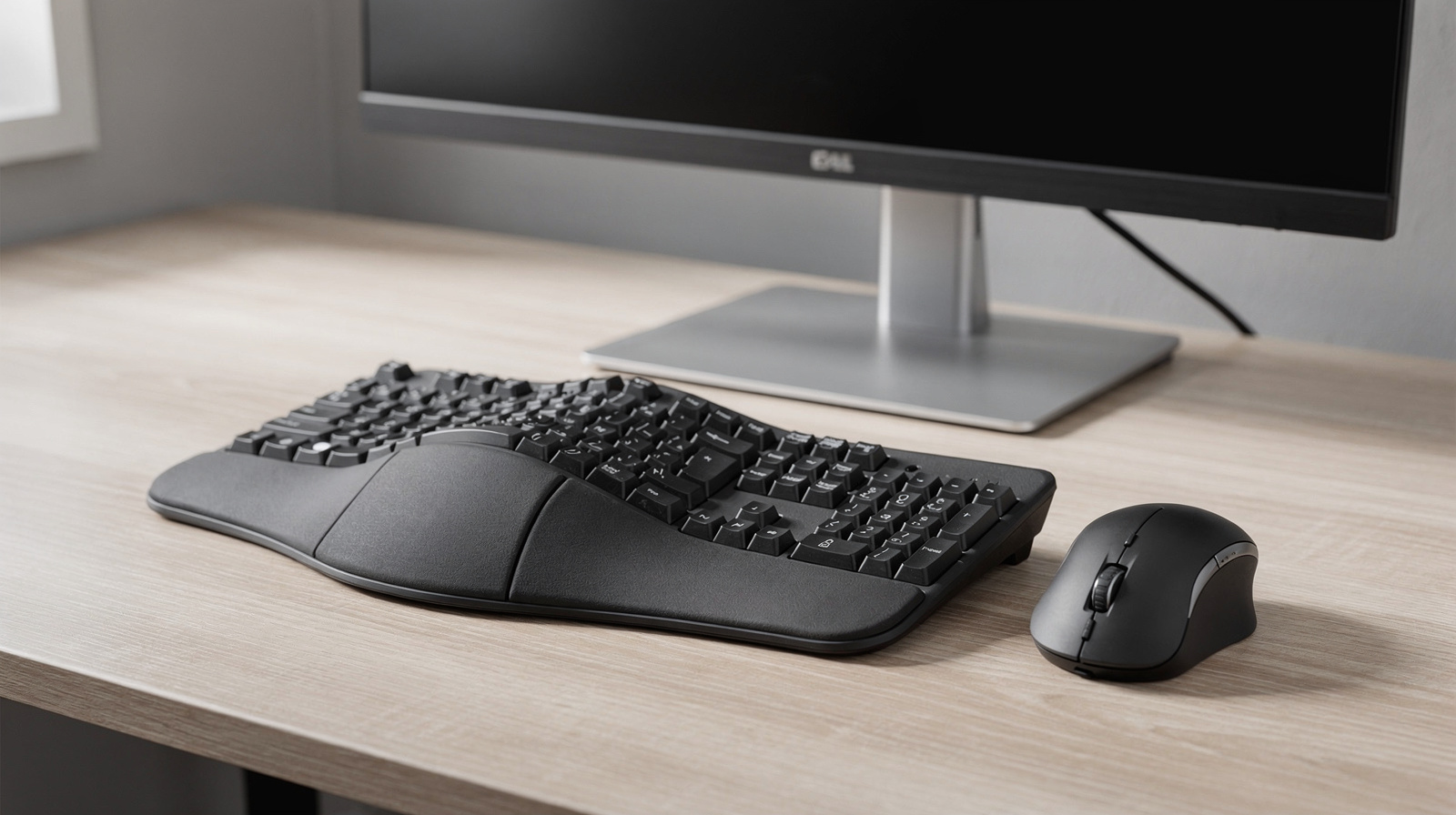
How to choose an ergonomic keyboard and mouse in Australia: the main designs compared by shape, tilt and fit, what to check at the shop, and four picks from Australian retailers.
Updated
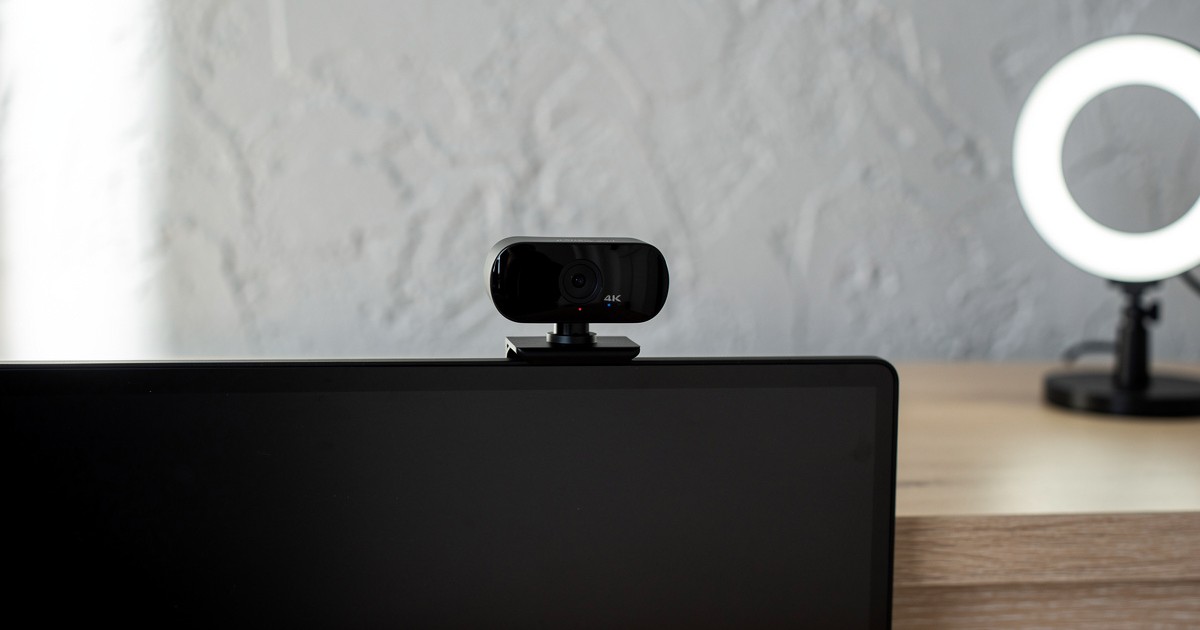
Four webcams sold by Australian retailers for Zoom and Teams, from a USB-A 1080p camera to certified 4K, plus what to check at the shop.
Updated
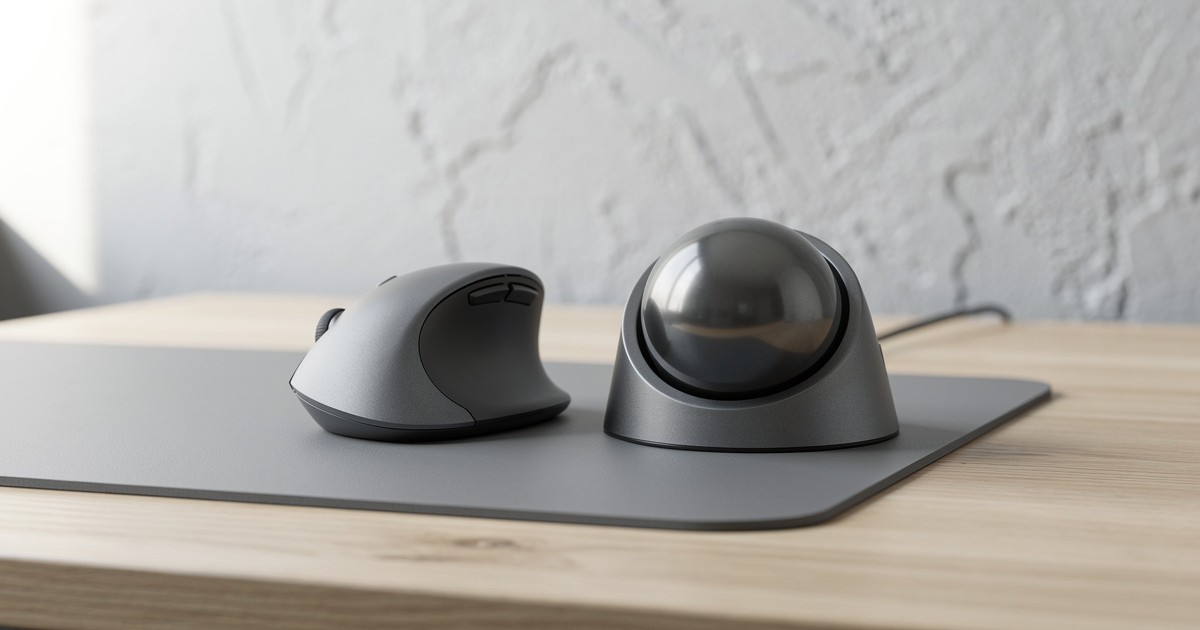
Vertical mouse or trackball? One changes your grip, the other changes how you point. Who should buy the Logitech Lift, who the MX Ergo S, and what to check at Australian shops.
Updated
Logitech’s full-size MX keyboards for Australian buyers: quiet scissor keys or low-profile mechanical switches, and what to check at Officeworks, JB Hi-Fi or Amazon AU.
Updated
Three two- and four-bay NAS boxes from Synology and QNAP, sold by Australian retailers, with the bays, RAID options, network ports and warranties each maker lists, and what a NAS can and cannot do for your backups.
Updated
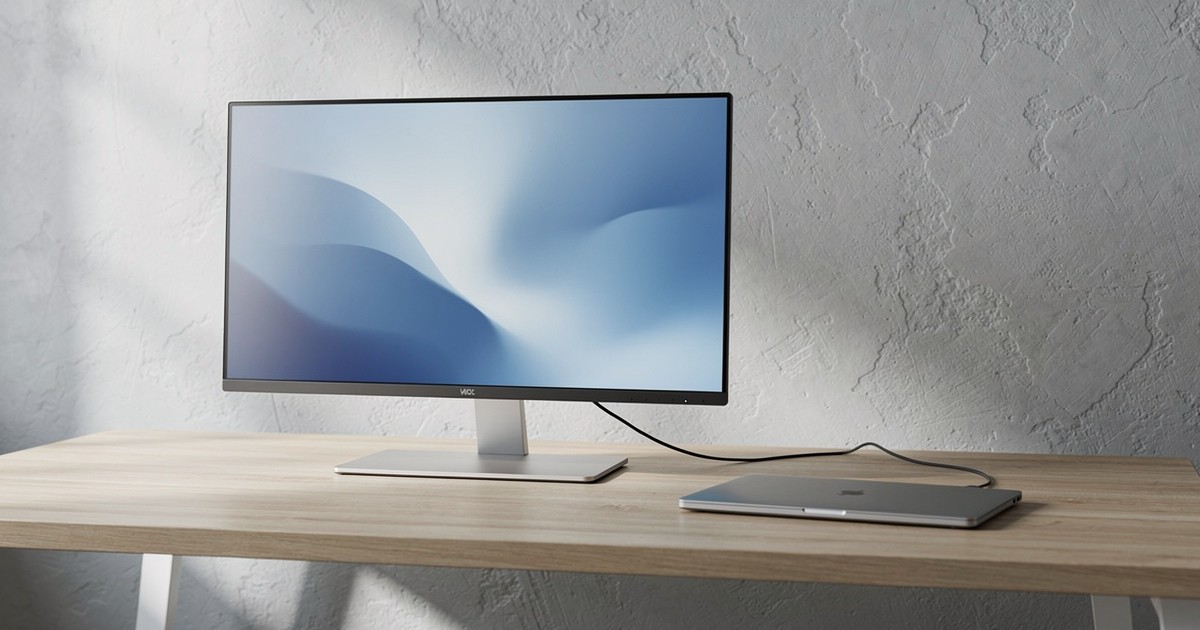
Four USB-C monitors sold in Australia that picture, power and connect a laptop through one cable, with the charging wattage each one lists and the desk each one suits.
Updated
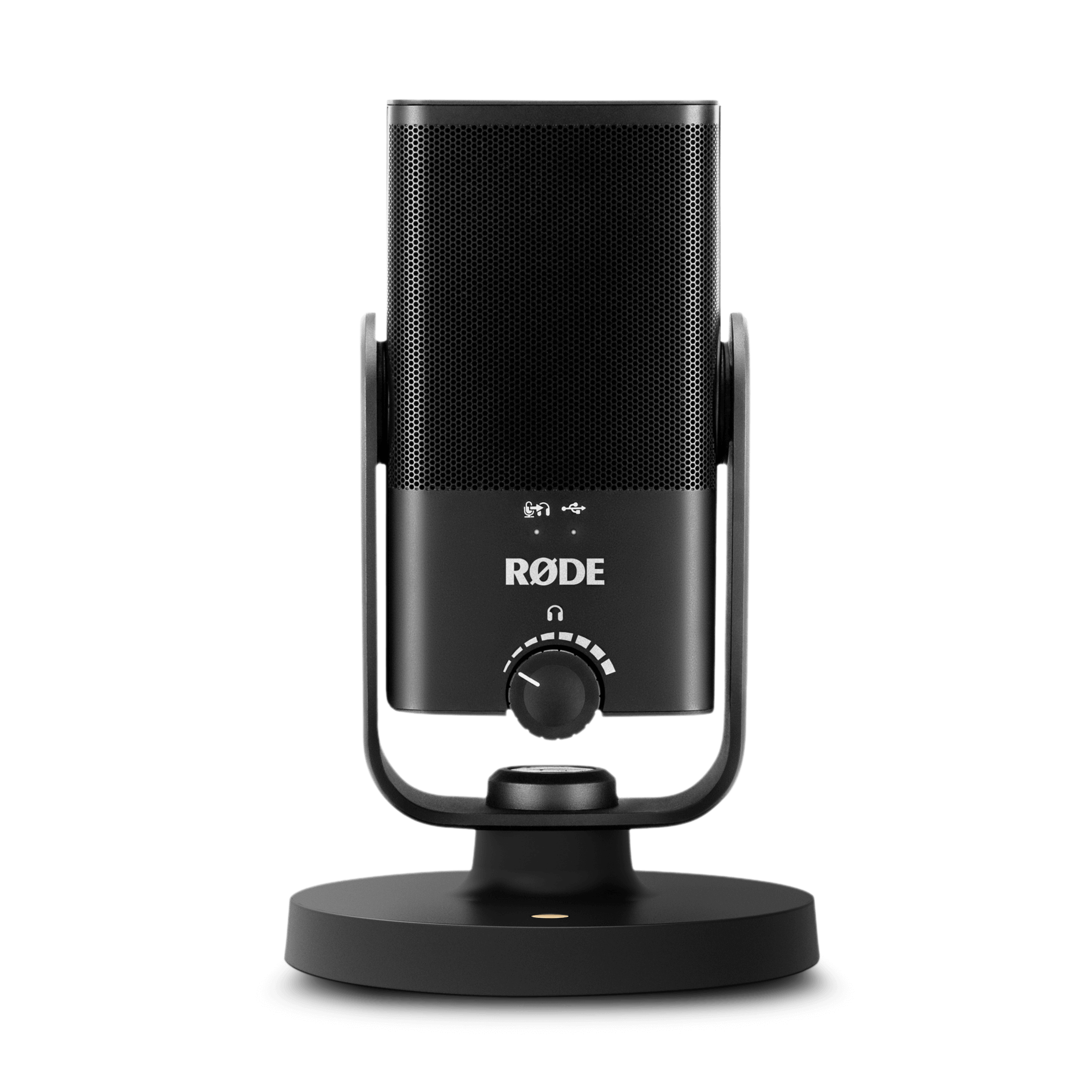
Three USB microphones from Australian retailers for Zoom and Teams, each with a plain buy-or-skip: which suits a noisy house, what cable and stand you get, and which software it needs.
Updated